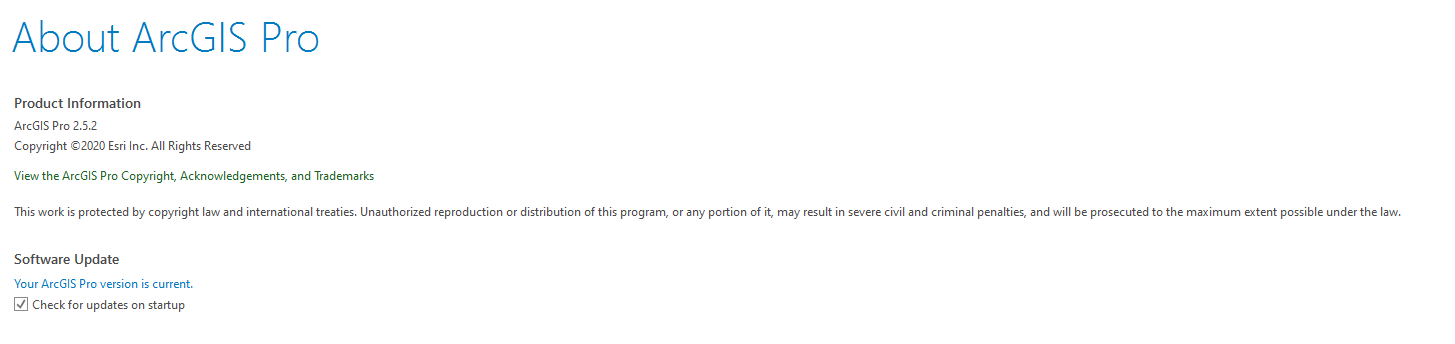
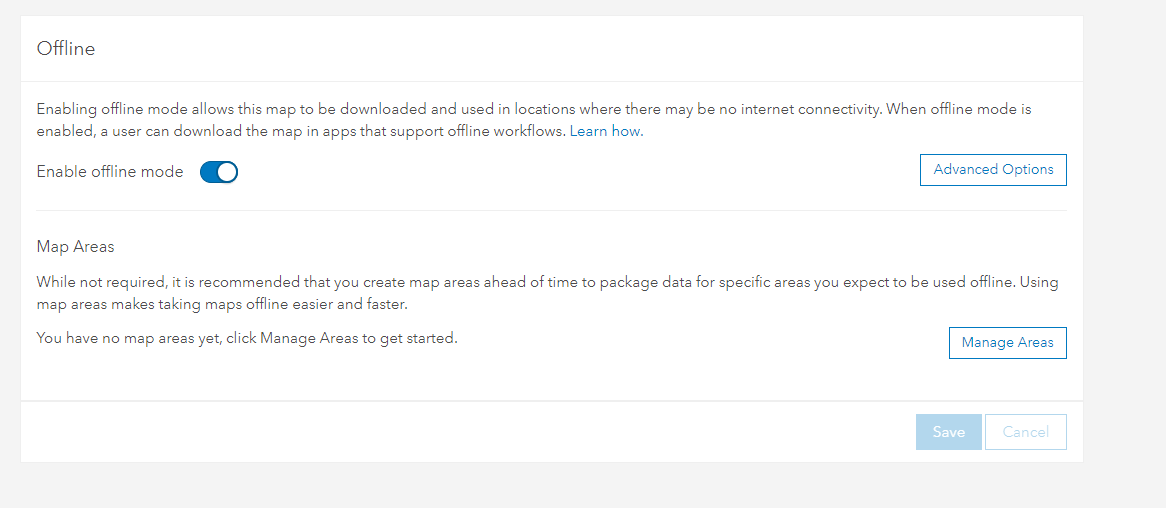
Real-world Problem: In order to be prepared for local disasters (no notice events) I am helping my search and rescue team develop offline workflows. We need to be able to use ArcGIS Pro 2.5.2 with our Maps and Apps in both on and offline environments.
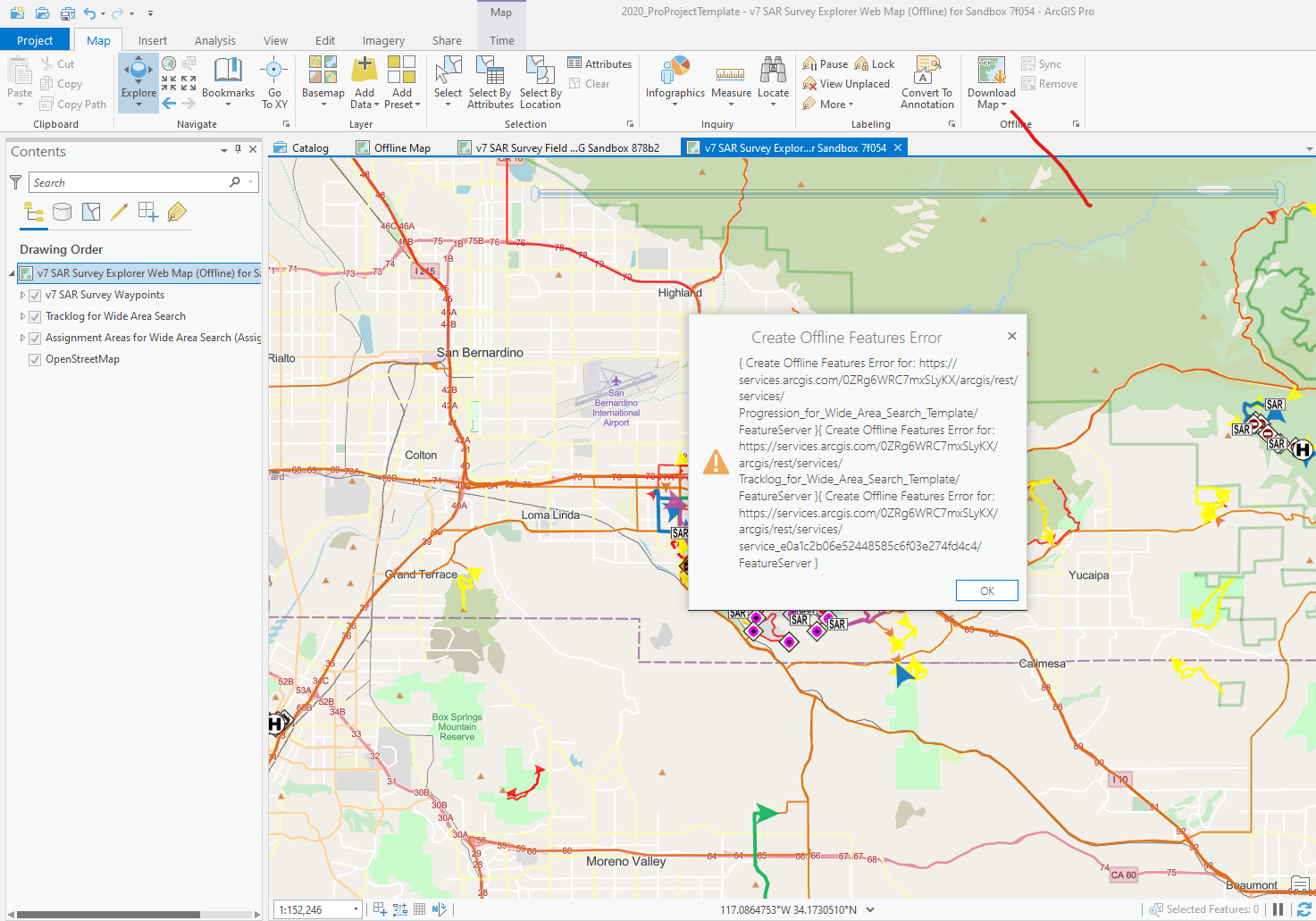
Technical Problem: Following these steps Take a map offline—ArcGIS Pro | Documentation I get a Create Offline Features Error, but with no explanation.
Example Web Map: https://www.arcgis.com/home/item.html?id=802fb3be959a46e1a5b178fca5d7f054
Aaron Falk Jared Doke
This is now an open Esri Support Case: #02598160
This ended up being a file path issue either because the template folder I was using contained brackets (based on the template folder that Wildland Fire GIS use, on actual incidents you remove these, but I was just doing some testing) or the location where the project was stored.
Once I opened the project up in another folder I was able to easily download the Offline map.
So in short, if you get this vague error, trying changing the file path and/or remove any special characters (which I humbly admit should have been more obvious to a long time GISSer).
Esri Support also agreed to log an enhancement request for a more helpful error code ENH-000132523
We were able to get this working in 2.5.2 by trying it on different PCs and Projects. I think it is something specific to where it was stored or the file path (current hypothesis, still testing with Esri Support)
I’ve a call in with Esri Support tomorrow and will post back here if we make any progress.
Hi Paul Doherty , did you get a solution for this? please share if you find any documentation. Thanks!
It is similar to this issue resolved at 2.6: https://support.esri.com/en/bugs/nimbus/QlVHLTAwMDEyOTMwMw==
Should be validated though. I have reached out directly.
Did you make ANY edits before seeing this error? I’ve made edits through a variety of web apps and Survey123, but have not made any edits in Pro (yet).
Where did this data originate? The data was published from Survey123 (Waypoints) and directly in ArcGIS Online as hosted feature layers (for assignments and tracks). The map works offline in Explorer.
Was the data versioned with the 'move to base' option? I have not touched anything with versioning.
I don’t think my organization has access to Esri Support for ArcGIS Pro (we are a non profit), so I appreciate your help!
Hi. I have seen this error in different scenarios. Couple questions:
Did you make ANY edits before seeing this error?
Where did this data originate? Was the data versioned with the 'move to base' option?
Přihlášení členové mohou přispívat, sledovat aktualizace a další. Jste tu noví? Zaregistrujte si bezplatný účet.
Find useful guides, FAQs, and documents to help you navigate and make the most of Esri Community.