Hi all,
I am trying to deploy an app downloaded from WAB (version 2.9) to my local computer and I have met this deployment problem.This may be old thread but I am still strugging to troubleshoot it to get idea to the solution. So please bear with me to ask again.
My problem is I cannot open the index.html file from the source folder and view it on my browsers. As shown by pictures the app keeps loading with a white box in a blue background and there is no maps. I think I follow the configuration steps provided by Esri except for the Proxy, but I think I do not need to set up the proxy configuration right now as I have not refered any provate resources but only a public tile map for Esri (see screen). It is strange because I can remember when 2 days ago it is working when I click the index.html under
I can open it in WAB with editing function
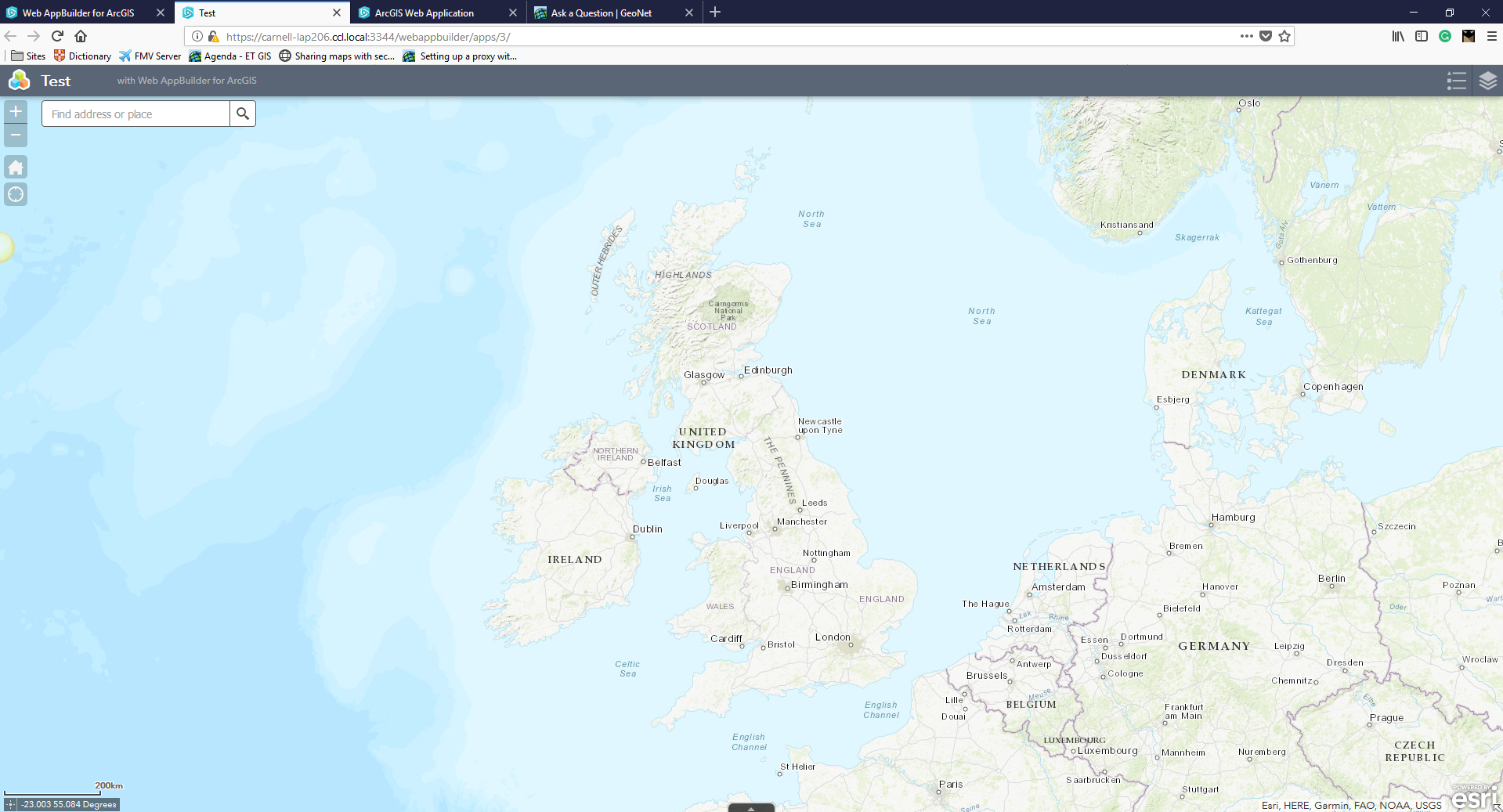
I cannot open it under server/app as well as in downloaded source code, keeping loading, and when I host it in IIS, it is the same.
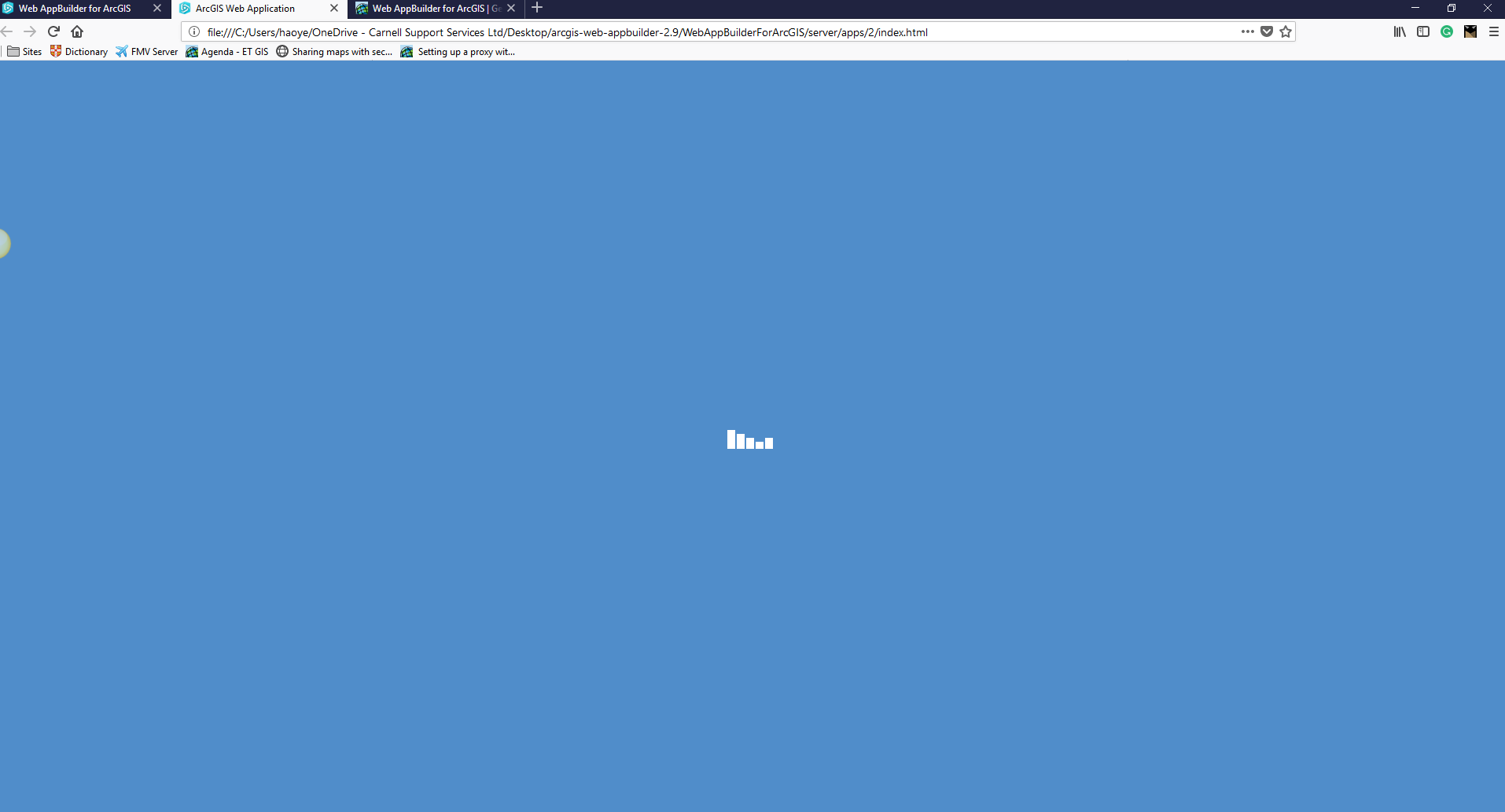
It is normall if I open it in WAB rather than clicking the index.html file to view it in browser.
I indeed searched the forum and some people solved the problem by delete the "Extent" tag and associated parameter from , I have tested:
In this thread it mentioned similar issue:https://community.esri.com/thread/216836-issue-deploying-wab-app-to-aws
It states that deploying app from WAB from AGO and from developer is different and it may causes conflict. Because I do test many deployments, from arcgis organisation account and from developer account. If this is is the issue, how could I date back to the original state?
Very strange. Hopefully I could get some clue from here.Many thanks in advance.



