Hello Everyone
I am trying to publish a survey from Connect because the original got corrupted when I tried to update and republish with some minor edits to some of the wording in the Label and Hint fields. No data was collected with the original and I was the only one to download it. When I tried to update, it would not complete the update sequence. I had to force quit Connect and when I reopened Connect there was a new icon of the same survey that was asking me to download it because I was no longer on my device (Note: this one now has three for some reason).
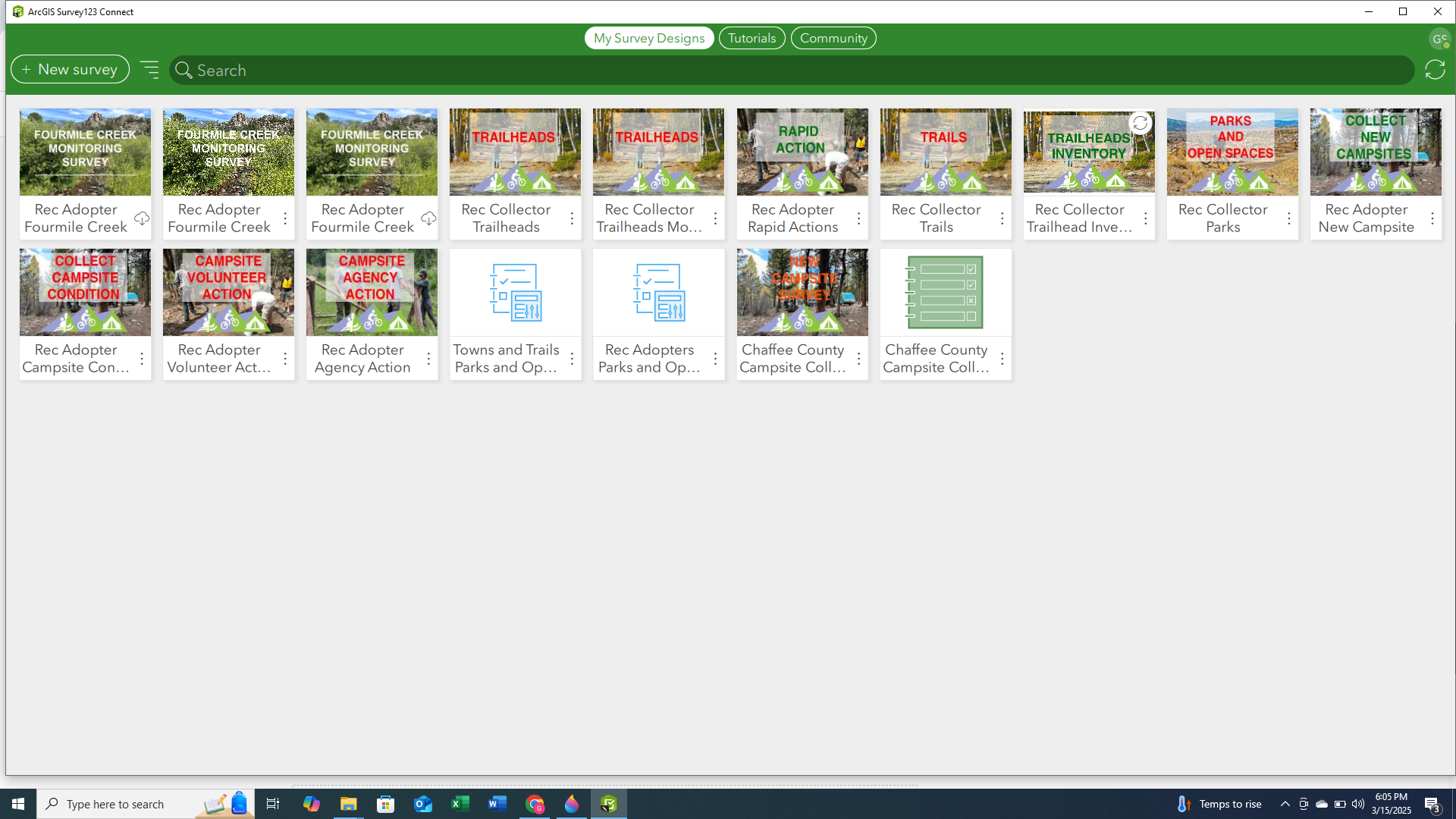
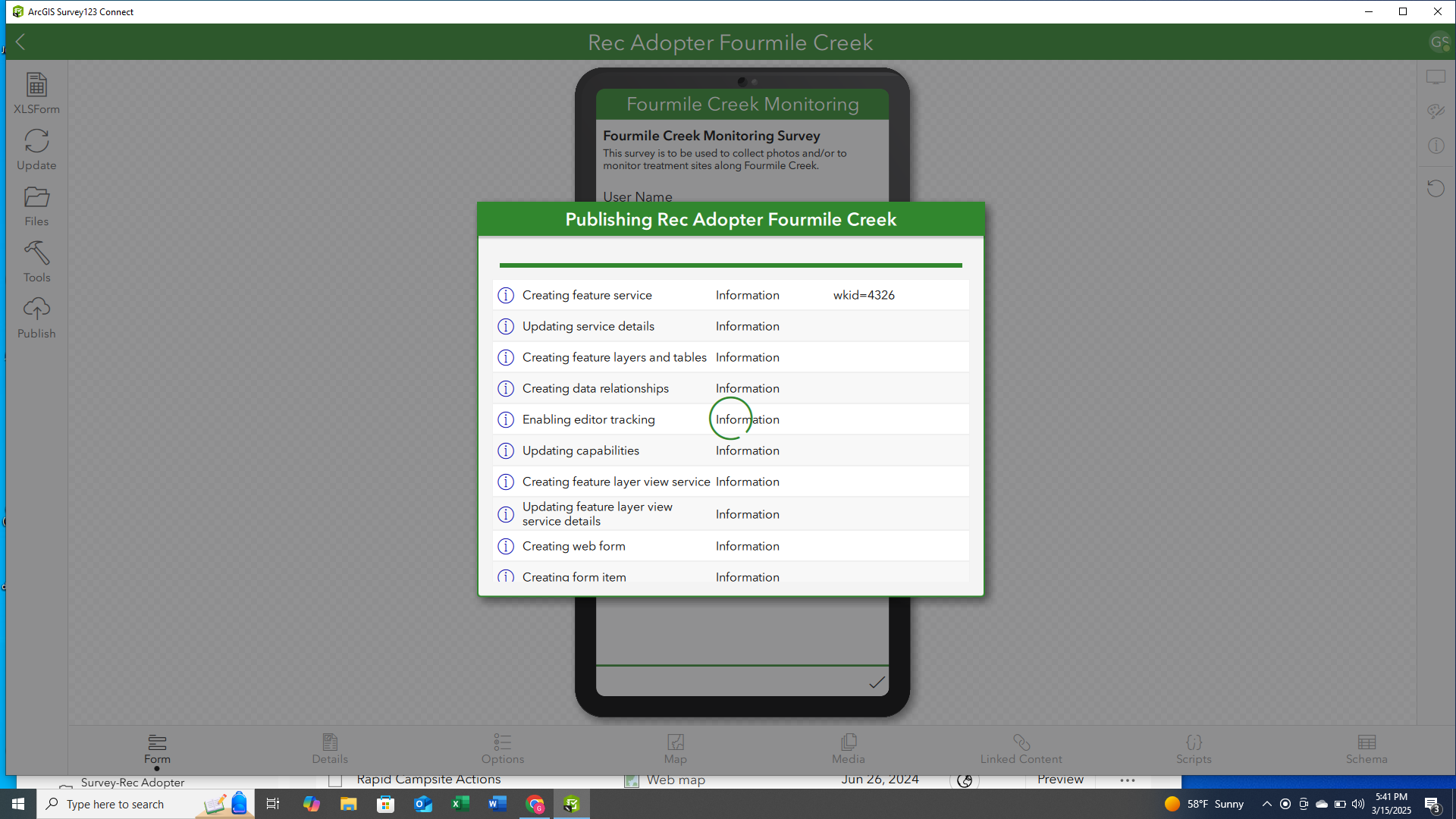
When I downloaded this version that was apparently not on my computer and opened it, the folder name was completely different from the original and when I tried to publish either the new or existing survey it told me that neither of the surveys had been published yet. When I tried to publish the newly downloaded survey it gets caught on the "Creating form item" step:
However, when I log into Survey123.esri.com, I see two surveys, but I am not sure that I can trust that this survey will actually work for people in the field and how I can actually make edits to it if it says that it is not on my computer.
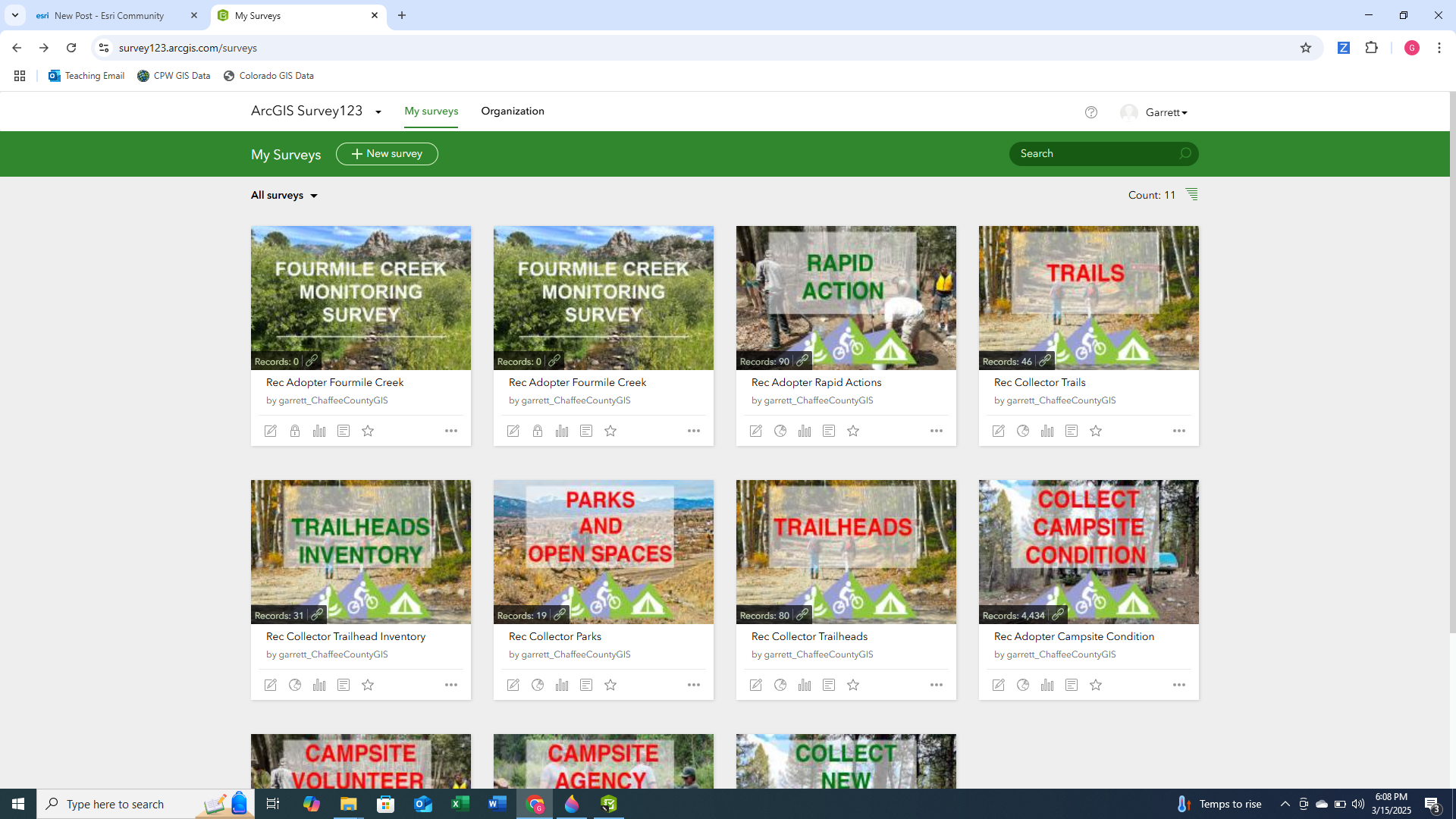
I know that this survey has worked before since it was previously uploaded with no issues.
Here are the steps I have taken to try and correct this, all of which are also leading to the publishing of the survey from Connect being stuck at the "Creating form item" step.
- Delete both surveys, including all associated files from Connect, AGOL, and Survey123 online and my computer's hard drive.
- Create a new survey from a version of the original .xlsx file that I had saved on my computer in another location.
- Delete the survey from step 2 and create a completely new survey from scratch.
For each of the last two surveys I used names that were unique.
I did read that it might be hanging up on this step because of the size of my media folder that contains a number of images as you can see below from my most recent attempt (Please note that these are the exact same files that I used in the original that successfully published and I had no issue):
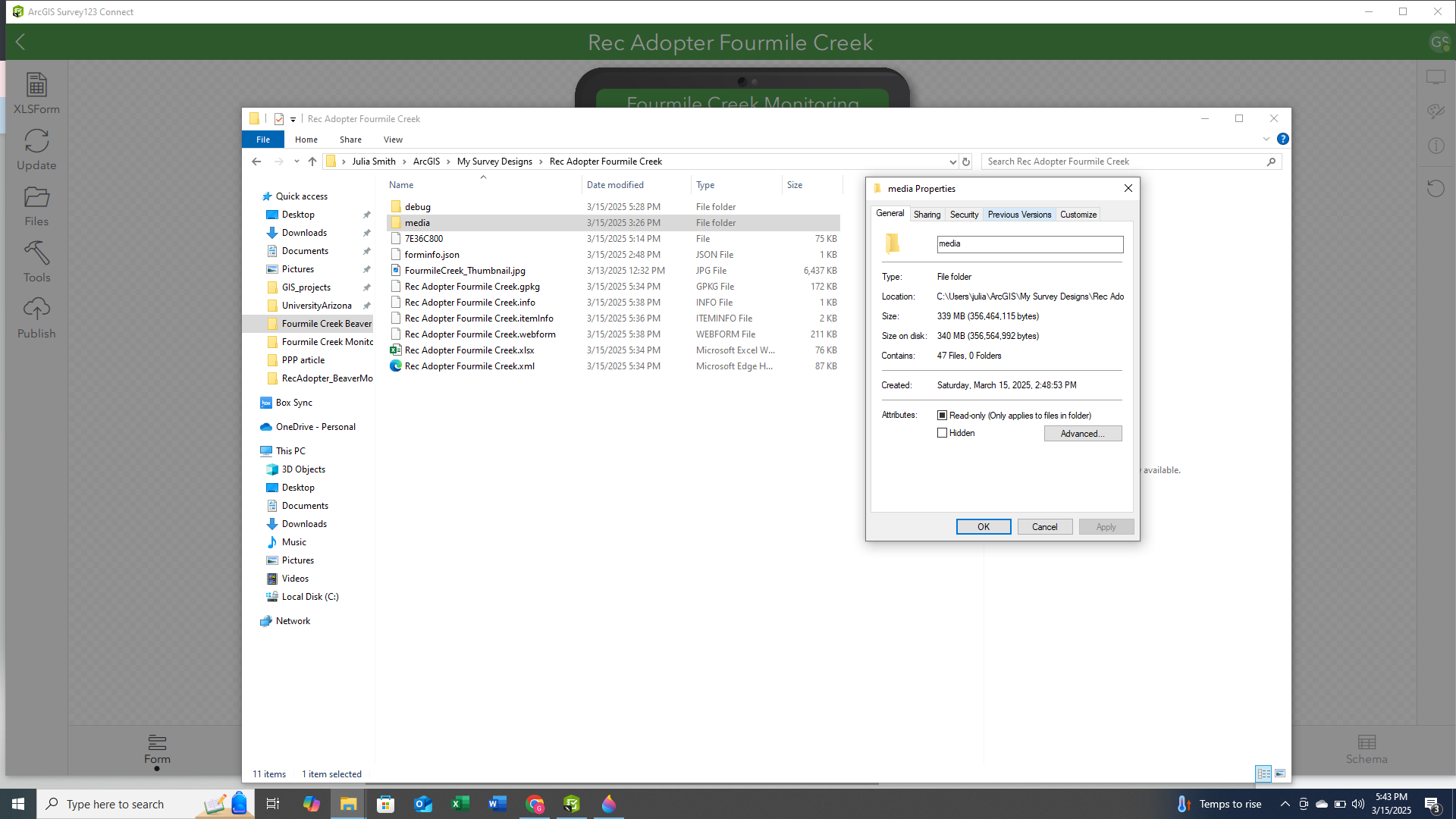
The thumbnail image is for the survey's thumbnail, I have always put it in this location.
Another thing, that might be happening, is that the organization whose account that I am publishing this to is out of credits when I log into ArcGIS Online. However, as with all the previous explanations, I was able to successfully publish my original survey with the organization being out of credits.
Any help on this would be greatly appreciated. I am not sure how this survey worked originally and now seems cursed when all I did was change some wording in the Label and Hint fields.


