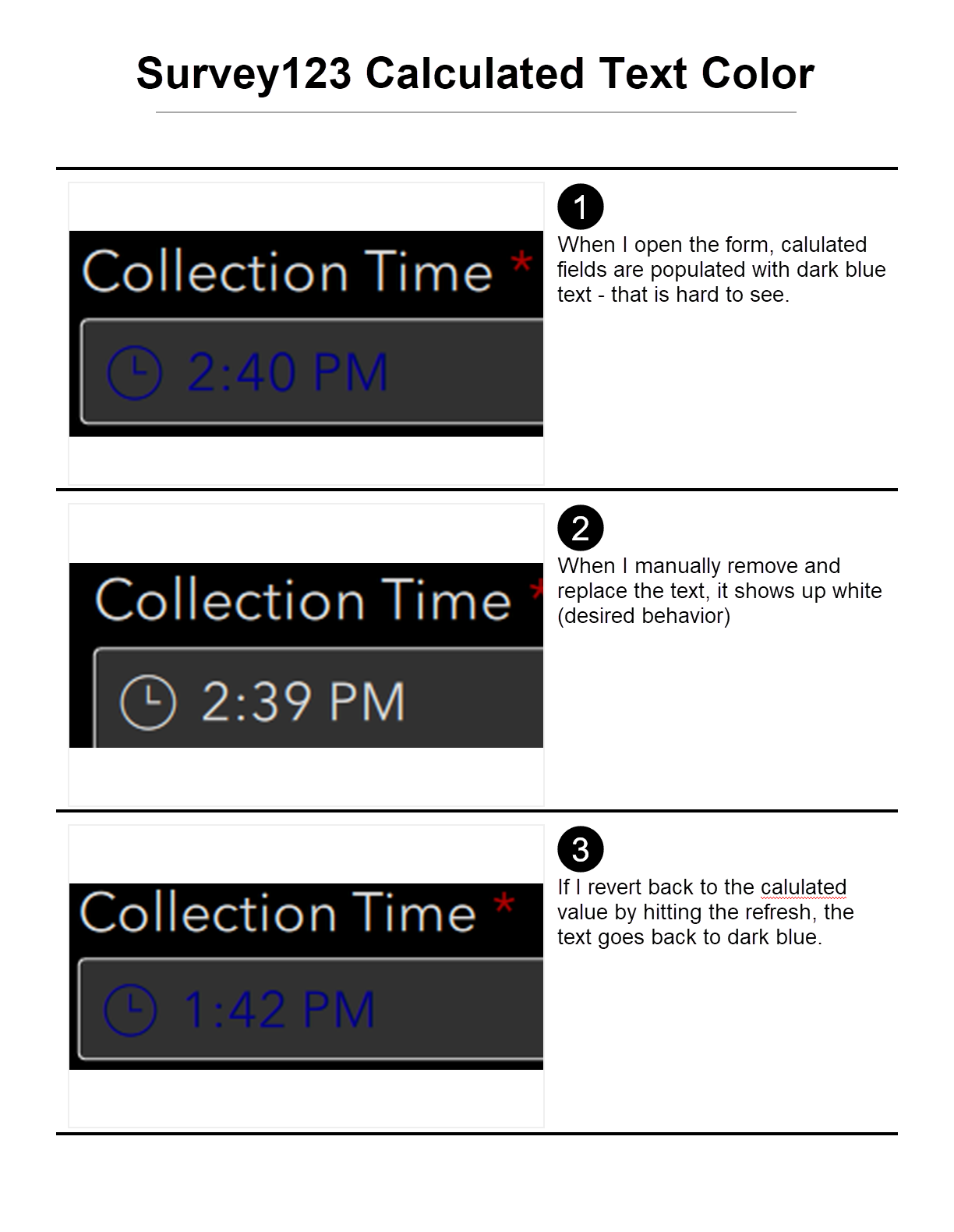
Hi! I am designing a Survey123 Form using Survey123 Connect. the users have requested a "dark theme" option for the form. Two questions related to this:
1) Is there a way to have the form respect the os setting for dark or light theme (specifically on iPads and iPhones)? If so, what is the process, and do I design two forms or just one in light (or dark)?
2) Is there a way to change the color of the text in a field when the field is calculated? Currently, all calculated fields show up dark blue. I'm trying to minimize battery usage, so I made the fields dark grey with white text. There doesn't appear to be a setting for the calculated values. I have attached a small graphic of the problem.
Thank you in advance for any assistance!