Could anyone help me work out how to use photos, stored as attachments, to label points in ArcGIS Pro?
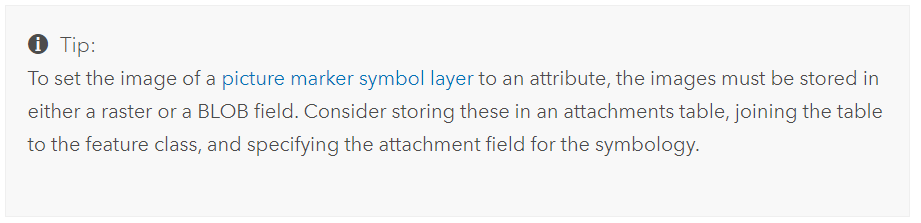
From the documentation here (shown in the screenshot below), I'm fairly sure that this is possible, but I can't work out how to go about doing it and haven't been able to find any walkthroughs/tutorials/similar questions.
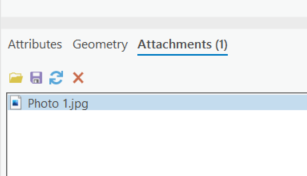
I have a layer of points with images attached as below:
and have got as far as trying to set attribute-level image marker symbols for the points, but when I click the highlighted button to set the attribute mapping, there are no available options to use the attached images.
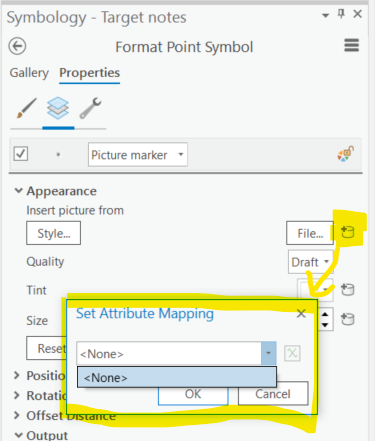
Do I need to attach the images in a different format in order to be able to use them in this context?
Additionally (and I fear this may be a deal breaker), I need the actual points to be visible, ie the images should be plotted around the points and not directly on top of them, ideally using the labelling engine used for text labels. There are several areas where there are many points close to each other, and so if I can't control where the images get plotted relative to the point location, I'll end up with lots of images on top of each other and their corresponding points obscured.







