

- Mark as New
- Bookmark
- Subscribe
- Mute
- Subscribe to RSS Feed
- Permalink
Seems to work fine, but if you have any values in your table that don't follow the same formatting, it's possible that you could see an out of bounds message.
Some pointers:
Unless you're positive that the data's all good and it's never going to change, assume there will be some "breaking" values or nulls in your fields and try to account for them. The DefaultValue function is good for this in other contexts, but won't catch out-of-bounders.
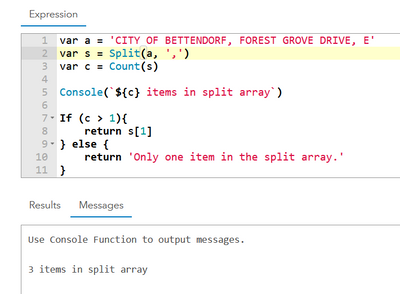
You can also use Console to send messages to the console window. For longer expressions, this is good for checking intermediate outputs, or to see how far an expression gets before failing, if your error message isn't specific or helpful enough.
Utilize variables. I get wanting to do a nice one-liner, but if you're having trouble getting your expression to work, breaking it into pieces can make for an easier debugging process.
All that said, what does your not-working expression look like? I don't see how changing the index from 0 to 1 would break this...
var a = 'CITY OF BETTENDORF, FOREST GROVE DRIVE, E'
var s = Split(a, ',')
var c = Count(s)

Console(`${c} items in split array`)

If (c > 1){
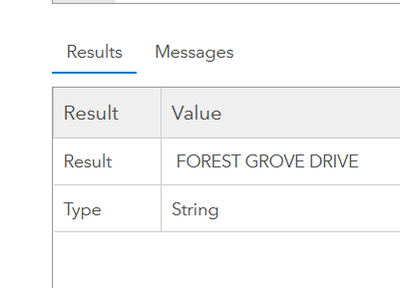
    return s[1]
} else {
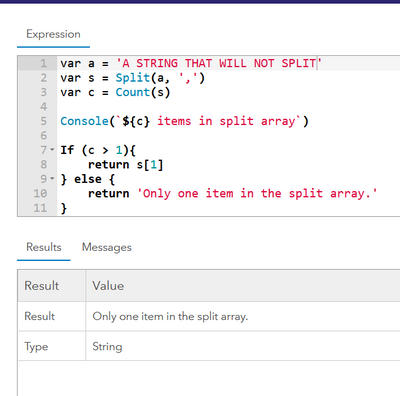
    return 'Only one item in the split array.'
}
Kendall County GIS
