Showing results for 
Show  only  | Search instead for 
Did you mean: 

ArcGIS Online Blog

Anonymous User
‎11-20-2019 07:51 AM

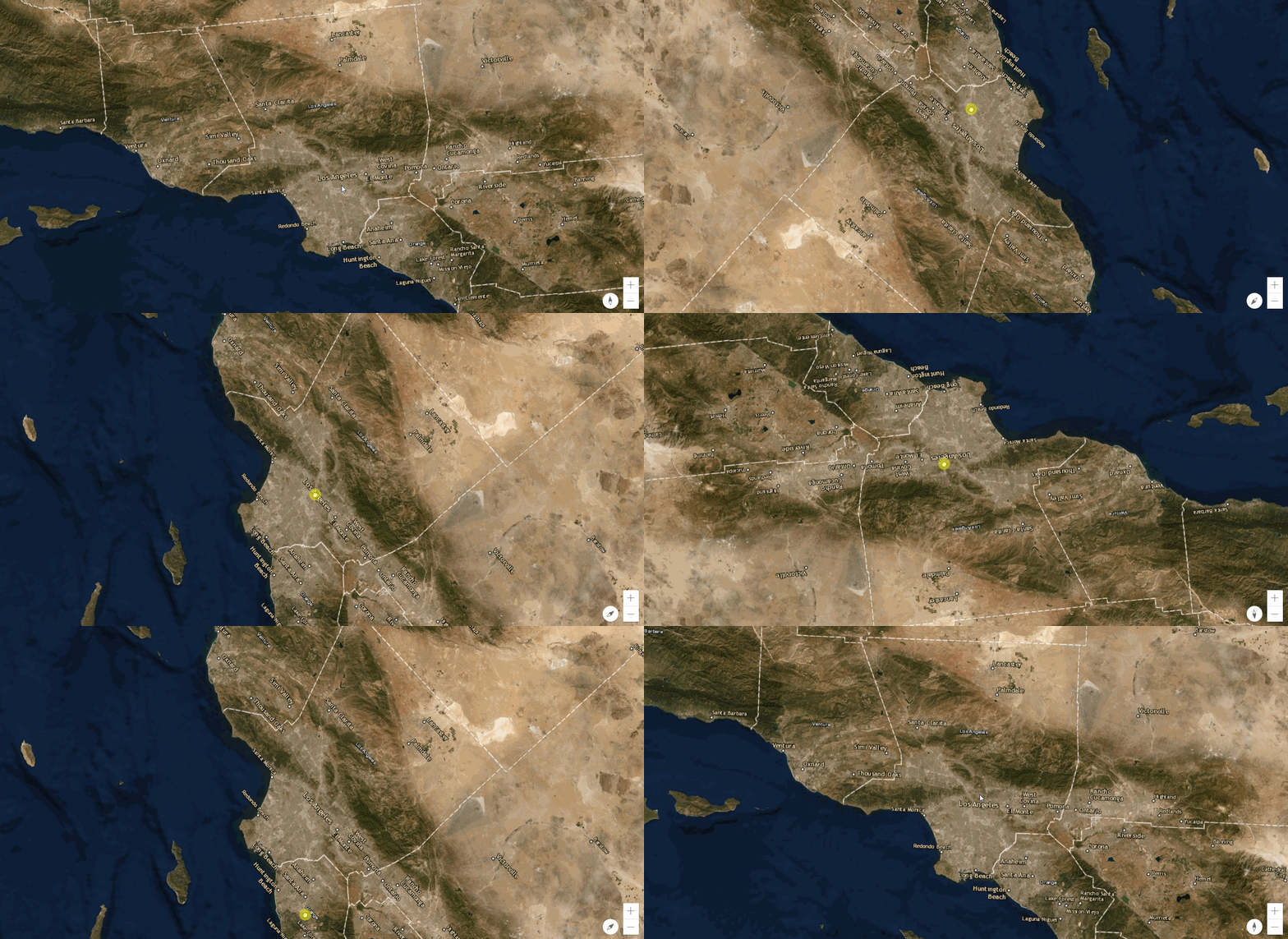
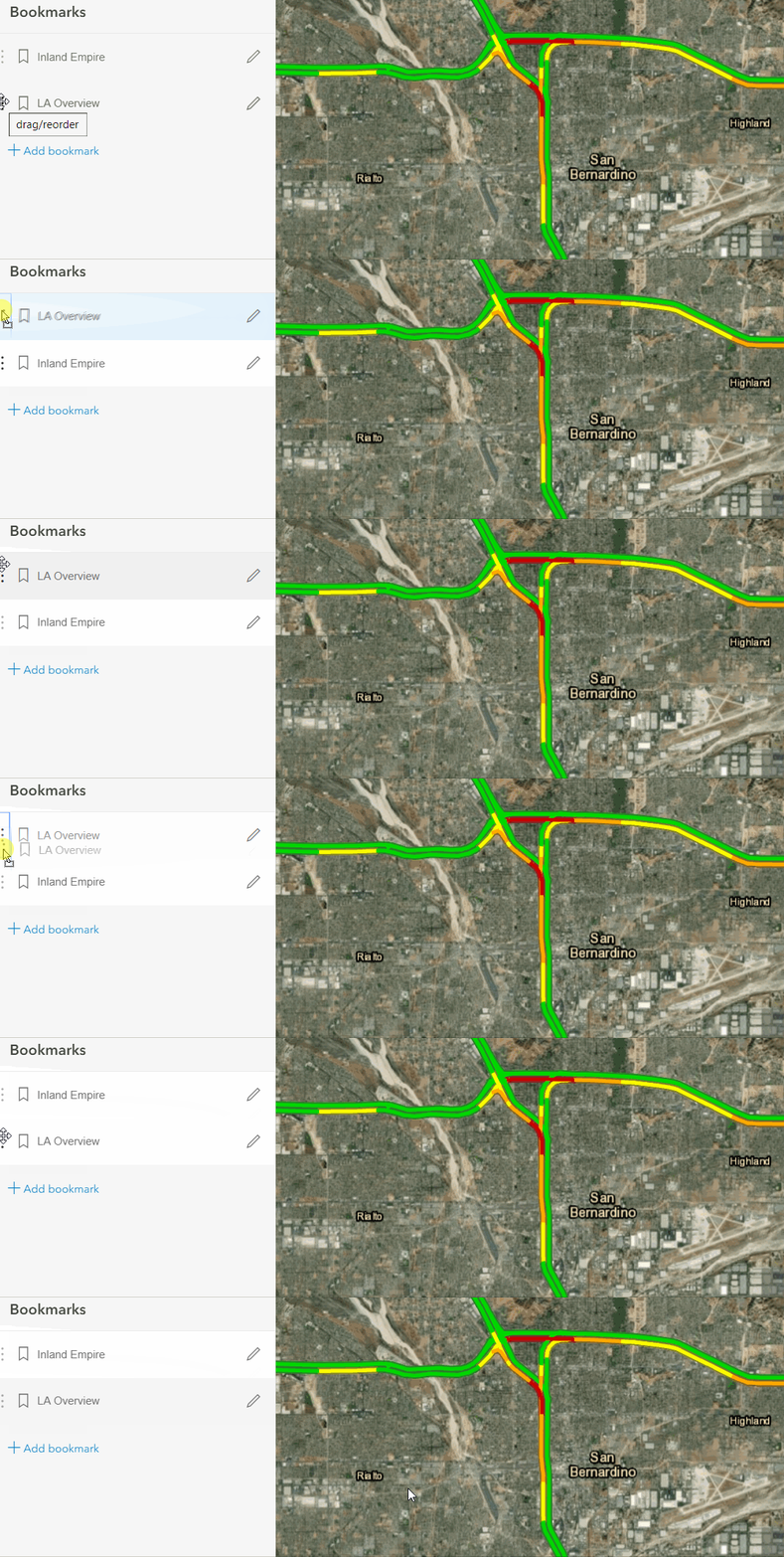
You may have heard that Map Viewer Beta released on November 19! This post showcases some of the great ideas that were included in the initial release. Many more ideas will be implemented in future releases - functionality in the pipeline is listed on

... more
6 25 5,241
25 Comments
MVP Alum
MVP Alum

Good stuff.

But one thing is missing in the new map viewer, and it has been working in the current map view: showing related tables. hope this function will be put back in the final release.

Deactivated User

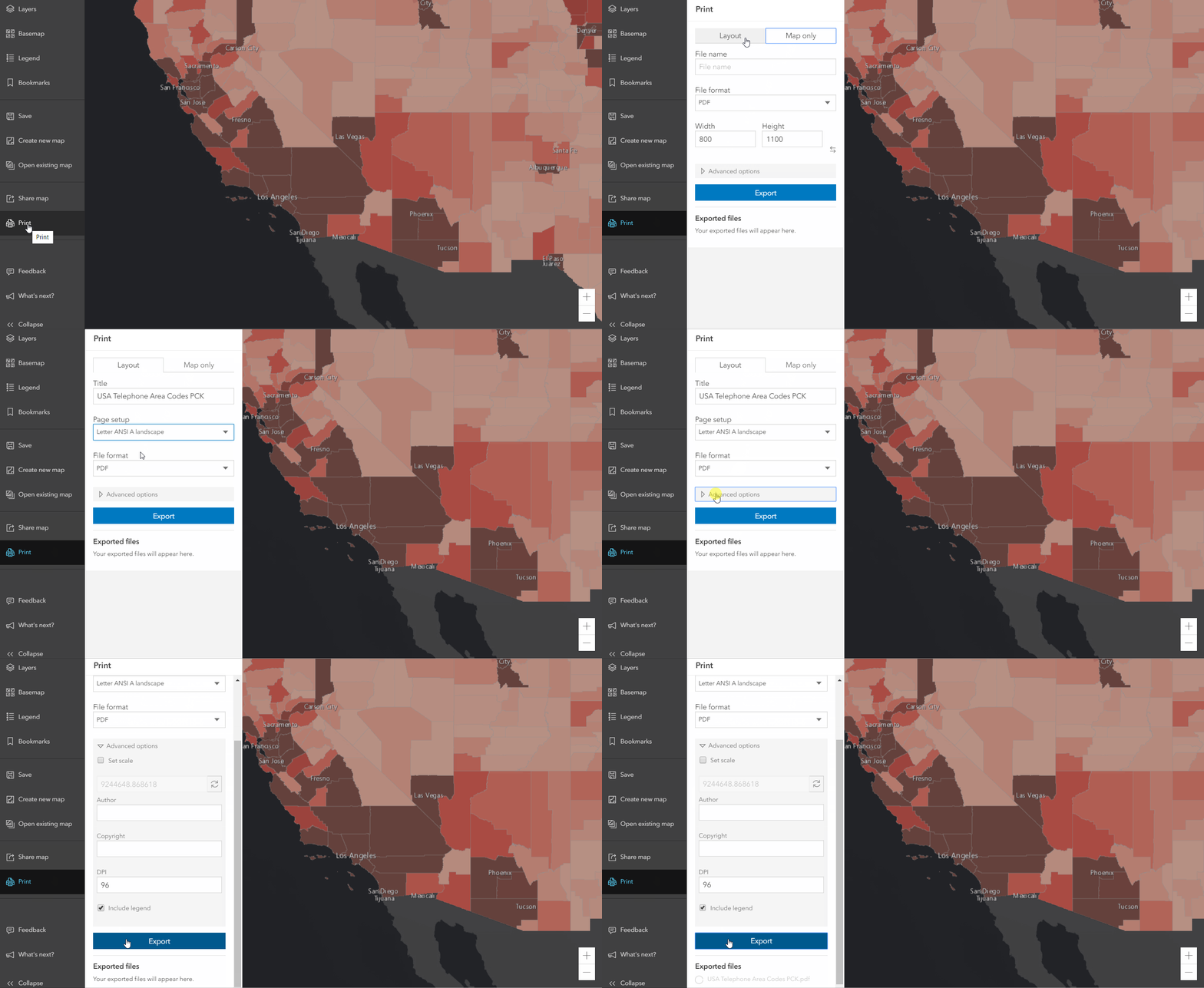
This is a really cool and useful update.  Lots of new features that will be very useful.  However, if there is one thing that could be improved that I believe would offer great value is to improve your print options.  I do like what you have done so far - features for printing the map are vastly improved, but I would like to have the ability to center the map within a print window so that I can control what is printed rather than guessing.  Can't you create a print window that allows me to move/zoom the map to the area I want printed, prior to printing?  Similar to the feature within ArcGIS Pro?  Currently you are forcing me to guess what will be printed and more times than not I have to fiddle with the map view many times to get it right.  Thanks!

Anonymous User

Hi Art,

Glad to hear you like the update and thanks for the feedback. I think there is an existing idea for the functionality you are requesting, I would recommend going in and up-voting this:


Best,

-Peter

Anonymous User

Hi Simo,

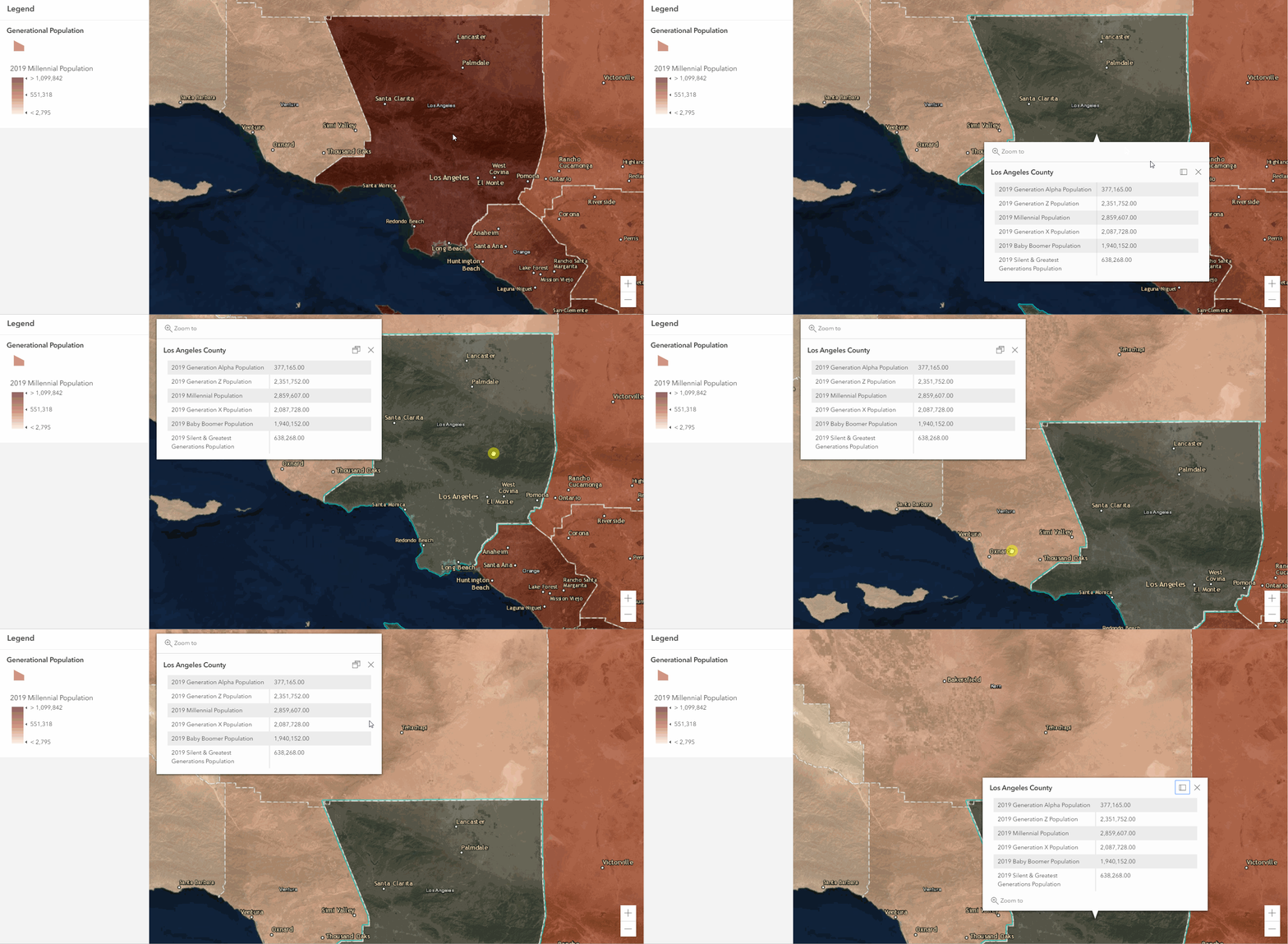
Thanks for the comment. This is coming in a future release. This blog has some further information on the pop-up road map: Fast, flexible and fun: The new pop-up experience in the next generation Map Viewer Beta 

Thanks,

-Peter

Frequent Contributor

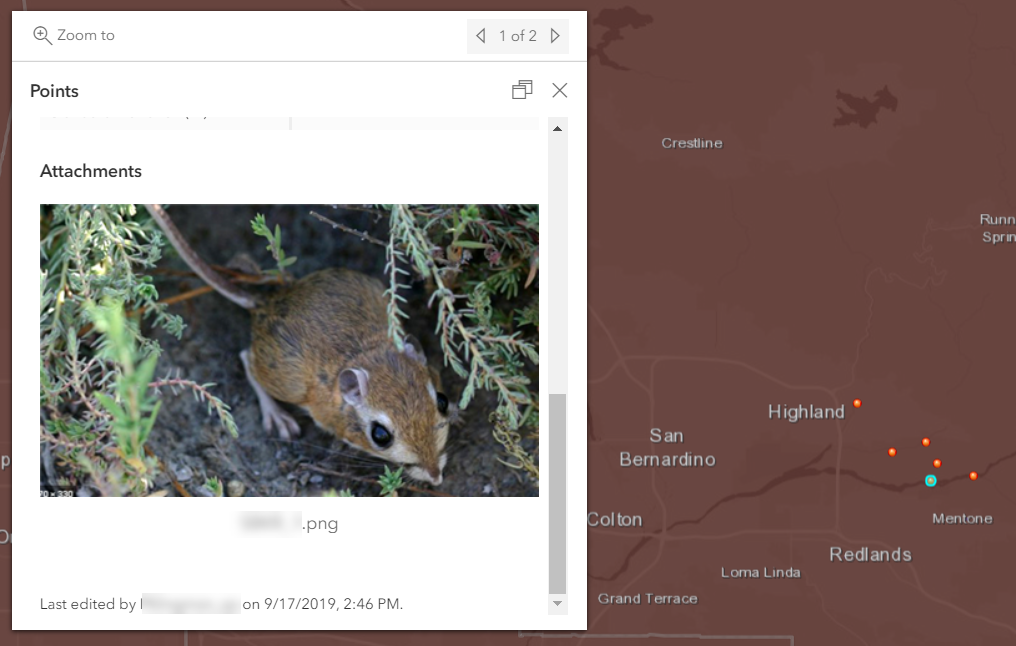
Would be nice to have the ability to add the attachment at top of pop-out. Also, user should have the option to exclude the text "Attachment" in the pop-up. Doesn't seem necessary.

Anonymous User

Hi Brian,

Thanks for the comment. You should be able to drag the Attachments element on top of the Attributes or Text elements in the Configure Pop-up side panel. Is this the functionality you are looking for or is it slightly different? I've brought up the feedback about excluding the word Attachment from the pop-up and will follow up here. 

Hope that helps,

-Peter

Anonymous User

I absolutely love this new Map Viewer. But is it just me being the clumsy noob everytime something new is updated in, or is the 'Open Attribute Table' not there? I mean, there are times when I have to edit some of the attribute values of the features online and I can't seem to find a way to access the attribute table of the layer. It's a little frustrating. Is this function no longer there?

Azalea

Anonymous User

Hi Azalea,

Happy to hear that you like Map Viewer Beta! It isn't just you - this feature is not in Map Viewer Beta right now. Accessing a layer's attribute table is on the Road Map for the first half of 2020. 

https://community.esri.com/docs/DOC-14311 

Hope that helps,

-Peter

Anonymous User

Awesome! Thanks for sharing the roadmap. Can't wait to deploy its usage to my colleagues! 

Thanks Peter!

Anonymous User

Happy to help out!

You might have seen this GeoNet space - the Map Viewer Beta team is active on here if you or your team has any feedback/questions while testing things out:

https://community.esri.com/community/arcgis-online-map-viewer-beta 

Thanks,

-Peter

Deactivated User

Hi Peter –

Yes. I’ve already posted a comment to the team as well.

Thanks,

Art

Anonymous User

Excellent stuff! Two comments:  1) I still recommend allowing dragging popups. (example: www.sagis.org/map) because that is an expected behavior. Also, if the anchor/leader line stretched while dragging, it gives a better screenshot because it more clearly shows what feature it is referencing than a simple halo. This is a big step forward but I still would propose draggable and resizable windows. Dragging and a resizing gripper in the lower right are universal user interface convention for windowed interfaces.

2) Grouping of layers and reordering: does this work with map image sublayers? That is 99% of the actual feature that people are looking for. Even once we finally update our server to take advantage of feature layers that can perform, it will be a while before agencies do. Map image layers aka dynamic map services are not going away for several years. Map image sublayers need ability to group and reorder. This is worth development time and is my number one request.

This is off to a great start! I am glad it is being released in phases, and it is a public beta. Definitely more efficient.

New Contributor

Great stuff here.

A major issue I'd like to see addressed is the severe lack of polyline pattern options, as well as fill options for polygons. There appear to only be about 8 or so polyline pattern options, and all of them look extremely similar (they are just variations of hash marks). ArcMap provides dozens of options for polyline patterns and polygon fill options. A lot of times, one can't rely solely on just a different color in order to best represent data. This issue extremely limits how one can visually represent/differentiate data on AGOL. 

Frequent Contributor

Please let us drag the pop-ups

Anonymous User

Hi Kevin,

Thanks for the feedback and glad you think it's off to a great start!

1. Other customers have similar feedback on this one as well: Cannot resize or move a popup still? 

I appreciate the specific description of UI expectations and use case. Would you want the location of the pop-up to be saved for users when they re-open the map? Do you envision a selection color along with the leader line when dragging/resizing the pop-up?

2. For Map Image Layers with dynamic layers enabled, grouping sub layers would be possible. Re-ordering is possible in the existing Map Viewer for dynamic map services so this behavior should be the same. Would you want to see Map Image Layers honor existing group layers configured in ArcGIS Pro before publish, and also enable the Web Map user to alter those groups and re-group/re-order?

Thanks,

-Peter

Anonymous User

Peter thank you for writing!  And yes it is off to a great start and I appreciate Kelly Gerrow‌ publishing the roadmap.

Popups - Hm I don't think that would be too important to remember the location. In fact it may even be counterintuitive. I would simply say that users almost always expect to be able to drag the popup, as they have since ten years ago. Now of course they can with the clever dojo trick. However, a leader line would both make for better screenshots as well as more readily indicate what feature the popup applies to.

I would also suggest making the halo color and symbology for a clicked-on feature customizable in the webmap. It is possible in the API but it would be convenient to do it from graphical interface in the webmap with a color picker and symbology chooser, for feature highlighting.  And now I see what you were asking, whether it should have a leader line instead of a highlight color.  I either want both, or maybe sometimes just the halo like the way it currently is. I don't think I'd want a leader line without shading/halo, but I could see sometimes wanting only shading/halo as currently. But usually I think I'd want both. It's intuitive. 

Map Image Layers - sweet.  Yes since it is really just a matter of the the interface in the DOM, i.e. a button to toggle visibility, it should be possible. At the conferences they said it was not coming to map image sublayers though. I think perhaps because AGOL forces map image sublayers to render as featureLayers.  It is the most important type of layer to group (map image sublayers) and also it is technically quiet easy. I used to do it in my own native API app with the AGS JS TOC 3.x custom widget.  While we are on this, I will again suggest that checkboxes have partial state. If only some of the layers in a group are on it should have a partial checkbox. This applies to all Esri products, Pro, Desktop, APIs, and apps.  Only Esri Earth does this correctly. Also, if you turn a layer on, at least optionally, it should have ability to force its parent to turn on. This is actually very important. users find it confusing when they turn a sublayer on and it doesn't become visible because the group above does not turn on. And the partial checkbox thing gets to this... because one way I work around this issue, is to have all Groups on. But... if some but not all sublayers are on, users may be decieved because the checkbox is on, not only partially filled in. So they don't know to expand. It's better than nothing but still an issue.

Regarding grouping - I just want to be able to group layers in the webmap. And they may be coming from various different federal agencies from ArcGIS Servers from versions stretching back a few years and so hopefully grouping map image sublayers will not require Pro or Server 10.8 etc.

Lastly regarding AGOL rending map image sublayers as featurelayers that is actually very important. I hope that the new AGOL can render map image sublayers as map image layers. Our Open Data has hundreds of sublayers spread across about a dozen services. Rendering large layers as featureLayers is so slow it does not work, and also hits the max record limit. The only way around this would be to publish 600 services, one service for each layer. Not feasible. In the long term, featureLayers with quantization wlil be the answer. But I still hope the new AGOL might be able to render a map image sublayer as a true map image layer (dynamic service). Because sometimes you want to bring in one sublayer from a map image service from, for example, a federal agency server. And when it comes in as a featureLayer it's just too slow to use or hits the max record limit. And while new featureLayer capabilities in 10.8 and beyond Enterprise will be the future it will be at least a few years until the industry gets up to this version parity.

Anonymous User

Thanks Kevin MacLeod‌ for the explanation and context here! I will share with Kelly Gerrow‌ and the rest of the team. 

Cheers,

-Peter

Anonymous User

Hi Nong,

Thanks for the feedback. Any specific ones that you would like to see? What type of data do you typically symbolize?

We also have this existing idea for more arrow support and railroad symbology for lines, so I would recommend up-voting if you haven't yet:  

Cheers,

-Peter

Anonymous User

Wow well all that would be super cool. I was just thinking basic color picker with transparency level and some basic line symbology like thickness and dash level. This is for highlighting a feature by clicking on it, for the popup. So it probably wouldn't get any more advanced. Although I could see an instance where maybe if a user clicks on a street segment, or a pipeline, there are no arrows showing... until, they click on it, and then it shows the arrow to show the flow?  Just an idea. So sure why not open it up to the full symbology library. But really it would just be nice to have some out-of-the-box customization beyond the cyan blue halo.  (from a GUI in the webmap vs having to custom code to the API)  Thanks for your thoughts Peter!!

Anonymous User

Hi Kassandra,

Thanks for the feedback. Other customers have also continued to request this as well: Cannot resize or move a popup still? 

-What would you want to see to associate the pop-up with the feature? e.g. leader lines, callouts, selection highlight, etc.

-Do you envision this for all users or when authoring the Web Map?

-Would you want to see the pop-up saved in the same location when closing and reopening the Web Map?

Cheers,

-Peter

Anonymous User

this is mostly important for end users (using an App).  Web maps are primarily for authoring and development. Nevertheless, I imagine if it is in the stack it would be in both places, as like now.

Occasional Explorer

I really like the Cluster function, however, when printing a cluster map with a legend, the legend is shown as lines that are labeled "Red_Band_1, Green_Band_2," etc. rather than the cluster symbol and the counts/amounts corresponding to the cluster size, Can this be updated?

Anonymous User

Hi Eric Friedlander‌ thanks for noting this. It's been logged as an issue and the Dev team is taking a look. 

Thanks,

-Peter

Anonymous User

I would say for the questions: selection as like now is fine, and also add optionally a callout leader line. Remembering location would be neat! Reason being, if you share a link with the WAB Share Widget, it could open up (as it does now) and with the popup in a very specific place. The Share Widget ability to query to a specific feature of a specific layer is actually quite powerful.  But most important is simply being able to move and resize, and have a leader. 

Frequent Contributor

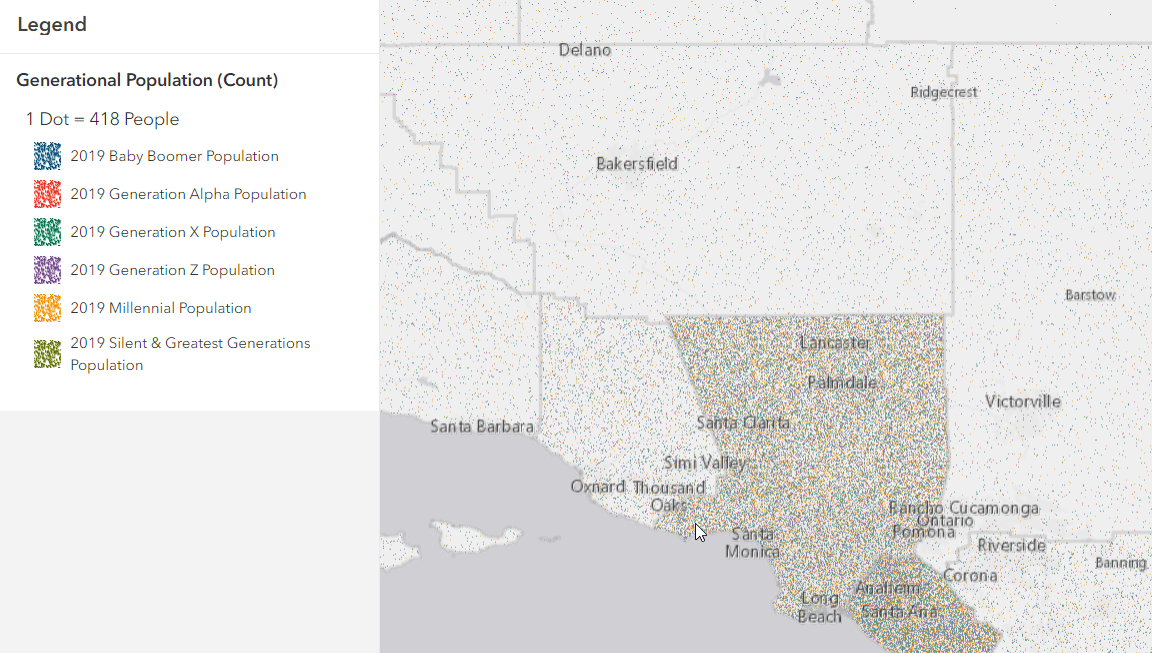
Wow! love all these great comments and especially the new implemented functions.  Trying to transition to Map Viewer and had a thought.   I just updated all my infographic reports in Business Analytics (from 2020 to 2021) with a simple click here to update button and love how I don't have to recreate/update those infographic reports each year.  Is this possible with maps?  I have a bunch of maps with old population data (2020-2025 Population Maps) or thought it would be cool if the population data could update the same way or do I have to upload the new data into the map as I normally do and remove the old layers? 

Thanks,

Robin