In the latest Experience Builder update, Esri touted the addition of the 'Use Current Location' option for the Near Me widget. I knew that this was in the works, but had envisioned that this would become an option (button) in the actual widget, not another action item to be configured from another widget. I don't really see this as an improvement since I could do the same thing with the Search widget, but the using the Search widget is actually better because I can at least add it in such a way that it looks like its part of the Near Me widget. The only way a user is going to know that they can click the 'My Location' button in the map to find features near whatever layer the Near Me widget is connected to is if you tell them.
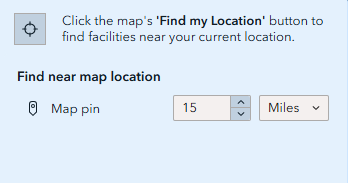
Don't really understand why Esri can't just make this a part of the widget. Here is one of my first customizations in WAB before I even knew what I was doing:
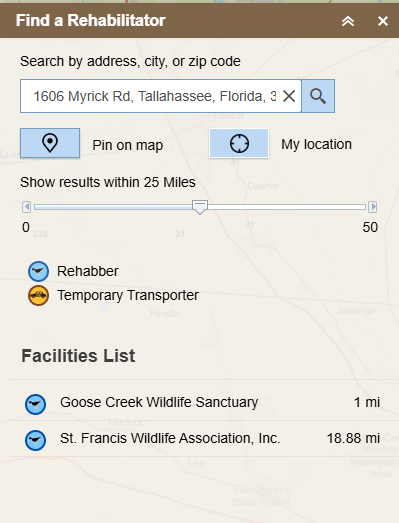
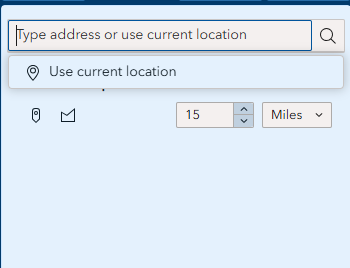
The version in the above image makes so much more sense to me because it's straight forward and doesn't leave the end user guessing. Will probably go back to using the Search widget because it gives the user a choice between searching from a typed address or their location.
And I almost forget, the maps 'My Location' tool zooms all the way in to the users location, then has to zoom out to the extent of the Near Me results. The zoom action for the map's Location tool needs to be turned off when it is the trigger for the Near Me widget.