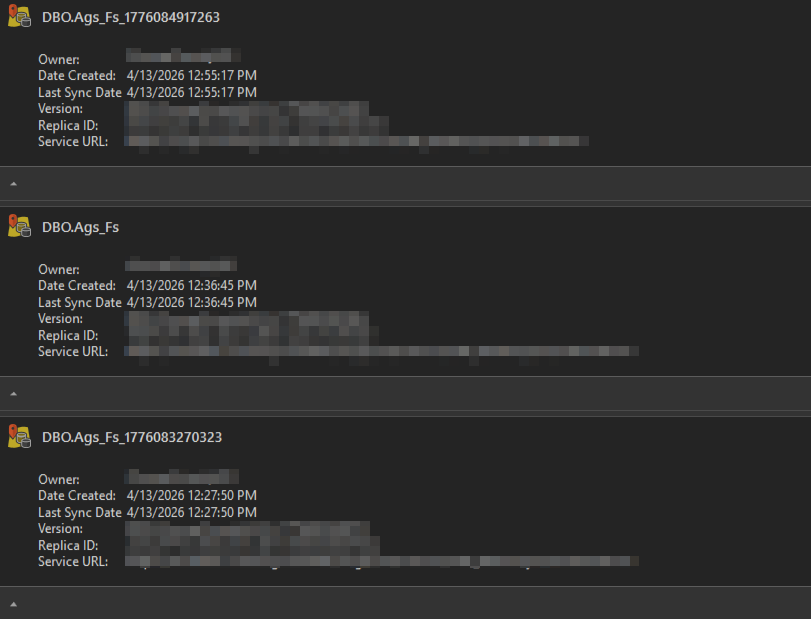
I have a map for hydrant inspectors to use when doing inspections. There are a few areas in the county that have poor service, so I have create two offline areas for them to use. When I go to "manage replicas" in Pro, I see the folloiwng replicas:
There are 29 different versions, however. I suspect that previous offline versions were not cleaned up one the offline version was deleted, but how in the world am I supposed to tell what is what at this point?
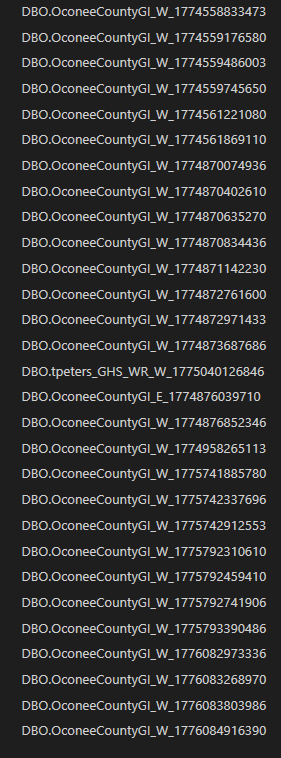
From my observation, there is no option to control the replica and version name when they are created. This makes is pretty hard to figure out at this point. Am I missing something? I have looked all over for good documentation on managing offline versions, but I have found nothing helpful. Please help me figure out what I'm doing wrong.
