When processing events, you occasionally need to split an event up into parts. For example, if you use the Field Splitter to create an event for each GeoFence your event intersects, then you may be interested in knowing that all the resulting events relate back to an original incoming event. This processor helps you by adding a Globally Unique Identifier (GUID) to each event.
Code & Release
The source code can be found on GitHub Here. The latest release can be found in the Releases section of the repository.
https://github.com/eironside/geoevent-eventguid-processor
Usage
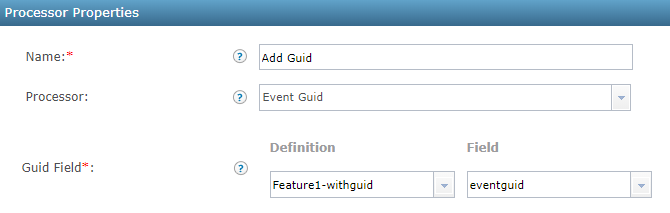
Add the processor to your GeoEvent Service and select the Event Guid processor. Then select the GeoEvent Definition your events will arrive as, and the field to put the GUID into.
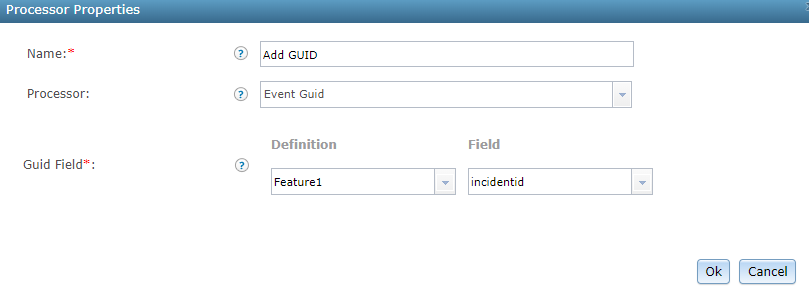
Adding a GUID Field
Please note, the field must be a String type field and the field must already exist in the definition. If your original event doesn't have a field to hold the GUID:
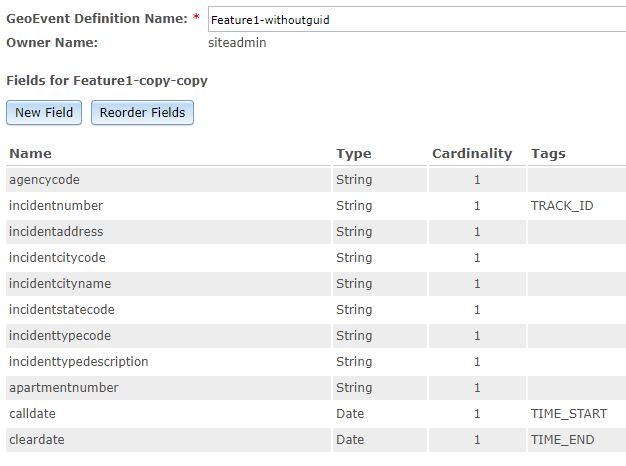
Make a copy of the definition, add the GUID field:
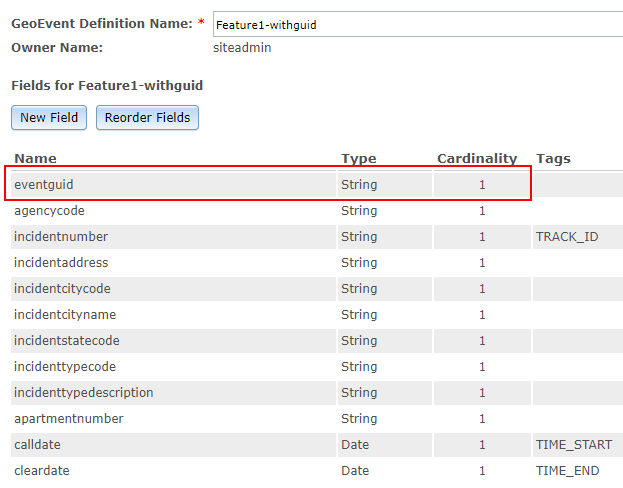
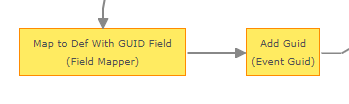
then use a Field Mapper processor to map your events into the new definition with a field to hold the GUID:
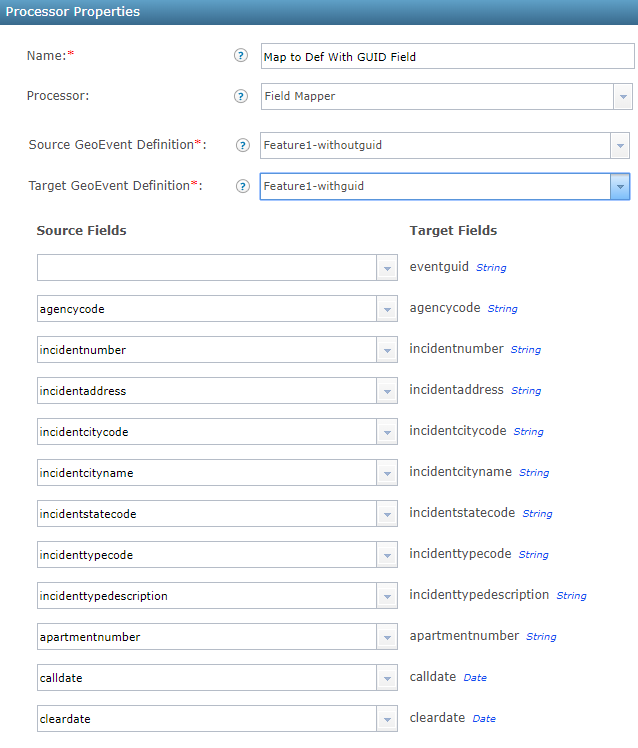
Then use your Event Guid processor to add the GUID to the desired field.
Make sure the Field Mapper processor is before your Event Guid processor.
Troubleshooting
The logger for this processor is listed below. Setting it to TRACE will allow you to see what the processor is doing.
com.esri.geoevent.processor.eventguid.EventGuidProcessor
