Add alternative text to media
Making your content accessible is an important part of authoring inclusive stories. That’s why we’ve designed StoryMaps to meet common accessibility standards. We’ve also included features to help authors cater to individuals using assistive technology like screen readers. Alternative text is one of these features—you should use it to describe any functional media in your story so that those with visual impairments can still follow along.
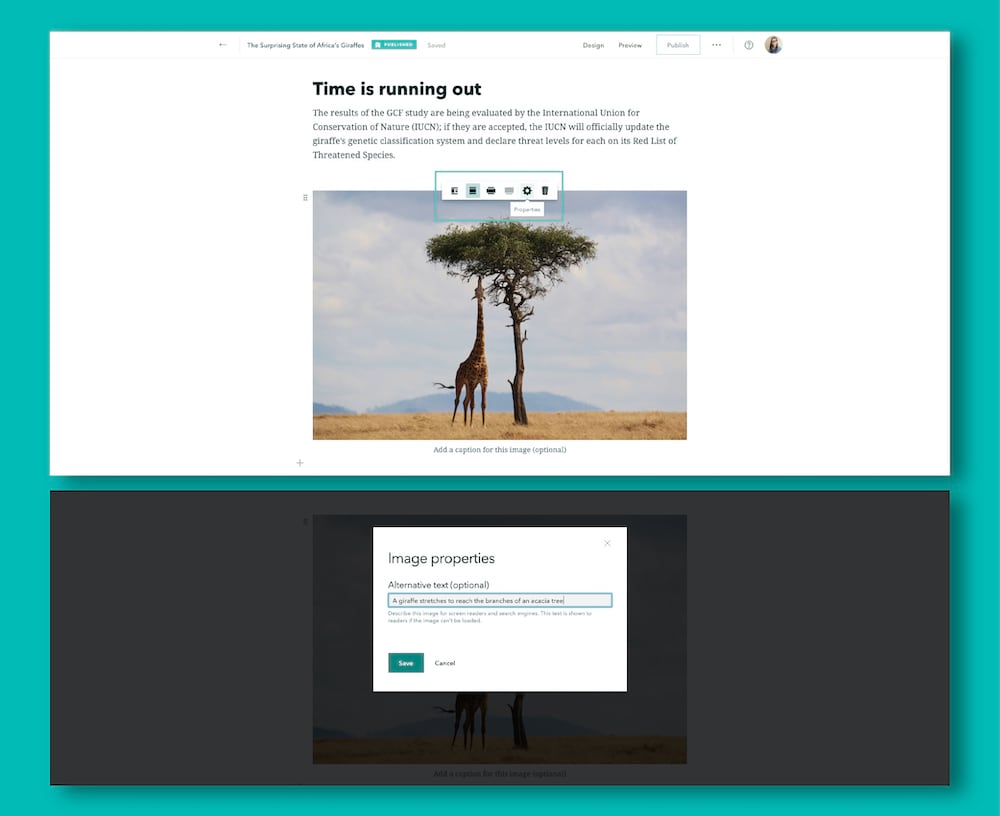
Adding alternative text to any piece of media is simple. Just open the Properties panel for that piece of content (you may need to hover over it to reveal the media toolbar) and the field to enter your description is front and center. Click Save when you’re done and you’re good to go.