I have a spreadsheet that has 2 MS SQL Server Queries with about 2000 records each. The queries run quickly and the map I created plots the points quickly. If I save the spreadsheet and then reopen and refresh the queries each query takes up to 2 minutes to run and update the map (I have "Refresh data when opening the file" toggled ON). I found a python script to run REFRESH ALL to refresh the data offline. However when I then try to open the spreadsheet after running the script I get an immediate error, "An error has occurred" and the map doesn't open. I usually saw this error if I did not have "Enable background refresh" enabled for the query. I think the error has to do with verifying sign-in to AGOL)
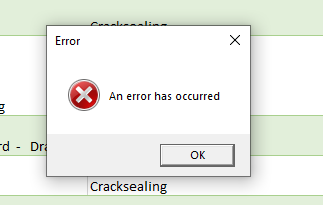
My python updating would solve my problem if I can get past this error (I would disable the "Refresh data when opening the file).
Does anyone have a suggestion to either fix the problem or improve performance of refreshing a query to ensure users see the latest data when they open the spreadsheet.

