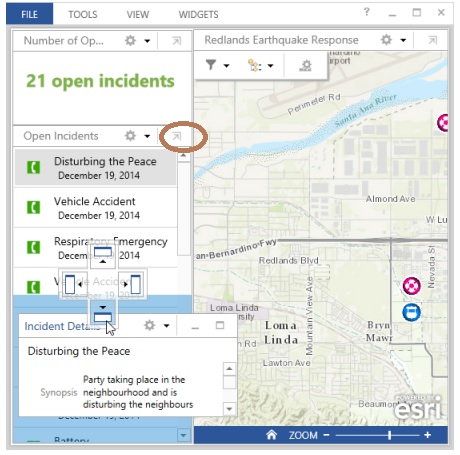
I'm trying to move one of the default panels that are stacked vertically on the left so that it is redocked at the bottom of the map. The instructions here show how to do it (step 6 of Display incident details 3/4 of the way down) with a little icon of an arrow and box corner (see red in attached). My Operations Dashboard app doesn't have this icon and I can drag the panel from the title bar. I'm using Product Version 10.3.2.1154 and I installed it today. What am I missing? Any ideas? thanks. Brian