Hi All,
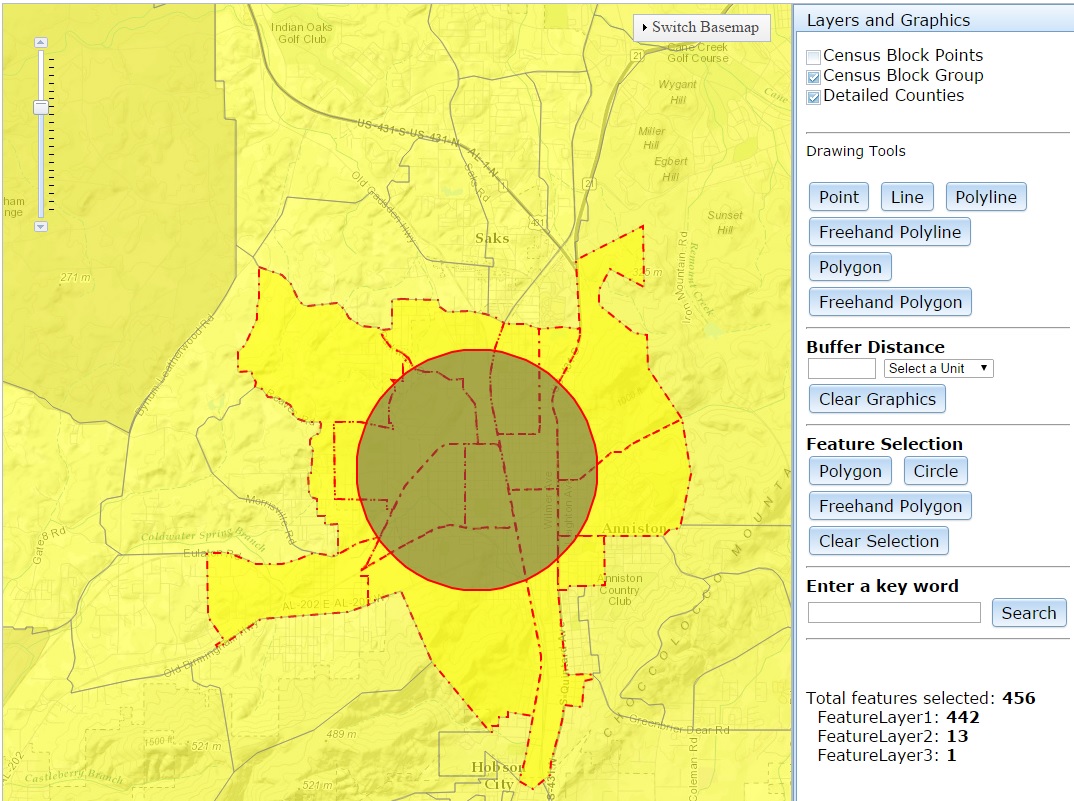
I have a web map similar to this example. I have two questions that need your help. First: When running the web map, it starts with all three layers checked and all three layers displayed on the map. How do I set it to start with featureLayer1 (Census Block Points) unchecked (Figure A) and only displays if the user checks it? Second: when I select features using one of the select features tools (Polygon, Circle and Freehand Polygon), all the selected features from the three layers are displayed on the map and the number of selected features from each layer including the total are displayed as text on the right pane (Figure B). This information displays even when I make selection with one or all of the features unchecked (and not displayed on the map) (Figure C). How do I display selection information only for the checked features?
Thanks.
Figure A: I want this to be my default starting page.
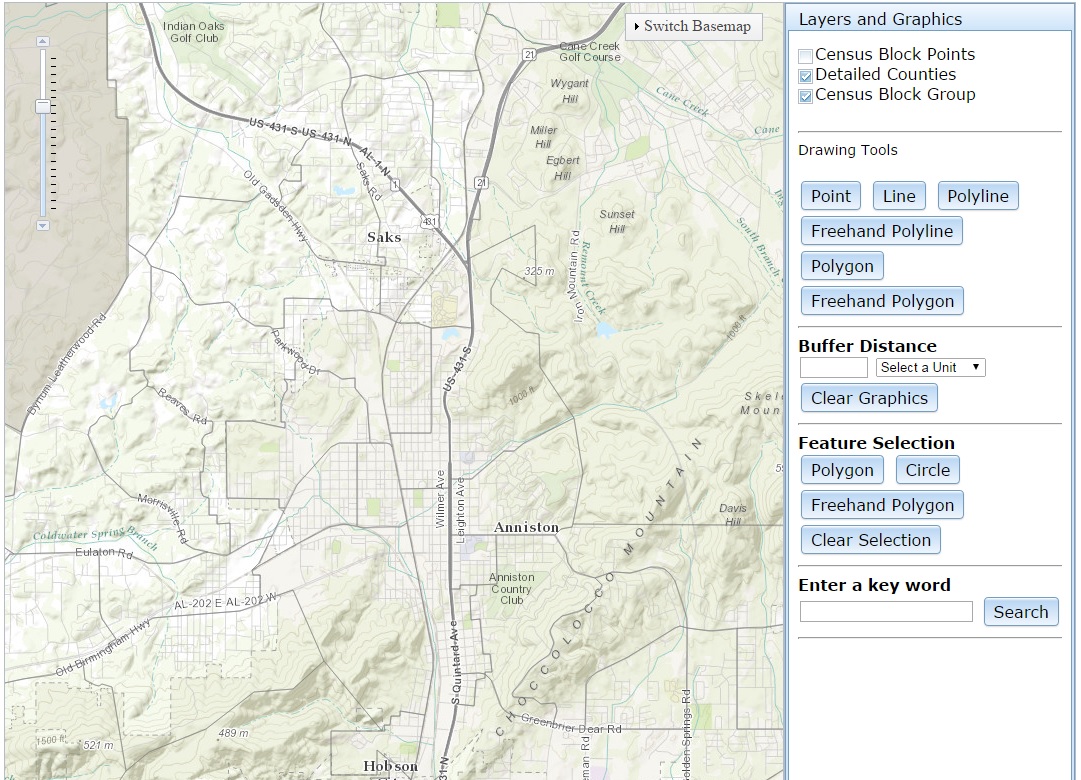
Figure B: This is when all layers checked.
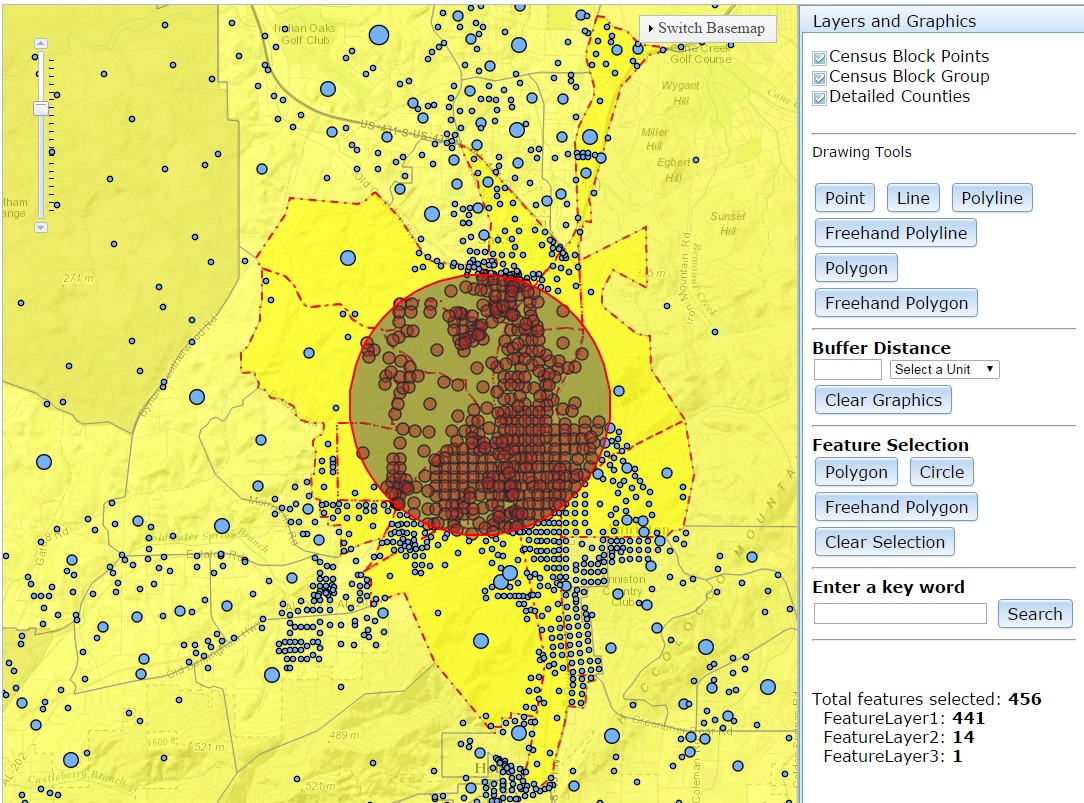
Figure C: This is when the top layer is unchecked so the Total features selected should be 14 and FeatureLayer1: should be 0