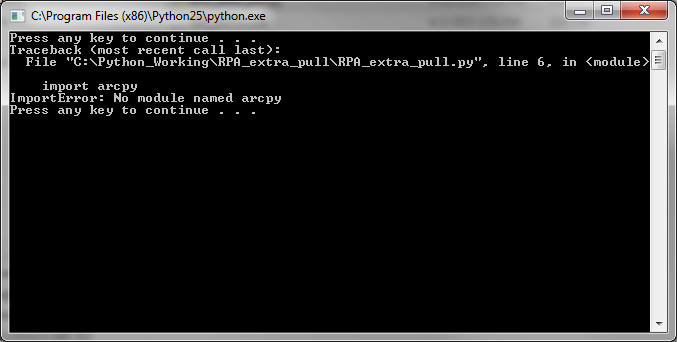
So, I recently got a new machine and I am having some frustration importing arcpy. It works fine in PyCharm but does not work when run from the command line.
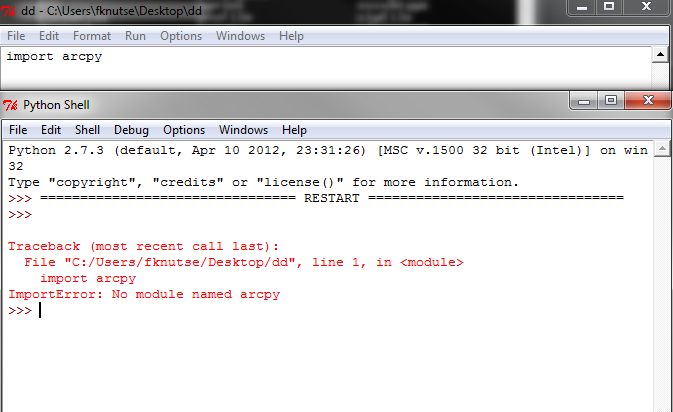
An import test in IDLE:
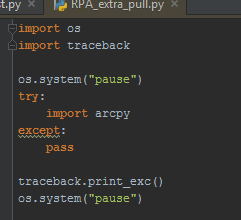
From the command line:
IDLE is pointing to the wrong install of python:
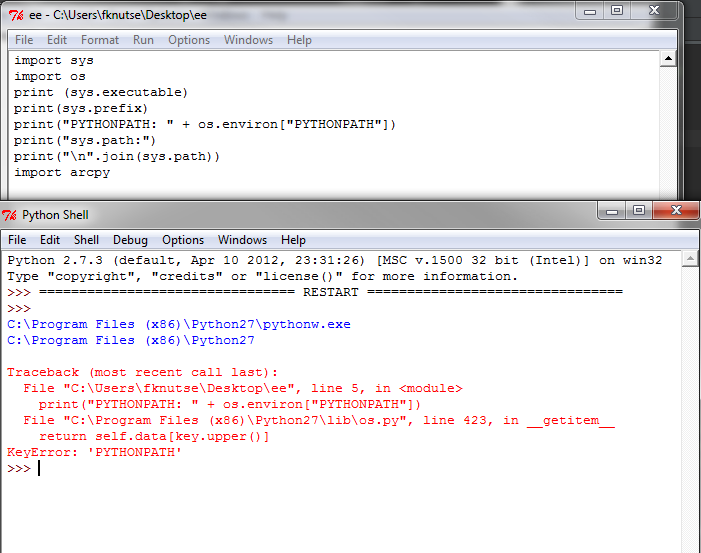
PyCharm is pointing to the right location which I set:
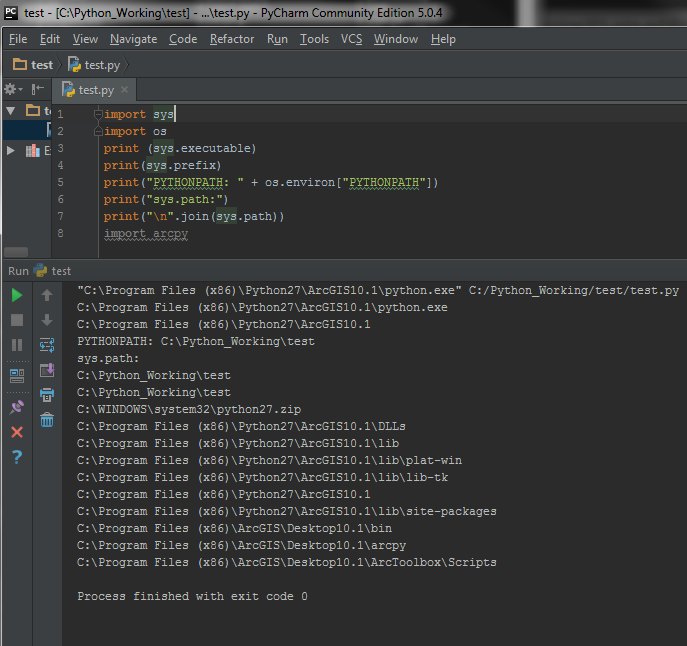
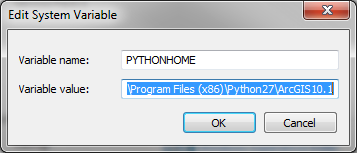
I have set the PYTHONHOME to the ArcGIS location:
C:\Program Files (x86)\Python27\ArcGIS10.1 but this makes python not work at all in the cmd.
I have also tried setting the PYTHONPATH sys values as:
C:\Program Files (x86)\Python27\ArcGIS10.1
C:\Program Files (x86)\Python27\ArcGIS10.1\DLLs
C:\Program Files (x86)\Python27\ArcGIS10.1\lib
C:\Program Files (x86)\Python27\ArcGIS10.1\lib\plat-win
C:\Program Files (x86)\Python27\ArcGIS10.1\lib\lib-tk
C:\Program Files (x86)\Python27\ArcGIS10.1
C:\Program Files (x86)\Python27\ArcGIS10.1\lib\site-packages
C:\Program Files (x86)\ArcGIS\Desktop10.1\bin
C:\Program Files (x86)\ArcGIS\Desktop10.1\arcpy
C:\Program Files (x86)\ArcGIS\Desktop10.1\ArcToolbox\Scripts
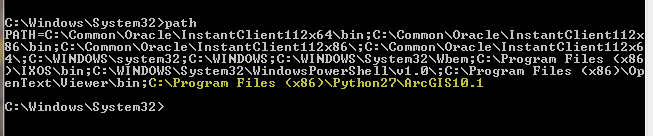
I have also SET PATH=%PATH%;C:\Program Files (x86)\Python27\ArcGIS10.1 (which I recall fixing this problem in the past); however, it is now also not doing the trick.
I can import arcpy using the python interpreter in the command line:
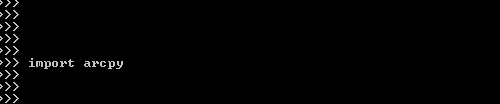
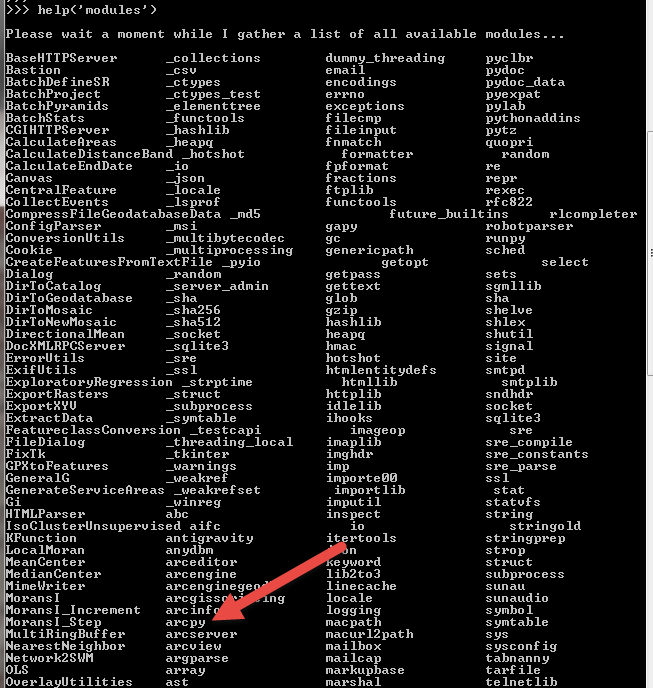
and it is in the module list:
Thanks for any help!


