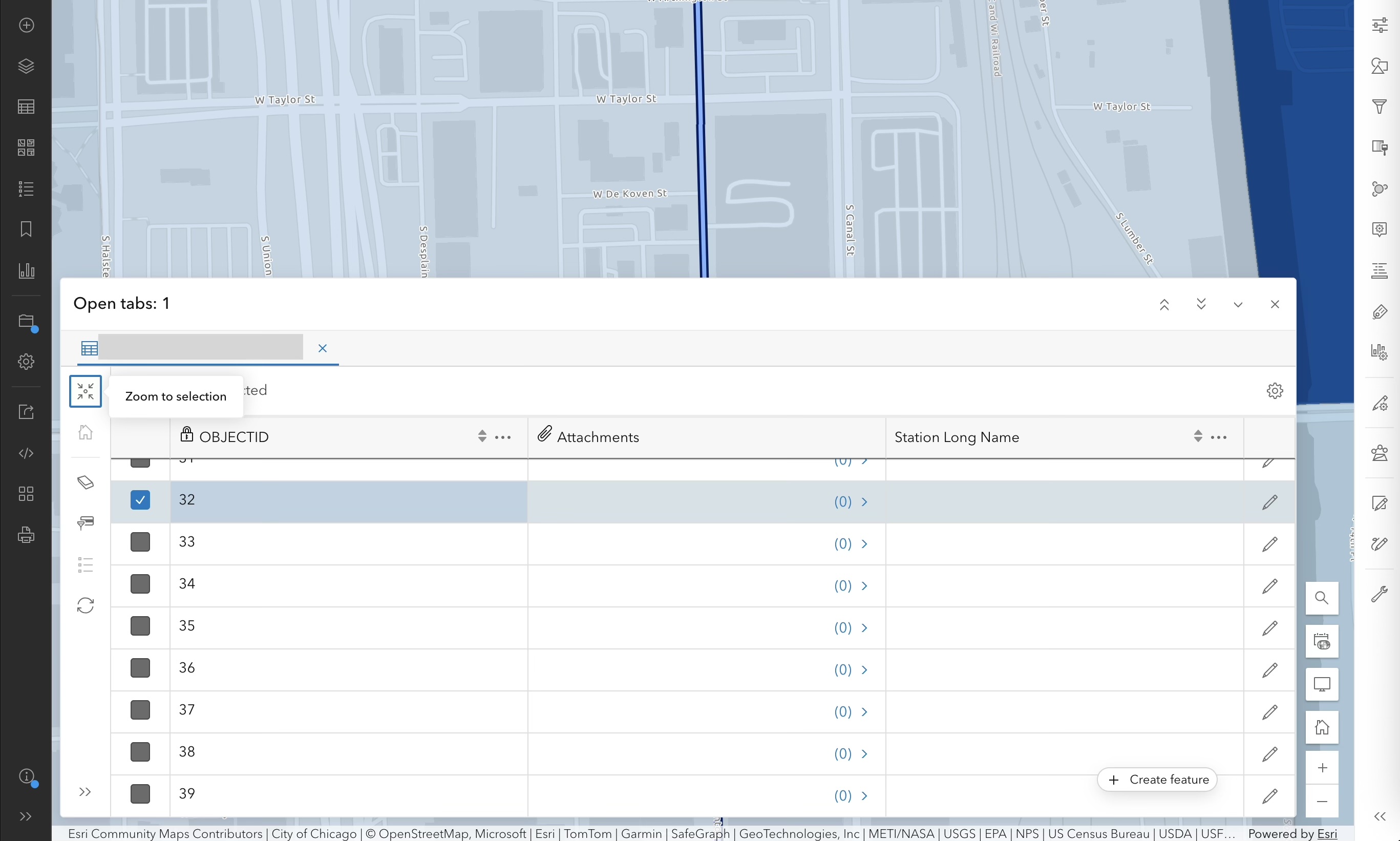
Hi, if I use the zoom to selection button in the table, it centers the selection behind the table--not very useful. It would be better if it would center the selection in the visible (top) part of the map.
Another way to resolve this would be to open the table docked to the bottom and make it resizable similar to ArcGIS Pro. Right now the table floats--causing issues like this--and only has a few preset size options. If the table isn't movable, I don't know why it needs to float like a window. That solution would result in a cleaner, less cluttered interface, and also give me about a centimeter more of horizontal space for my table by moving the map controls up and eliminating the unnecessary padding.
Below shows what happens if I click Zoom to Selection with a single point feature selected -- it centers the point behind the map. Not useful for me. I still have to pan the map to see it.