Discurso
Eu tenho um ambiente miniconda separado bem configurado com as versões do que eu quero, sem as restrições do que está "fixado" pelo ambiente arcgispro-py3 ou seu clone.
Claro, você pode clonar, ou criar um ambiente simplificado usando arcpy-base, ou se você gosta de aventura, pode usar "pip" e coisas assim. Infelizmente, muitas dessas opções não funcionam para mim, pois costumo fazer meu trabalho "Arc..." separado do meu trabalho "NumPy ...". Então aqui está uma demonstração do que você pode fazer se precisar apenas de um acesso simples ou rápido ao código python que você tem e não quiser mexer na configuração existente do Arcgis Pro
Trabalhando com pacotes
Esta é uma demonstração para mostrar como usar seus próprios módulos dentro do ambiente do ArcGIS Pro. Os módulos que você precisa importar devem ser identificados e então importados.
- Identifique a localização do pacote/módulo/script que deseja importar
- Faça as importações necessárias.
Depois de fazer suas importações, seu pacote/módulo/script pode ser usado nos notebooks, janelas python e ferramentas do ArcGIS Pro.

No meu exemplo, instalei o Arcgis Pro localmente na minha máquina em C:\Arcpro_36. Agora, quis adicionar caminhos para o local onde salvo meus pacotes. O script simples à direita mostra uma forma de fazer isso.
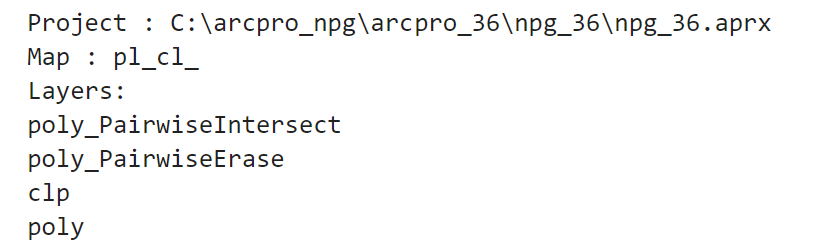
Você também pode continuar trabalhando lá, seja em um notebook ou na janela python. No exemplo à direita, o projeto, mapa ativo e uma lista de camadas foram obtidos.
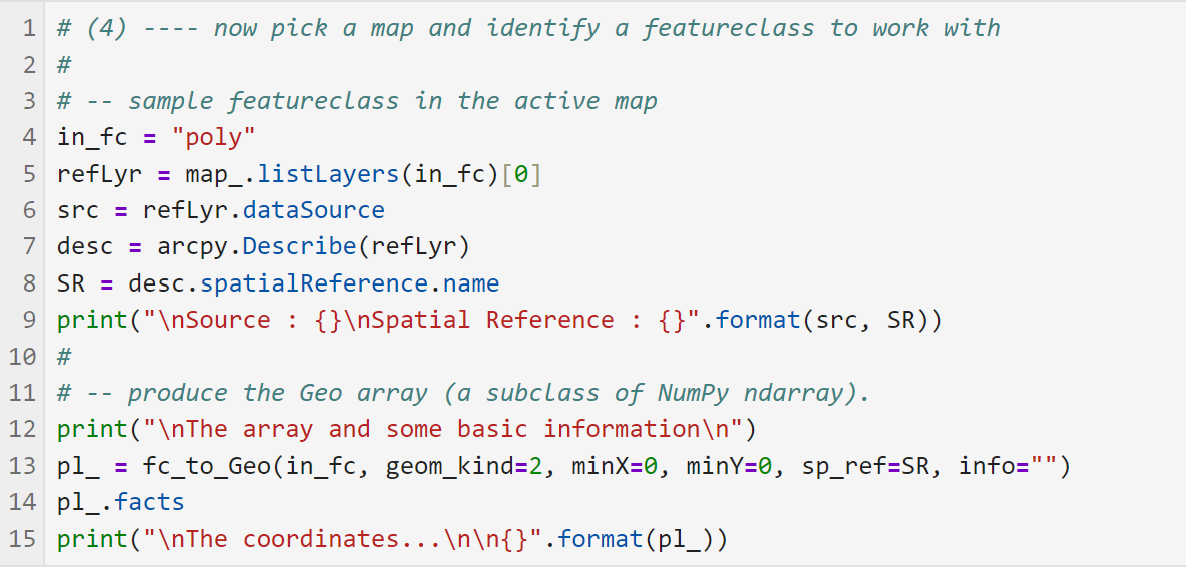
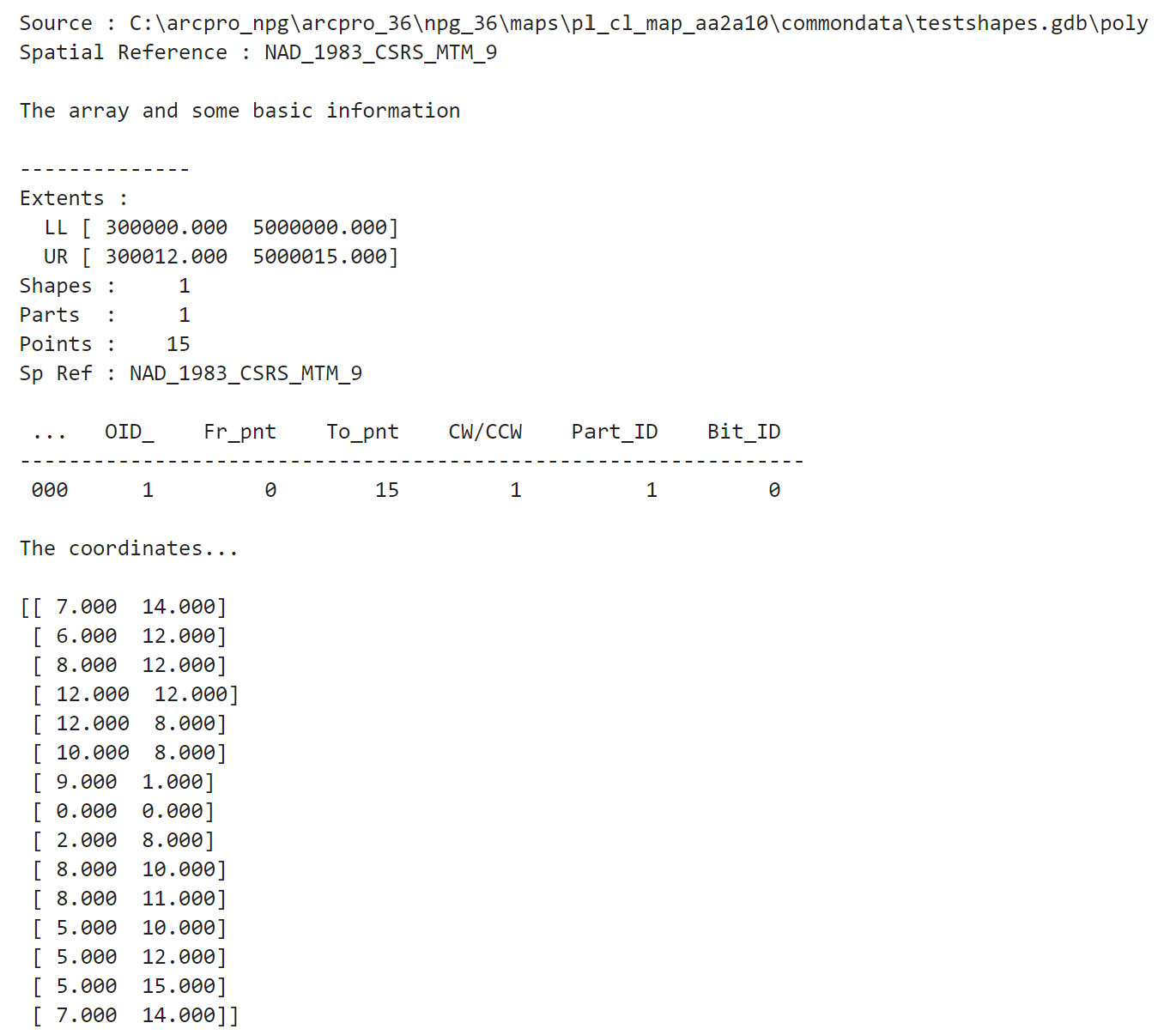
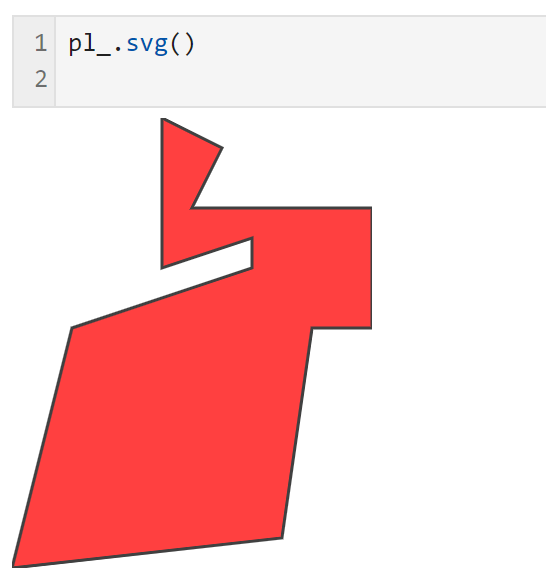
Agora, importei meu próprio módulo para convertê-lo em um array numpy, obter algumas informações e produzir um "mapa"/"gráfico" dos dados
Eu uso essa abordagem para manter meus ambientes Pro e python/numpy limpos e nas versões que desejo. Mas tenha isso em mente se quiser manter seu trabalho organizado e separado.

