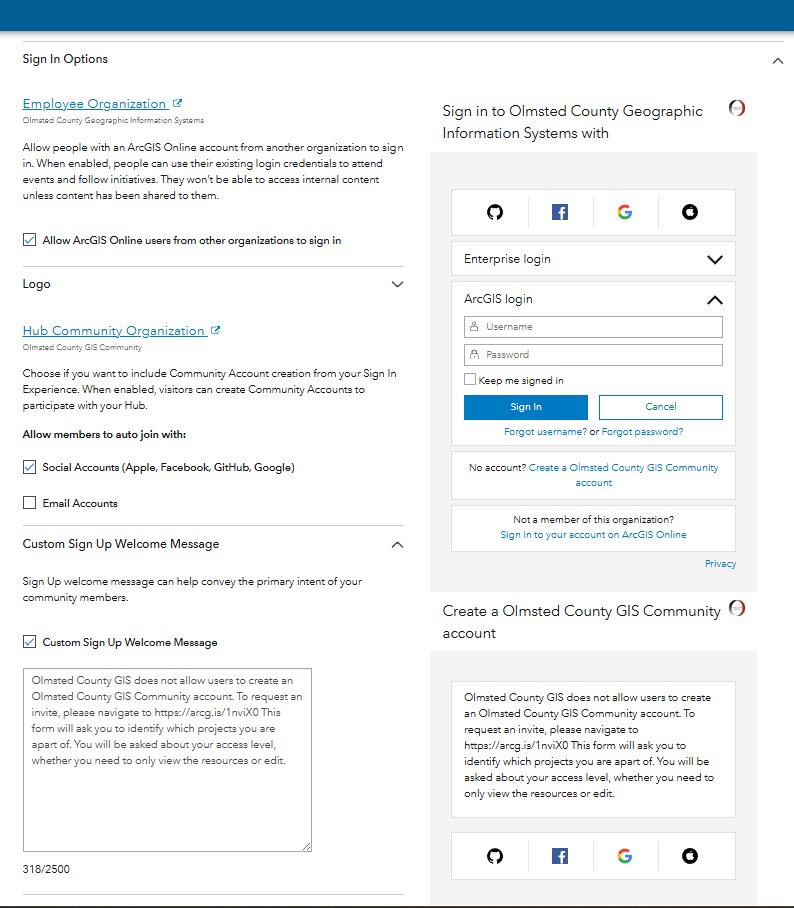
We have both an employee organization and a community organization with Hub Premium.
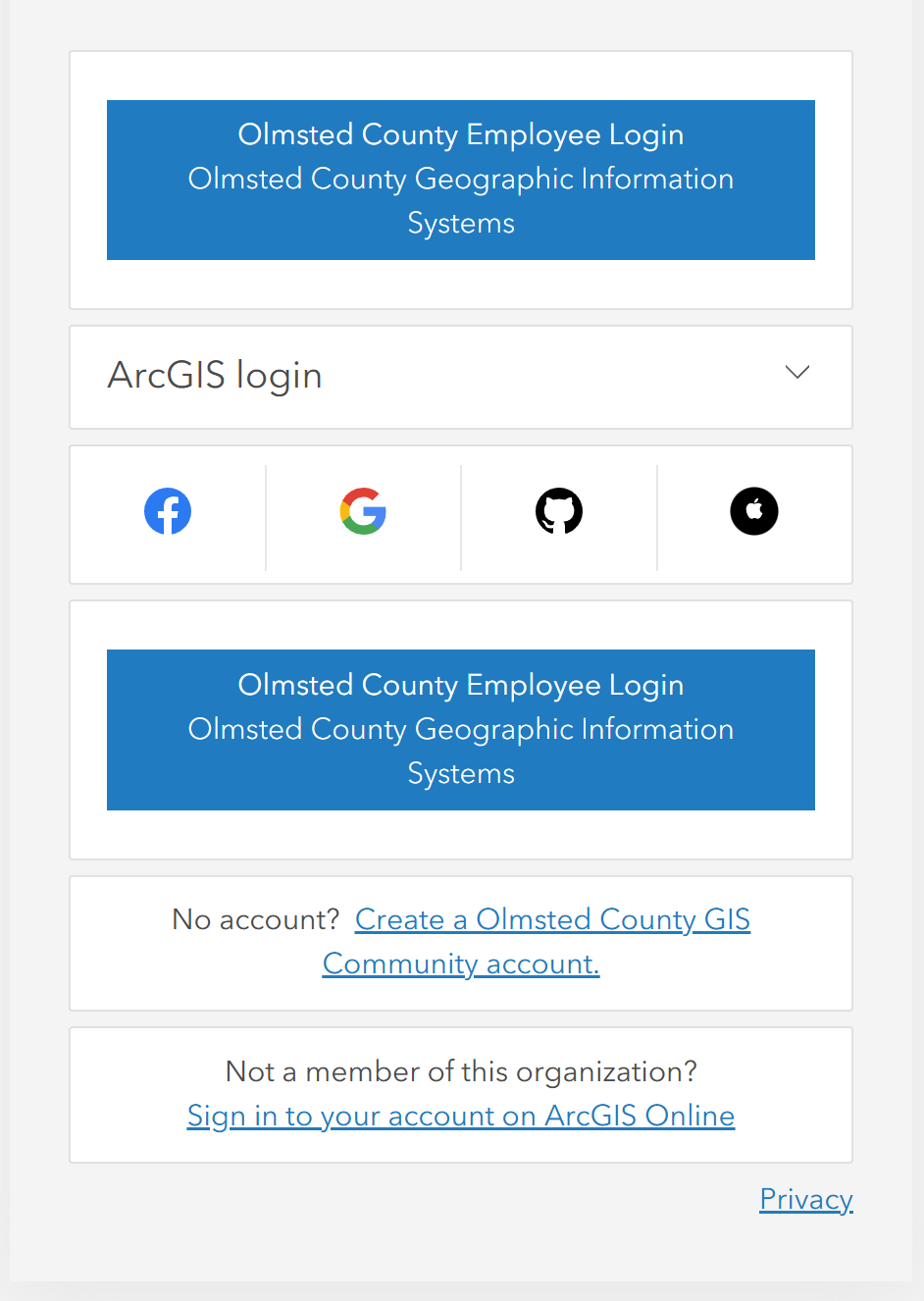
Our SSO button is duplicated on the sign on screen and I can't for the life of me figure out how to get it to stop. It wasn't always this way, but when updating the Hub sign on settings it seems something happened to make it show up twice and now I can't get it to go away. Any ideas?
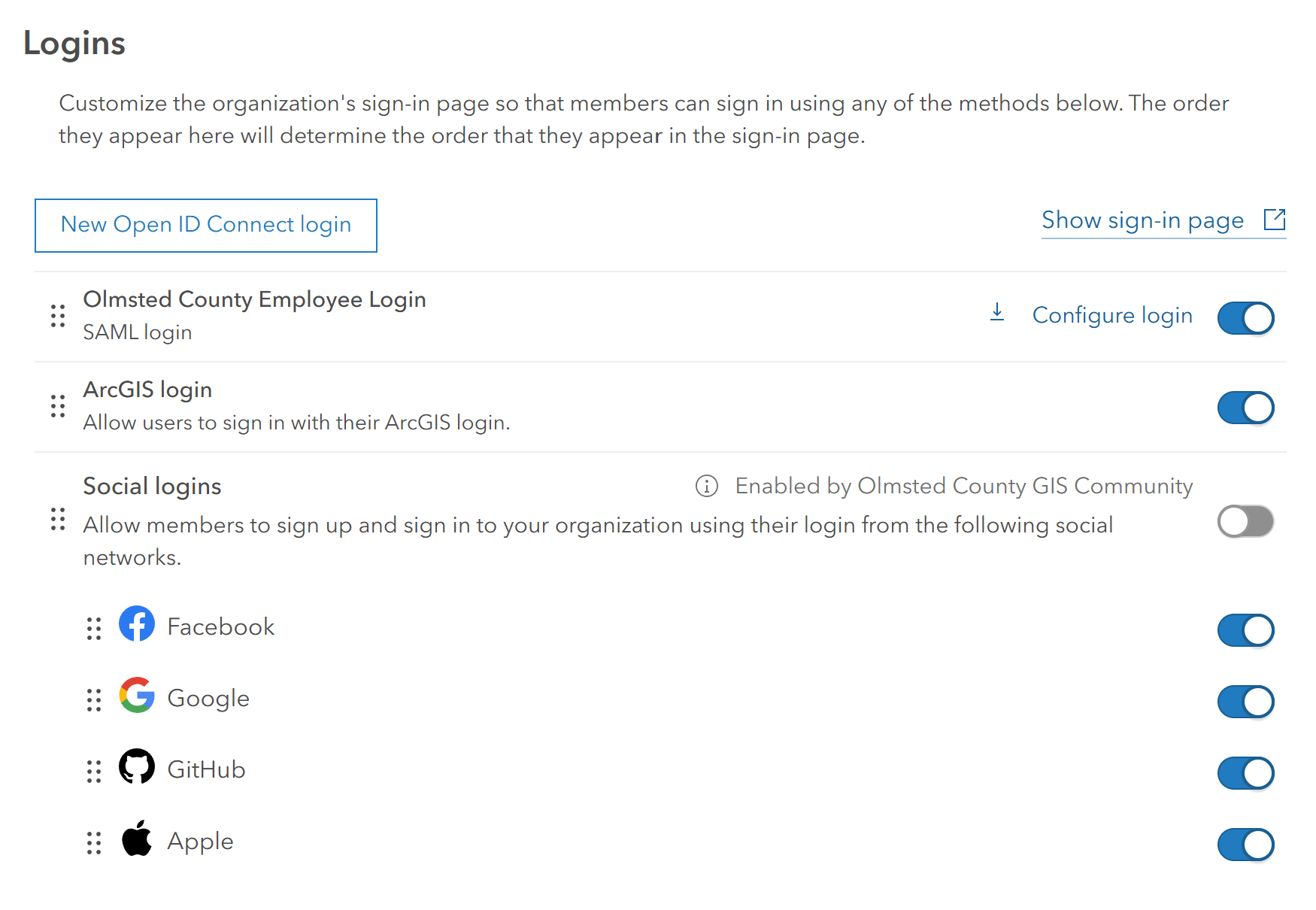
We do not use SAML/SSO with our community organization, just our employee one.
Employee Org Login Screen:
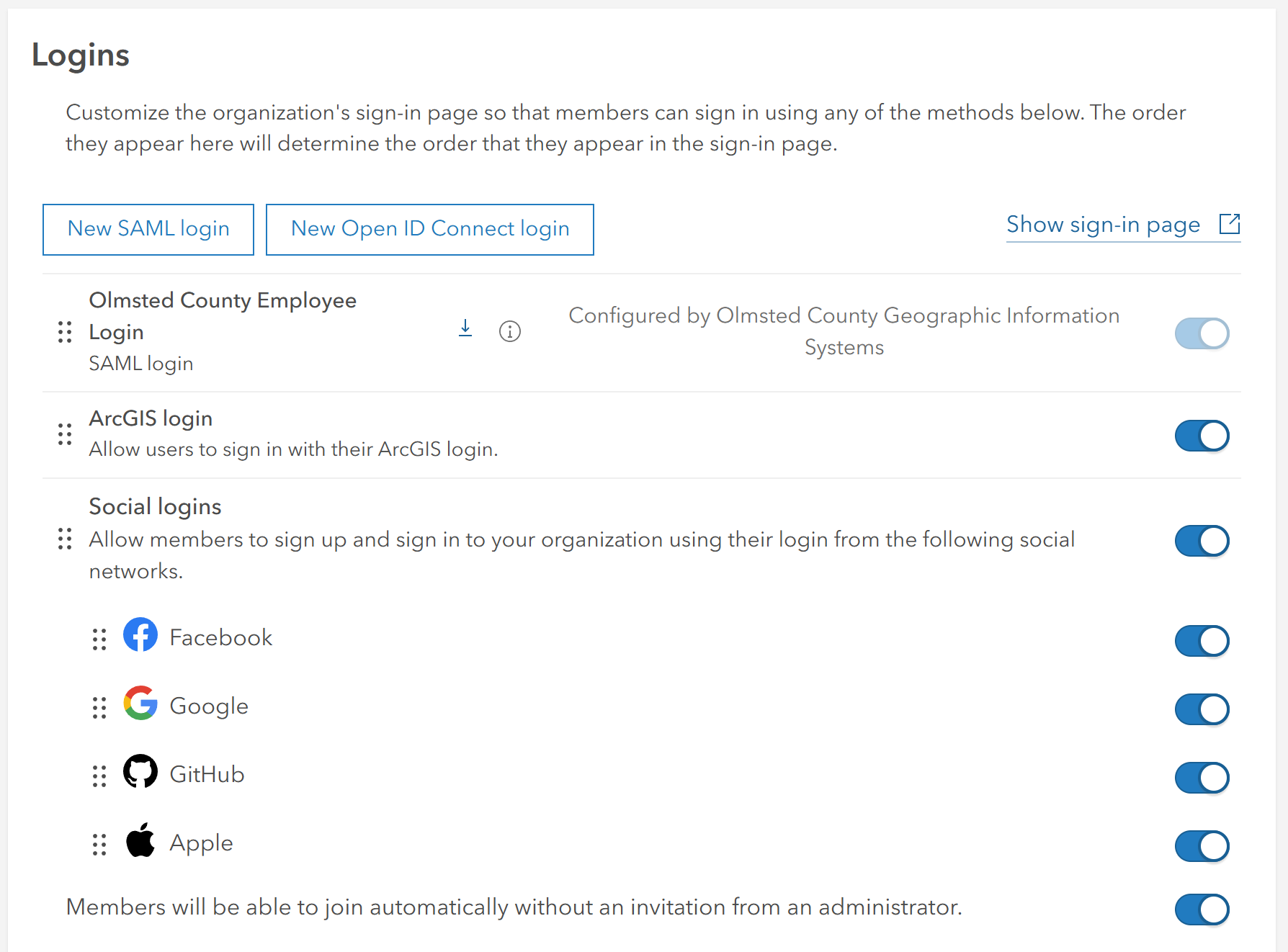
Employee Org Settings:
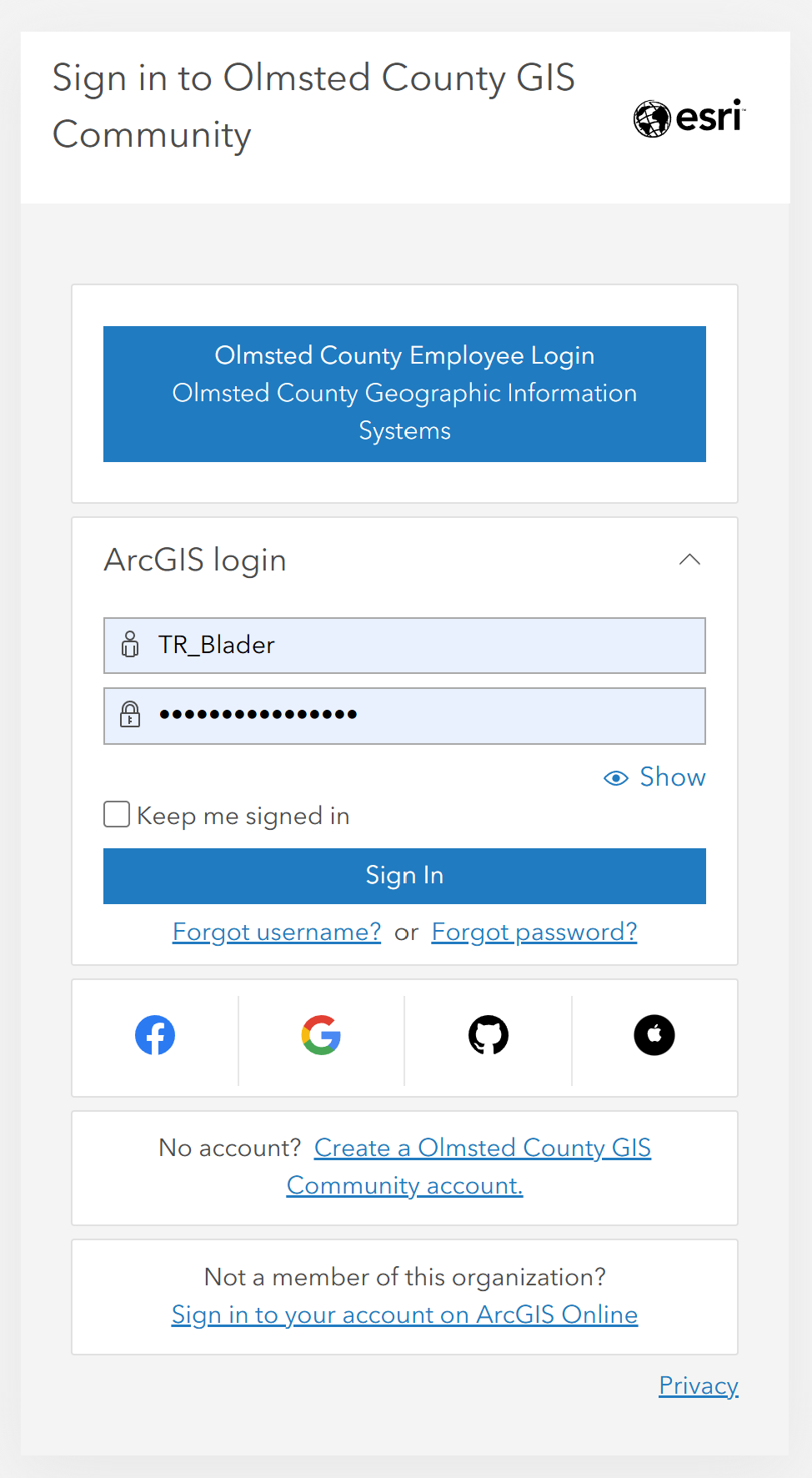
Community Org Login Screen (no double button)
Community Org Settings:
Hub Advanced Settings