When using labels on features fonts are needed and loaded from arcgis.com.
In closed environments without internet access this leads to an erorr while performing the get request and the features are shown without their labels.
To fix that there are two possible ways as fas as I know.
Either download them and put them somewhere and somewhow in the static folder.
Or link the fontsUrl to the portal.
I fail with both and hope to get help.
1)
How do I download the fonts and place them locally into the JS App statics folder such that no fonts need to be loaded somewhere else?
I guess I then need to link the esriConfig.fontsUrl to this local path. How exactly does this local path then look like?
1b)
Is there any way to omit the esriConfig.fontsUrl by only using the esriConfig.assetsPath?
2)
When linking the esriConfig.fontsPath to the portal I am receiving CORS errors.
In first instance I am developing on localhost.

I guess I need to change some settings in the portal.
I also found this setting:
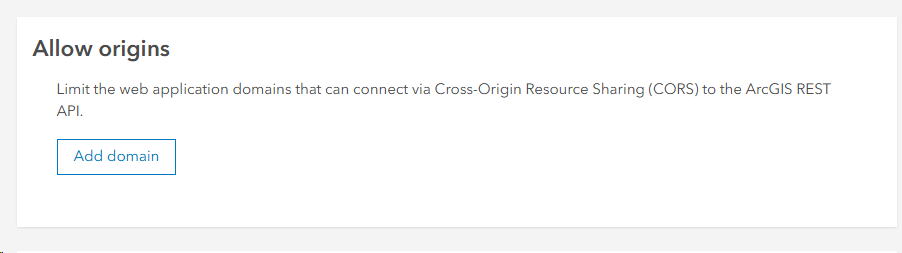
But as one can see its empty. From the description saying to "limit" means for me having no entries at all means "unlimited".
Can this cause the * in the response header claimed by the error above?
When I try to put in my domain "localhost" "localhost:4200" "http://localhost:4200" "http://localhost" that does not work, because I then am getting a general CORS error to be blocked.
Also putting our Webserver where the app is deployed (my.server.local) does not even allow this app. It also stays blocked by these settings.
Seems I missunderstood this setting.
Any help would be appreciated.


