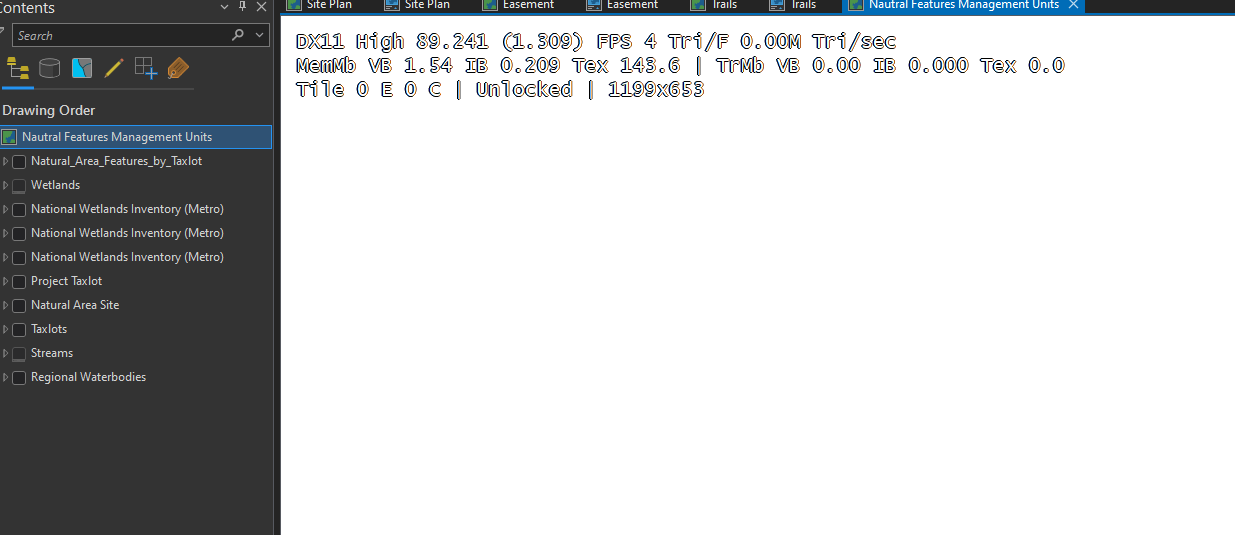
I must have hit a shortcut key in ArcGIS Pro while I was updating an attribute table. It enabled what appears to be imagery tile info at the upper right corner of my layout. I have no idea how to turn it off or remove it. I've remove all my aerial imagery from the layout, and the text still appears. Does anyone have suggestions on how to turn this off or remove this from the layout?