So we have an INTERNAL ONLY server where we store maps that are only accessible if you are on our local network. All of our maps are developed through the Web App Builder process...
- Data compiled, configured, stored and shared as a REST Service from our Enterprise Database Server.
- AGOL Map developed with Layers and Popups configured
- WAB App developed, widgets configured, app downloaded
- App placed on server, unzipped, accessed via Folder name : http://internalservername/appname
So far this is all we have needed. However, we have started to have a decent number of internal only maps that our internal users are constantly cross asking about (i.e., Department X asks about map capabilties already developed and deployed in Map  and we are passing URL's back and forth so we decided it was time to configure a Map Gallery for our Internal Only Maps.
In AGOL we configured an Internal Maps Only group. We shared an AGOL (currently private) map with this group and one that was public. At this point the public map shows up but not the private. We noticed that if we signed in, then it works perfectly. This Internal Map Gallery is supposed to be for INTERNAL USERS who may (or may not) have AGOL accounts. So we need this app to work regardless of who is accessing it because ONLY Internal users can even see it.
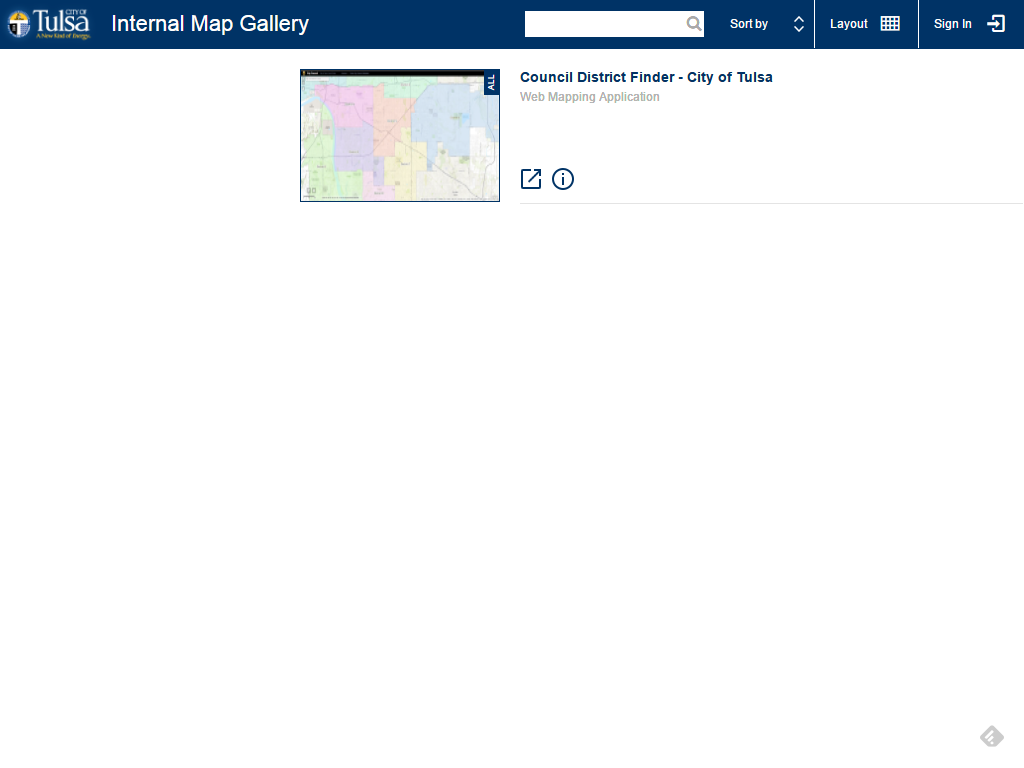
This is what we see when we visit this map. But if we login, we see the following:
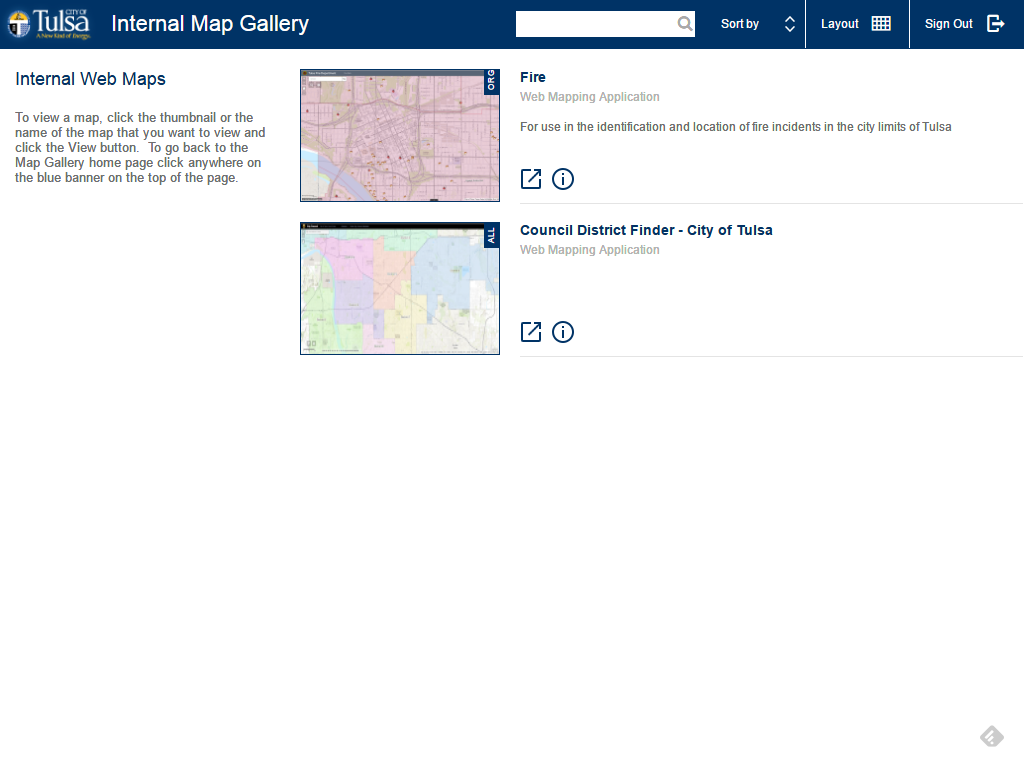
I can't require users to login. Most users have no clue what AGOL even is.
What do I need to do.


