*Edited to better summarize all the behaviors I'm seeing*
When I try to open an aprx from the file explorer, it does not open the project. It only opens the software. Or, if Pro is already running, double clicking the aprx in my file explorer does not open the project, only another blank instance of Pro. The only ways I can actually open an existing project: either find and choose the aprx in the Open Project menu (folder icon button on quick access) -or- click Project tab on the ribbon > Open > choose a project
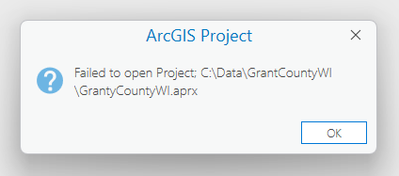
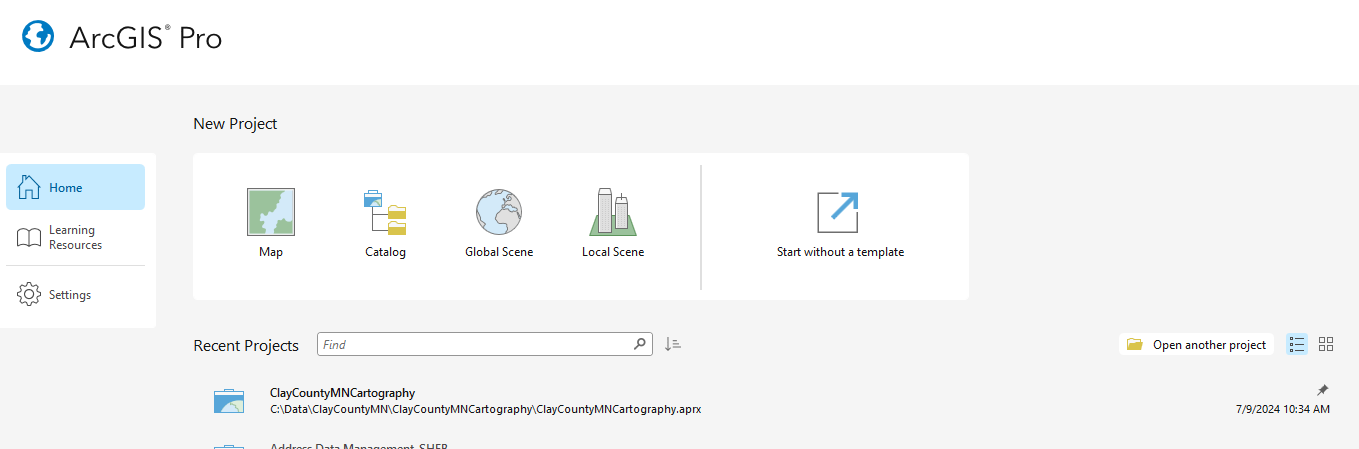
I'm also unable to open a project from under the "Recent Projects" list on the Home screen. I get the following sort of message.
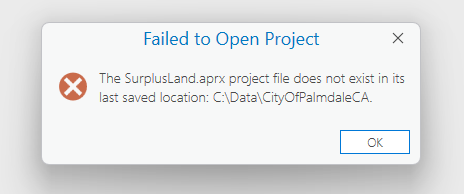
Near the Recent Projects list there's a button to "Open another project". This method gives me a similar error
Besides an aprx not opening as expected, the above methods all seem to lead directly to another issue, which I initially posted about separately: https://community.esri.com/t5/arcgis-pro-questions/map-ribbons-are-frozen-after-opening-a-pro-project/m-p/1495480#M84800
The soundest method I have for opening an aprx is to launch a blank instance of pro from the start menu or task bar icon. Then as EzekielBaye has commented, select "Start without a template". Taking this route, for whatever reason prevents the frozen ribbon and missing quick access buttons issue. From here I can open an existing project with the Open Project menu (folder icon button on quick access) -or- by clicking Project tab on the ribbon > Open > choose a project
Hope this makes some sense and helps to troubleshoot the issue!
Anyone else experiencing this? I haven't found any existing discussions about the issue. I already tried reinstalling Pro to see if it was a glitch unique to my install. The issue persists after reinstalling.


