I followed the tutorial for setting up a WPF map project from https://developers.arcgis.com/net/maps-2d/tutorials/display-a-map/, except using .NET Framework and replacing the reference to the basemap with loading a LocalService
        private void SetupMap()
        {
            // Create a new map with a 'topographic vector' basemap.
            //Map = new Map(BasemapStyle.ArcGISTopographic);
            Map = new Map();
            var layerService = new LocalMapService(@"C:\temp\MMIS_BaseMap.mpkx");
            layerService.StartAsync().ContinueWith((_) =>
            {
                var layer = new ArcGISMapImageLayer(layerService.Url);
                //Map.Basemap = new Basemap(layer);
                Map.OperationalLayers.Add(layer);
            });
        }
This was all working great, but suddenly the local service stopped rendering, or rather it's only rendering a blank canvas, and I can't work out why.
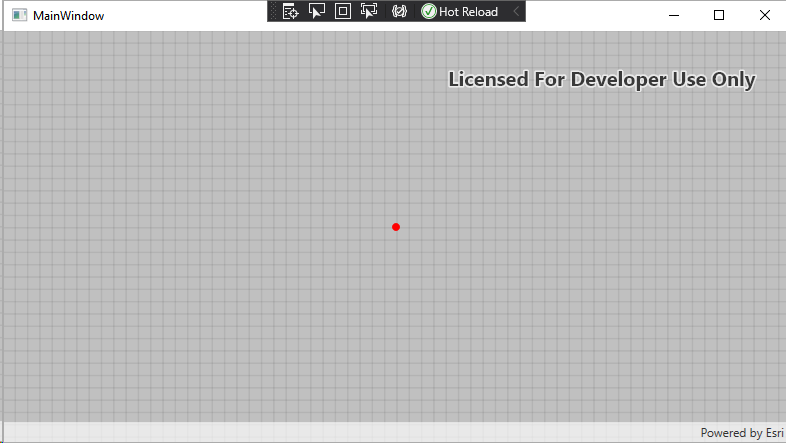
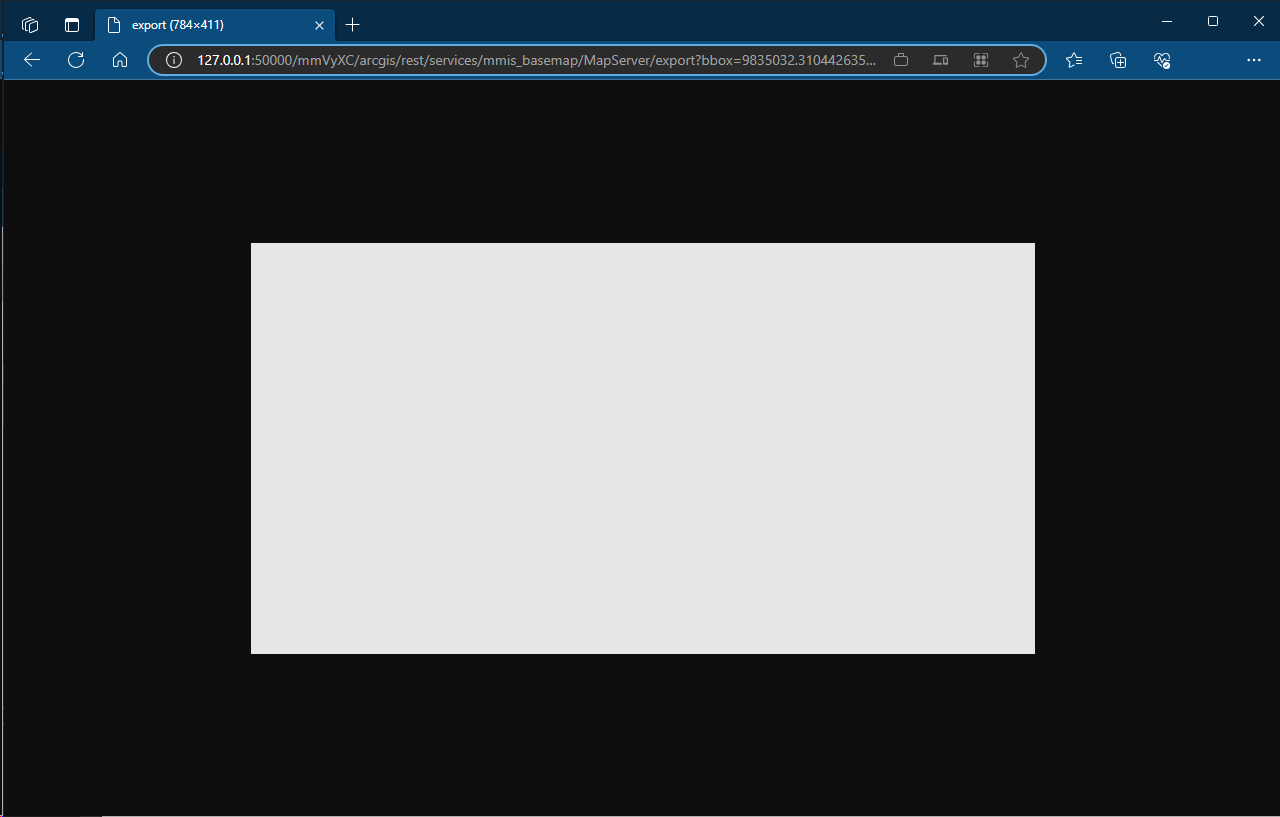
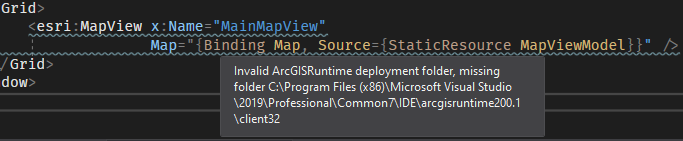
any ideas why? Potentially related is this error in the xaml? I have the ArcGIS Runtime Local Server SDK installed, but there doesn't appear to be any SDK installation that would put a runtime folder in the visual studio folder?
Windows 10, VS2019


