ArcGIS Pro 3.1.1
When I create a mobile GDB spatial database view, I can't seem to open the attribute table directly using 'Open Table' in the Catalog pane.
Steps:
- Create a spatial database view in a mobile geodatabase (view has a geometry column).
- In Catalog, right-click the view and click 'Open Table'.
- Error: Failed to open table.
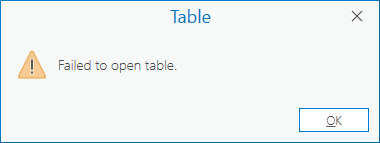
I don't have that problem when using 'Open Table' in Catalog on a feature class. Nor do I have that problem with non-spatial tables or non-spatial views. I only have the problem with spatial views.
Video:

Is that a bug?
