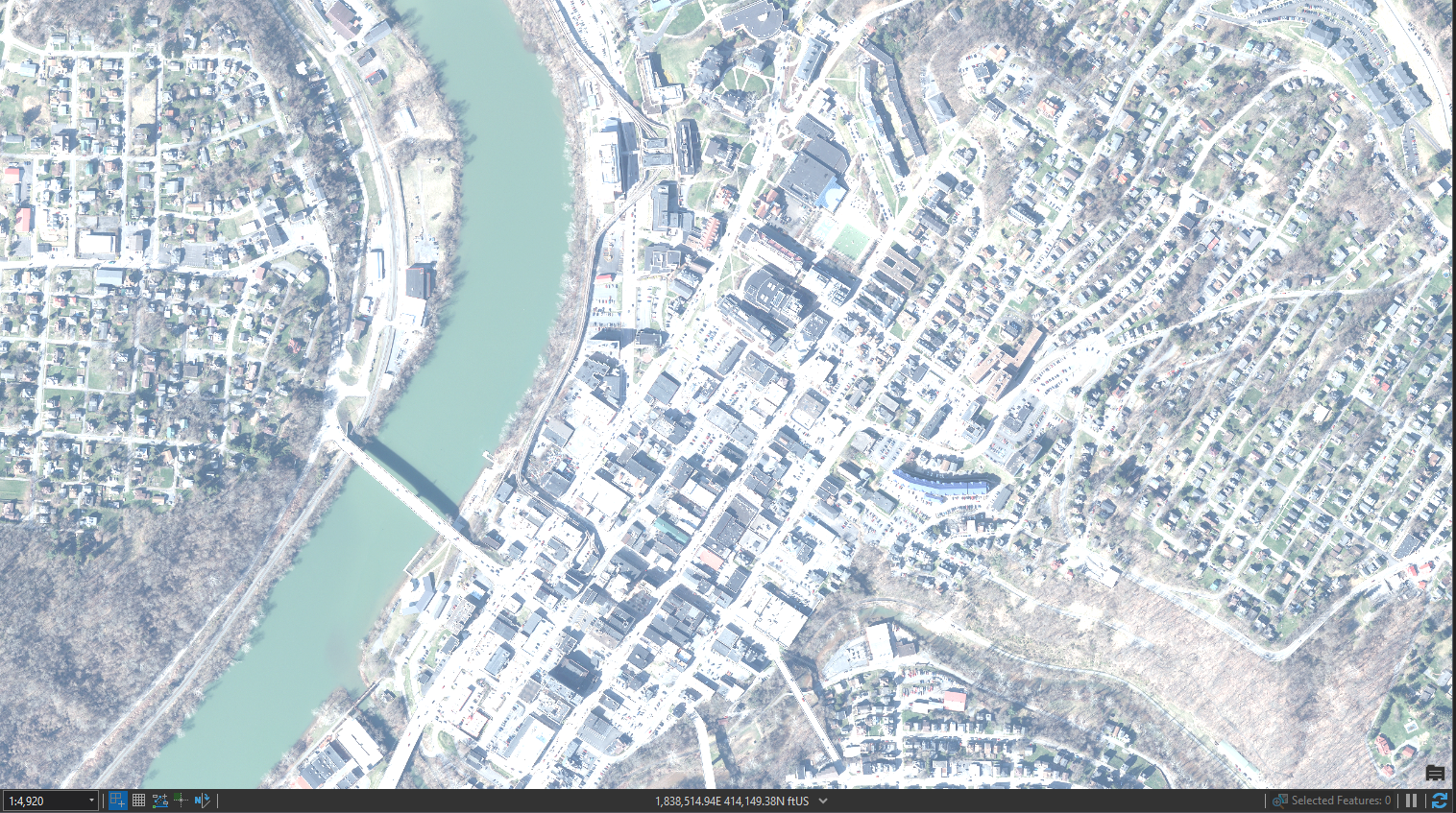
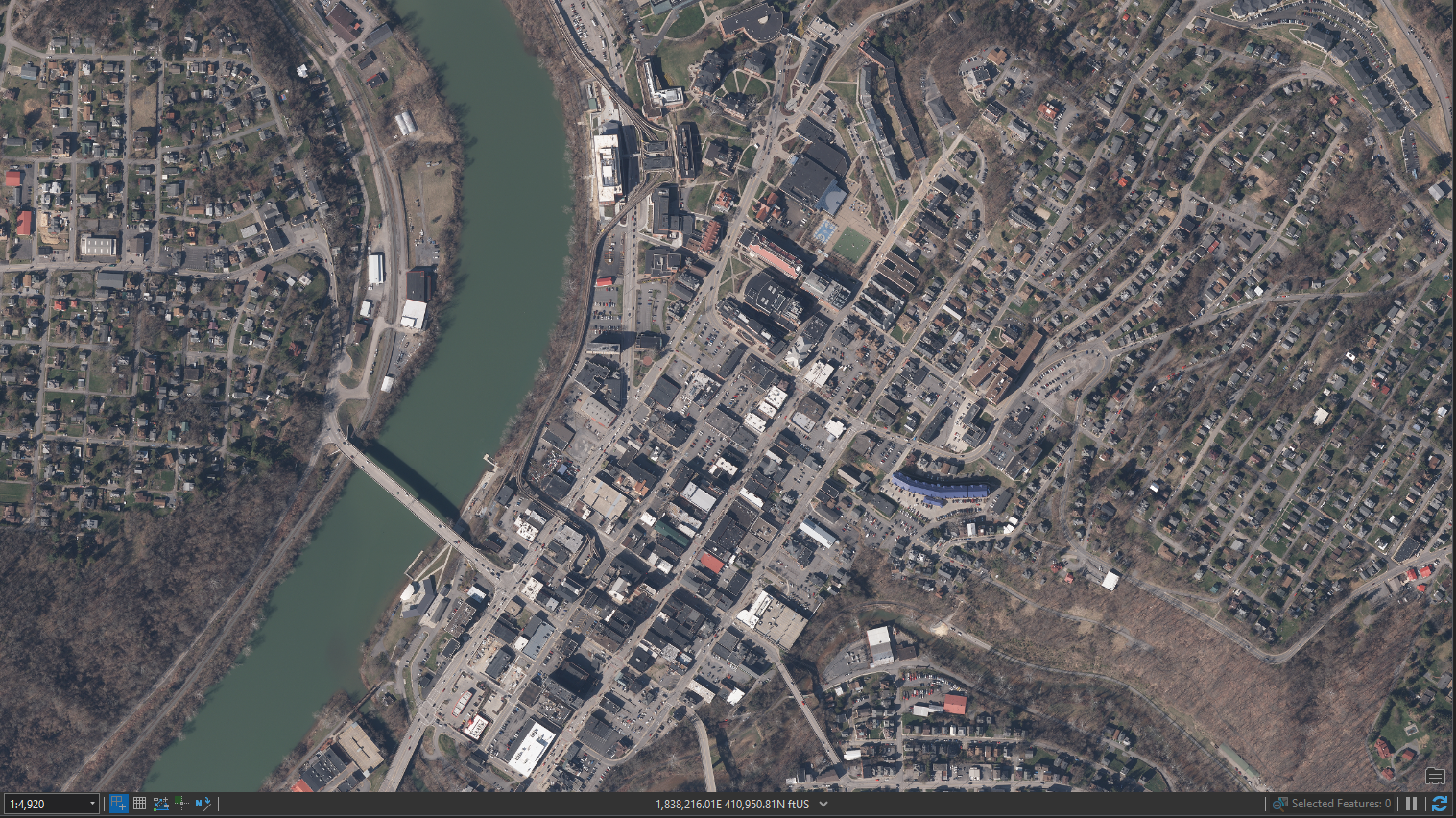
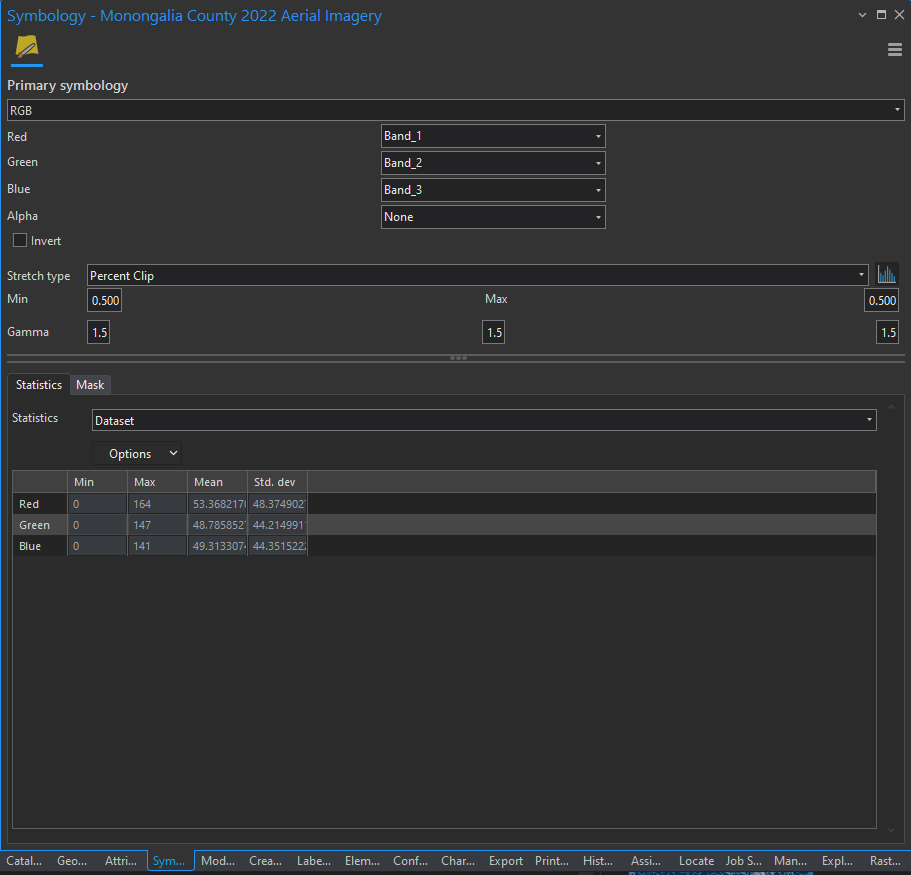
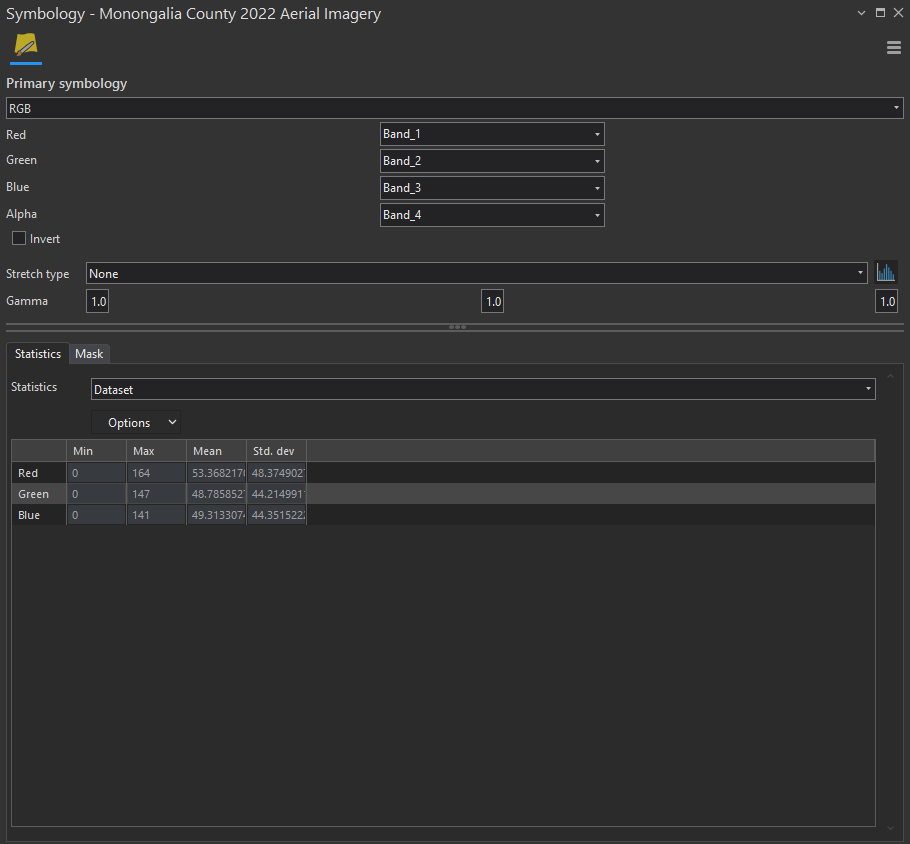
I have tried to think through why this is happening and am needing those in the Community with more Image Server experience than I to sort through this. I published image services through Catalog in ArcGIS Pro as the documentation states. I never saw a setting on setting symbology for the layer - the original file loads in just fine. However, after I publish as an image service through a registered data source, and load the image service, the imagery looks "whitewashed" by default. I know the settings that need fixed (as shown), but am I missing a critical setting that needs to be made so the imagery loads correctly each time?
Default as loaded from Portal:
Correct symbology:
Default settings:
Correct settings:
I greatly appreciate any insight you all can give!

