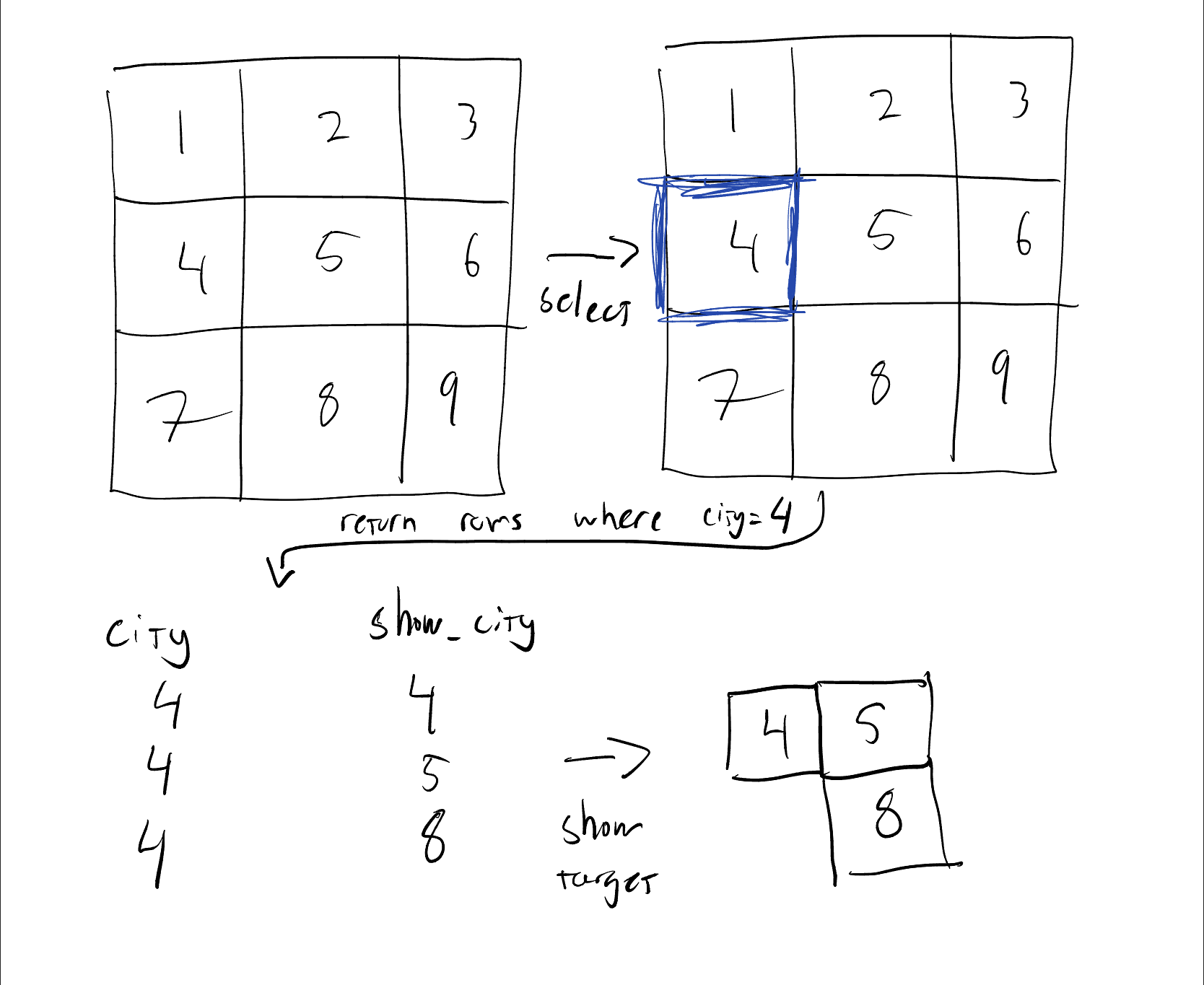
I am using the experience builder to build a map/dashboard, where the user can click on a city, and then have all the related cities showed on the map.
The related cities have migration data, so by clicking a city you would see all the cities where people migrated to colored according to the amount of people. The data is in two layers:
- Polygon layer with all the cities (city_name, id)
- Table with city of origin and city where migrated (same as origin if no migration) example of the table below
| city | migration_city | amount |
| city 2 | city 2 | 23 |
| city 2 | city 4 | 56 |
| city 2 | city 7 | 43 |
| city 3 | city 2 | 2 |
| city 3 | city 9 | 14 |
| city 7 | city 6 | 8 |
What I want to do is to use triggers and actions to select and show cities (see figure). If I click on city 2 on the map, it selects all the rows where "city" = 2. Then I want to show on the map all cities, which are on the "migration_city" in the rows where "city" = 2. Is this possible with experience builder without using developer tools? I can show single features by configuring action and trigger but it never shows multiple, unless I select them all manually from the table.
Figure - desired action