Hello,
I have created an application with Qt using the C++ method. In the QML I declare both a scene view and a map view and set them in my MapManager class. I provide a button on the application to toggle between map and scene views by changing the visibility of the QML objects and in the C++ class I remove the graphics overlay object from the map that is being hidden and adding to the map that is being shown. This mostly seems to work but there are some inconsistencies that I'm trying to work through.
So my first question is whether or not this is the best way to handle 2D/3D combined? If it is not, I want to do it the recommended way before I go any further.
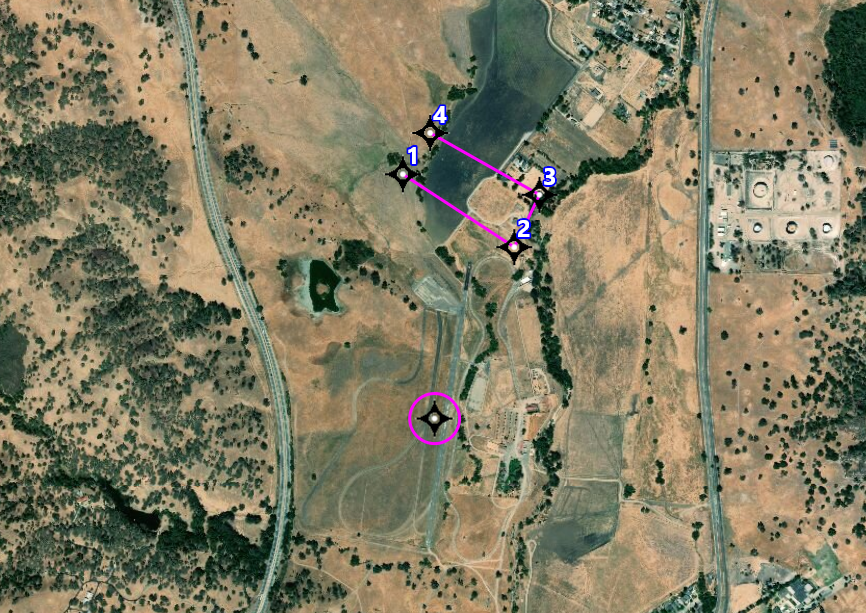
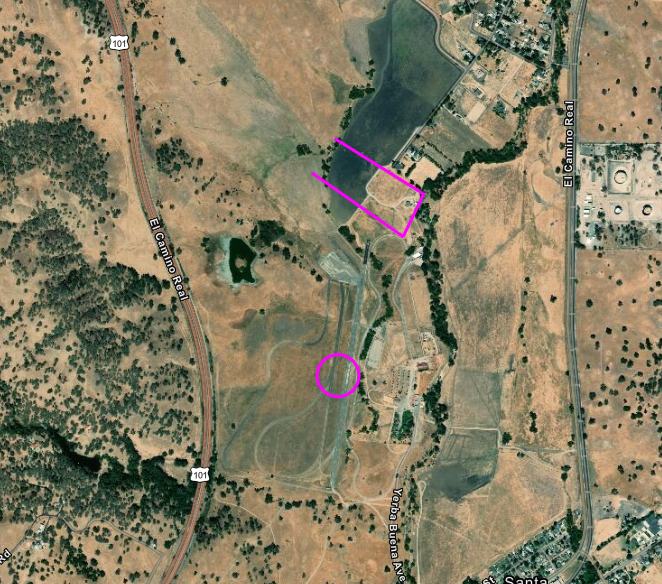
If it is OK, then my follow on questions are related to the inconsistencies that I have seen. The first is that the 2D map is not currently showing the same graphic in the same way that the 3D map is showing it. I am creating routes for use with flying unmanned air vehicles with waypoints at each vertex that has a symbol and a label. There can be different symbols depending on the type of waypoint. On the 3D map, I am seeing all the vertex symbols and labels as expected but on the 2D map I only see the route legs.
3D:
2D:
The next question is kind of similar but in this case, when I set the map to be in 3D at startup and then add a route, the route is not displayed until I toggle to 2D and back to 3D. The route is immediately visible if I'm in 2D mode (albeit missing the vertex graphics) when I add the route. If I am in 3D map mode, then no route graphics show up at all until I zoom in or out and then toggle to 2D and back to 3D.
I've been looking for some way to invalidate or otherwise force a redraw but I am coming up empty there.
I have other questions that will warrant separate posts but I'm looking for the right way to proceed on this first part before I invest any more time going in what might be the wrong direction.
Thanks for any and all help!
Brad DuBois

