This is just a general question, it occurred to me after helping with one of the recent wildfires.
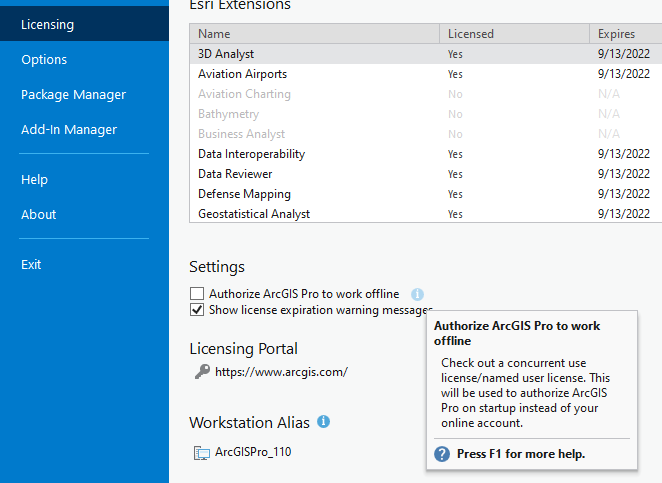
Say I come in one morning, start my machine, and there is no Internet access. How can I get Pro to start (we have named user licenses so they are stored online)?
From the tech-support article (here) it does not look good –
SpoilerQuestion 3: What do I do if I have lost my internet connection and my license is stored online?
Answer: You can continue to use Pro for up to 24 hours after losing internet connectivity, as long as you do not shut down the ArcGIS Pro application. If the application is shut down, you will be required to log in again, which requires an internet connection. At the end of the 24 hours, the user will have the opportunity to save their work.
This has got to be a common question, what am I missing?
Thanks,
Tycho