I'm new to portal and am figuring out web adaptor and such. With Server, you can easily turn off administrative access from outside your server, but I haven't found an option like that with portal, thus I seem to be able to reach www.mywebsite.com:7443/arcgis/portaladmin from any computer. I cannot login because the response from my server times out and it shows my FQDN with the message. The login button doesn't even get as far as taking me to the next page where I can enter my credentials before showing the timeout. Still, it seems like I shouldn't have this page exposed to the internet when I'm not logged into the server machine; am I correct in my thinking? If so, what do I need to change?
Other possibly relevant information:
- Using default self-signed certs
- Using built-in ArcGIS logins
- Allow access through HTTPS only
- Disabled anonymous access
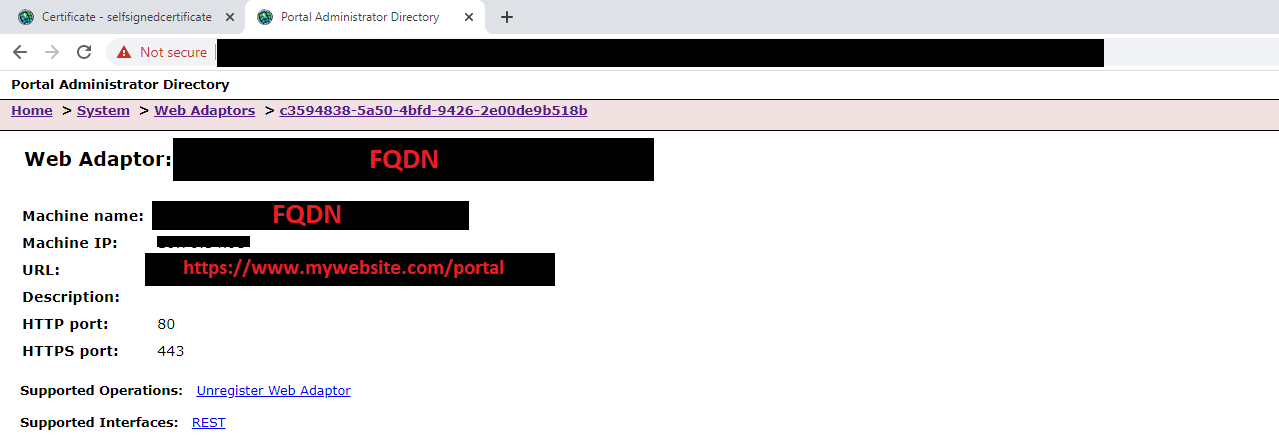
When I am logged into the server machine these are the settings of the web adaptor: