Hello, I have a tabbed theme Story Map we created from the Classic Story map app. We have created additional story maps in the classic version of the app so that we can create 'sub tabs' within the parent story map so that it looks like this:
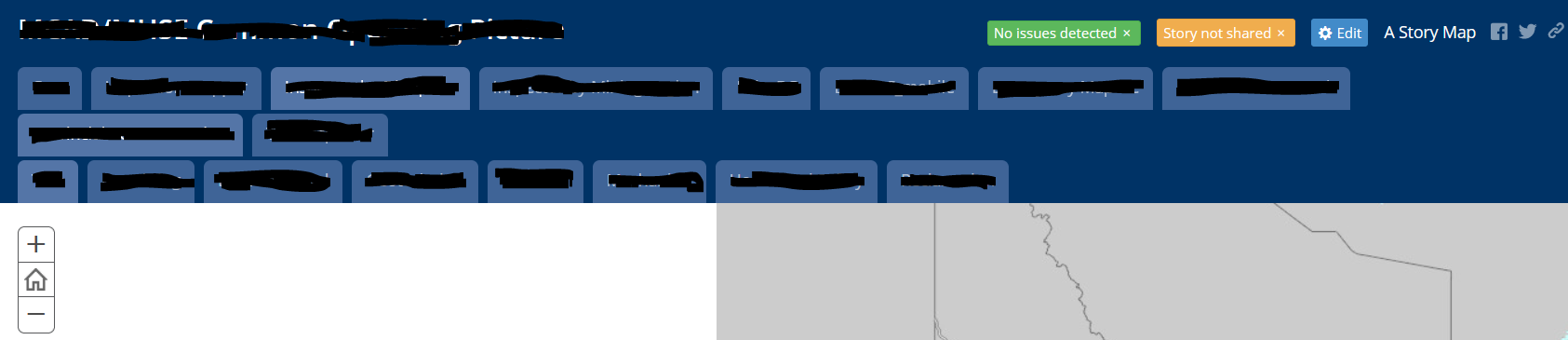
So, as you click through all the top level tabs, each one will show some second or third tier tabs that were created by embedding additional story maps to create the tiered tab experience. To do this, I simply click on the 'Edit' button in the top right corner which opens up a few options below it:

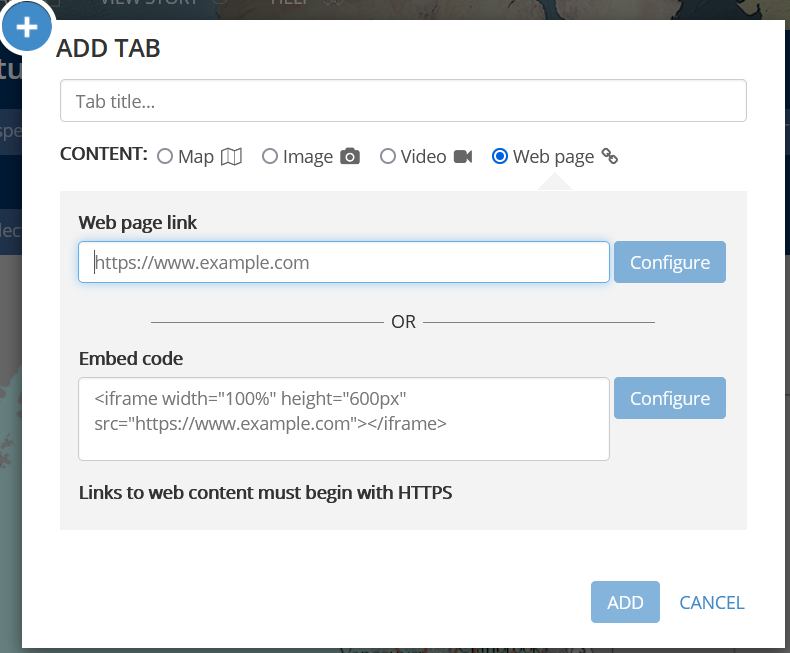
I click the 'Add' button and I can add a new tab. A dialogue opens where I can add a web page and then I grab the URL of another Story Map that has some of it's own tabs created, paste it in and it will populate the tab with the additional Story map and the new tier of tabs.
Here's my issue:
Today, I have decided to configure a new story map using the New ArcGIS Story map app. I've added some content to a 'Collection' and published the new story map. I want to embed this new story map under a new top tier tab in my original classic story map but I am getting the following message:
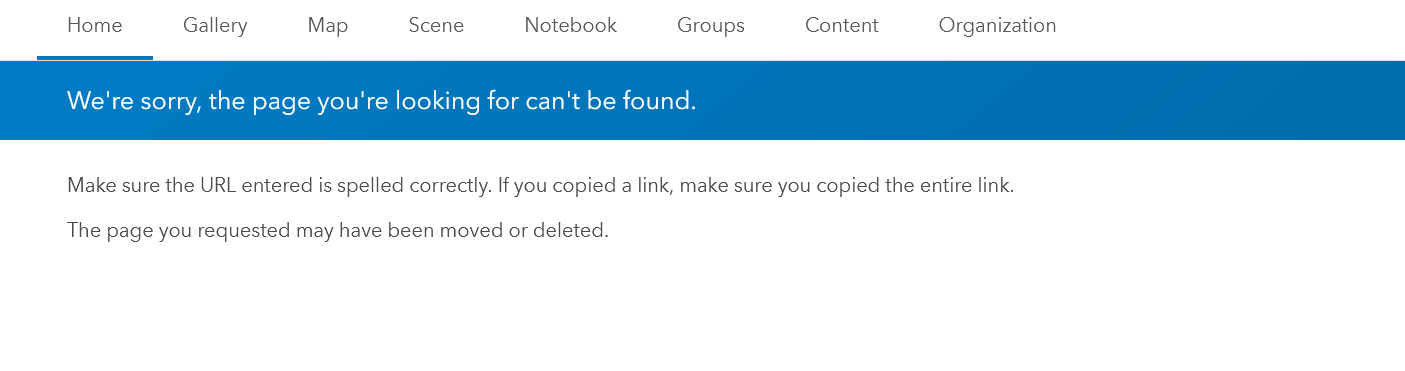
I have checked and re-checked the URL. I have grabbed it both from the Item page of the new ArcGIS Story Map and the URL from the Address bar after I open the Story Map and I keep getting the same behavior. I have even created some very simple test Story Maps and re-tried adding to the Classic Story map and I keep getting the same behavior. For what it's worth, all my URL's use https as opposed to http (I've read that http can cause some issues) so that doesn't appear to be my problem. I'm out of ideas and options. Can anyone suggest a solution? Thanks


