When creating an imagery workspace in Pro (2.6.2), using the New Workspace tool, the tool doesn't seem to recognize the folder that contains the imagery. Step 1: type is set to drone and basemap is set to Topo. Regardless if I check "Import and use existing image collection", the issue still happens.
On step 2 with the import box checked from step one:
When I select browse then navigate to the folder containing all of the images, the tool is wanting me to select an image and a band... as if it doesn't recognize that the folder contains images...?
A similar issues happens while trying to import induvial images, it wants me to select a color band, not the image.
The file type for the image(s) is JPG.
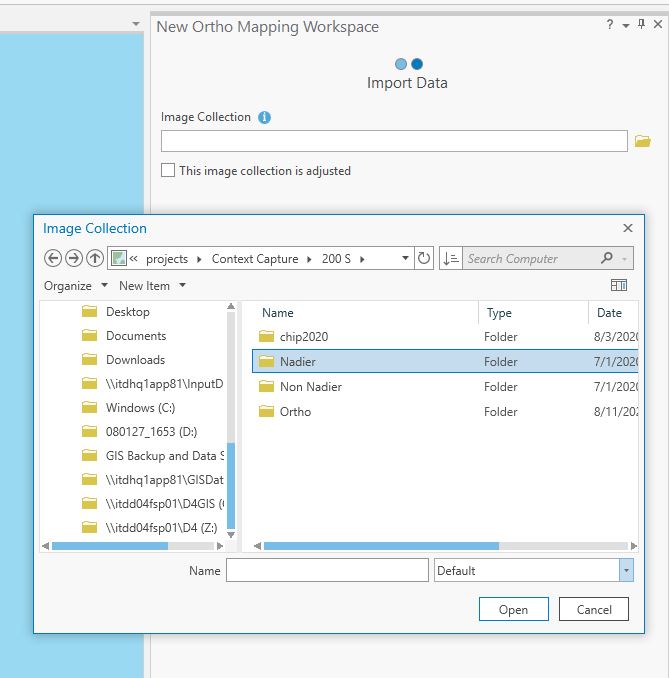
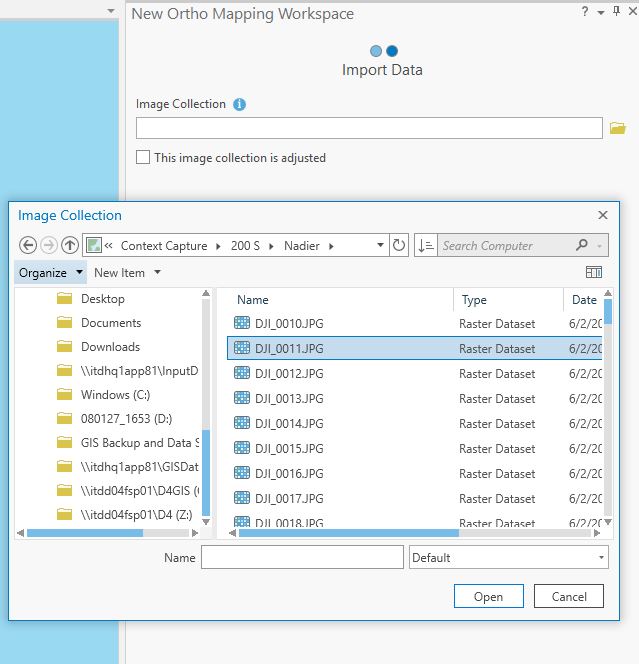
It will not allow me to import all of the images like i have in the past. the issue is frustrating me.
Any help would be much apricated! Thank you in advance



