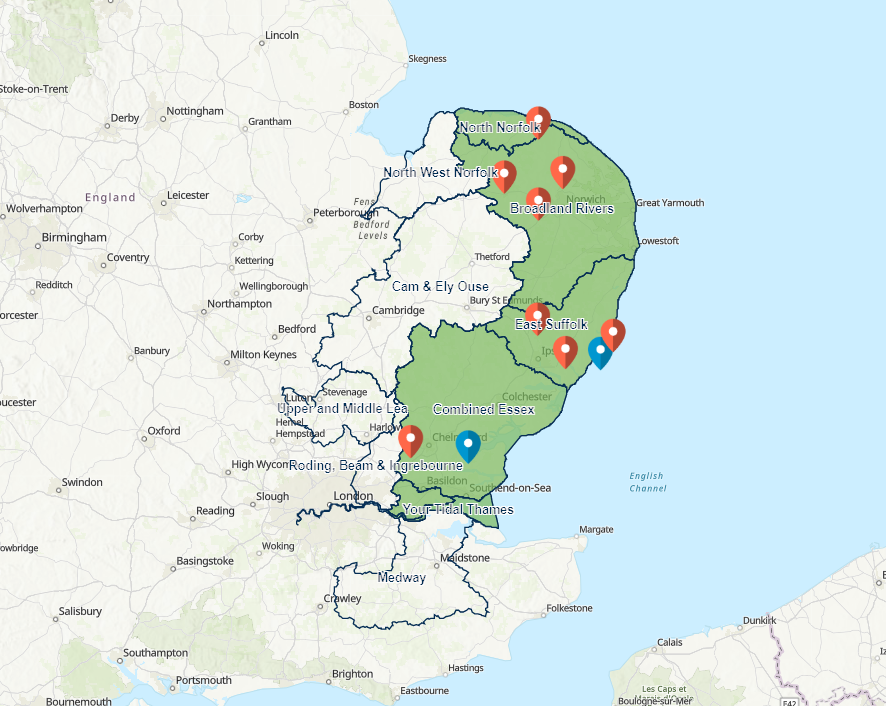
When using the spatial filter action in the list or the header panel features around the boundary of the intended filter area are captured also. The features are not inside the filtered boundary but are surrounding features. In the image below only the green area should be shown but additional areas are selected. This affects the visual appearance of the dashboard and looks untidy when using it to show areas of interest.