I have maps within apps that are embedded into a Storymap beta, but my pop-ups are not popping up correctly. After trial and error, I believe this is because of the map size setting within the story map and/or the size of the screen I am using. When I use a small screen (15 inch laptop) or a small map setting, pop-ups do not pop up.When I refer to the map size setting, I am referring to the option of making the map different sizes after I embed it into the story map.
When I use my large monitor, the pop-ups only pop up when I use the large size map setting, like this: When I use a smaller map setting (on my large monitor), the pop-up does not pop up, but only gives me the option to click on an arrow:
 The arrow brings me to this pop up window: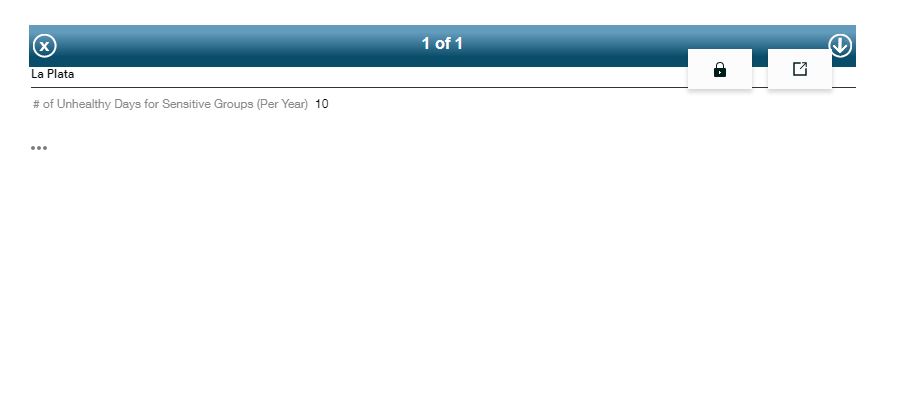
When I use my laptop screen, even if I use the large (or small) map setting size (on story maps), the pop-up does not pop up, but only gives me the option to click on the arrow.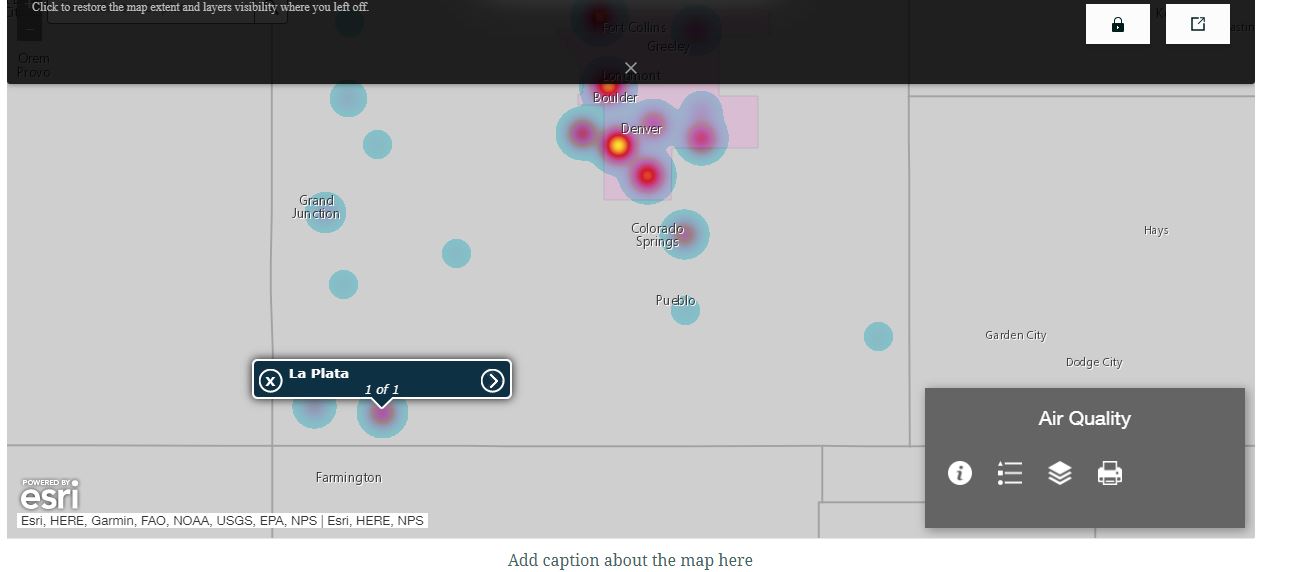
Is there a way to fix this? I am making a product for general public users, who will most likely be using it with laptops, and not large monitors. I would like them to see the pop-up automatically, without have to click the arrow, which defeats the purpose of a pop-up.
Thanks you Esri community!

