I'm sharing a solution to a problem I encountered this morning that took some light head scratching to figure out.
I have a repeat table that I want as read-only since the repeat data is collected elsewhere but it should be available to be viewed by someone using this form. I discovered that if you set the readonly column to 'yes' for the repeat that it disables the arrows to scroll through the repeat records. I tried using just the 'query' on the bind::esri:parameters column or allowing updates and edits and still no arrows to scroll through the repeats appeared.
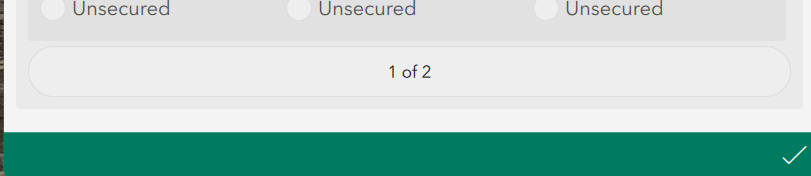

I removed 'yes' from the readonly column and republished the survey and navigation arrows returned. To make a repeat table read-only, in the bind::esri:parameters column use both allowAdds=false (turns off ability to add new repeats) and allowUpdates=false (turns off ability to allow updates to existing repeat records) and leave the readonly column blank for the begin repeat question type. Then you can see your repeats and scroll through them too.


