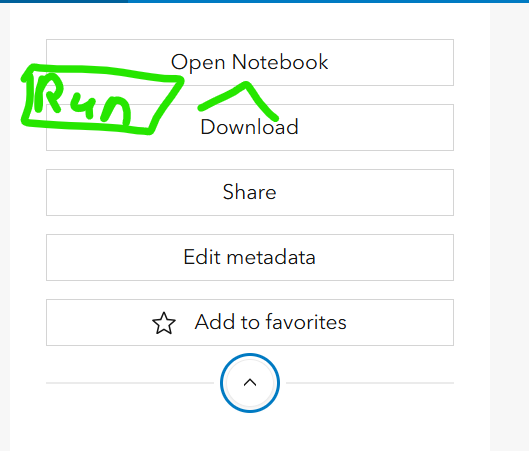
My understanding of running notebooks is that you can 1. schedule a task, which starts a session with the user who created the task and runs in the background. The other way is 2. Open the notebook and run the cells, and this starts a session with the current user. Running a script this way, the notebook/tab needs to be open, or else the session will stop.
Adding a "Run Notebook" button on the item detail page under "Open Notebook" would be an efficient way to allow the user to run a one-off session, so you don't need to schedule a task for time outside its original schedule or suffer through having the notebook session open the whole time. There are caviats to this functionality; not all notebooks are press run and go. This would be ideal for scripts that are task eligible and maybe just need to be run outside the original schedule for any reason.