In WAB there was a SUMMARY widget (not INFO SUMMARY) that lets you select a layer, then aggregate things like the count, max, min, values of the features in a nice panel at the bottom (which crucially, does not interfere with the table widget or sidebar widget at the bottom of the screen). This widget also provides the option for the user (not developer) to turn on and off clustering with the widget activation.
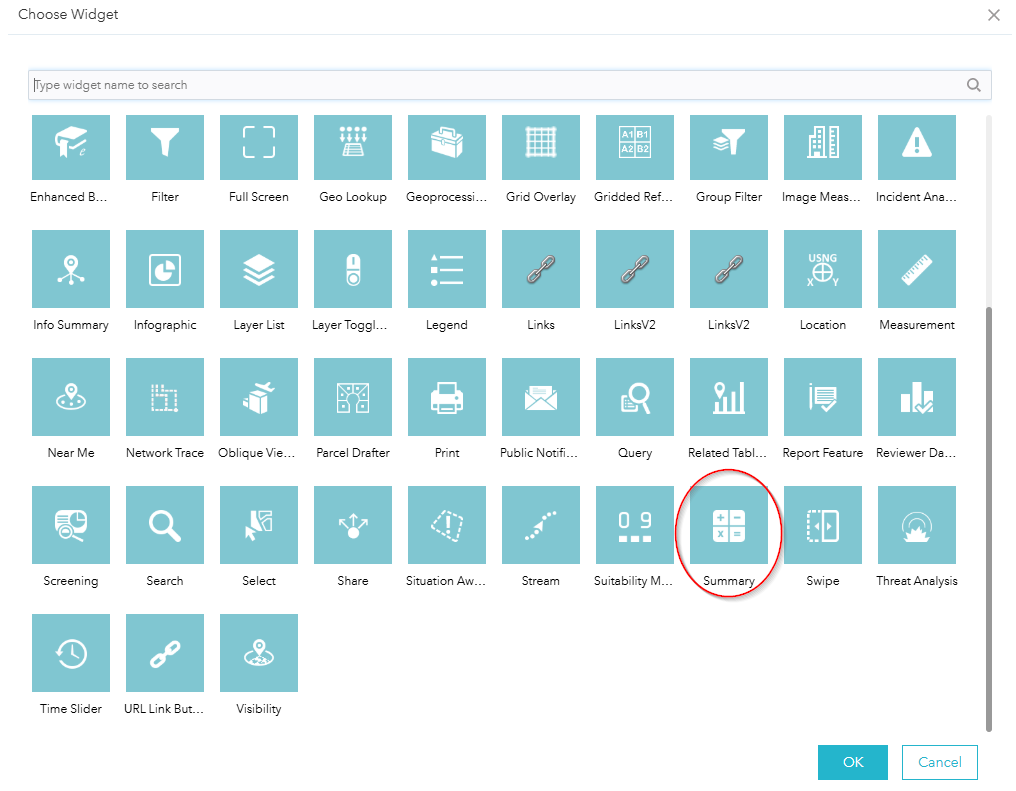
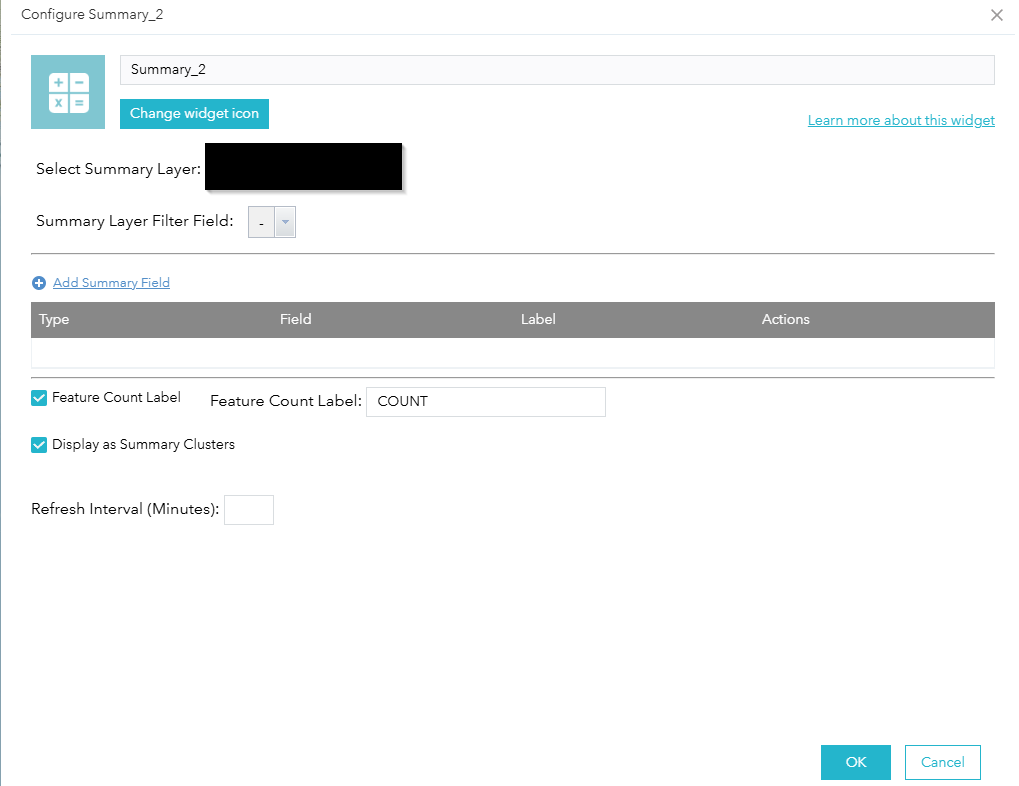
How do I recreate this in Experience Builder?
I know about dynamic text and setting the 'connect to data' option and then inserting attributes, but I would like this to work with a single button click, and also activate or deactivate clustering on the layer at the same time. And I also know about setting the map widget's extent changes action to trigger a text element, but nothing seems to make them work together like the WAB Summary widget.
Ideally I would like a click in the widget controller's button to trigger opening a panel, like a sidebar (but I already have a table in the sidebar, so do I add another sidebar?) and then display the dynamic text element in that panel, and enable turning on the clustered layer as well. And then another click on the controller button will reverse all these. How do we reproduce this workflow in Experience Builder?

