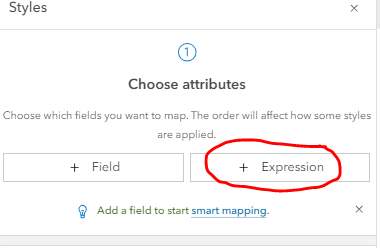
How can I display features based on dates using ArcGIS Arcade? For example, no dates that exist in the future. Only starting from the current date or prior. This should be possible with a style expression correct?
This is the live csv: https://cwwp2.dot.ca.gov/data/d7/lcs/lcsStatusD07.csv (the fields to be used would be the closureStartDate and closureEndDate)
Yes, you can do that. You'd want an expression like:
return Iif(
  DateDiff(Today(), $feature.yourDateField) >= 0,
  'Past/Present',
  'Future'
)
Then simply leave the "Future" category out of your symbology, or set it to be completely transparent.
Thank you! This works nicely.
Aangemelde leden kunnen berichten plaatsen, updates volgen en meer. Nieuw hier? Registreer een gratis account.
Find useful guides, FAQs, and documents to help you navigate and make the most of Esri Community.