Hi,
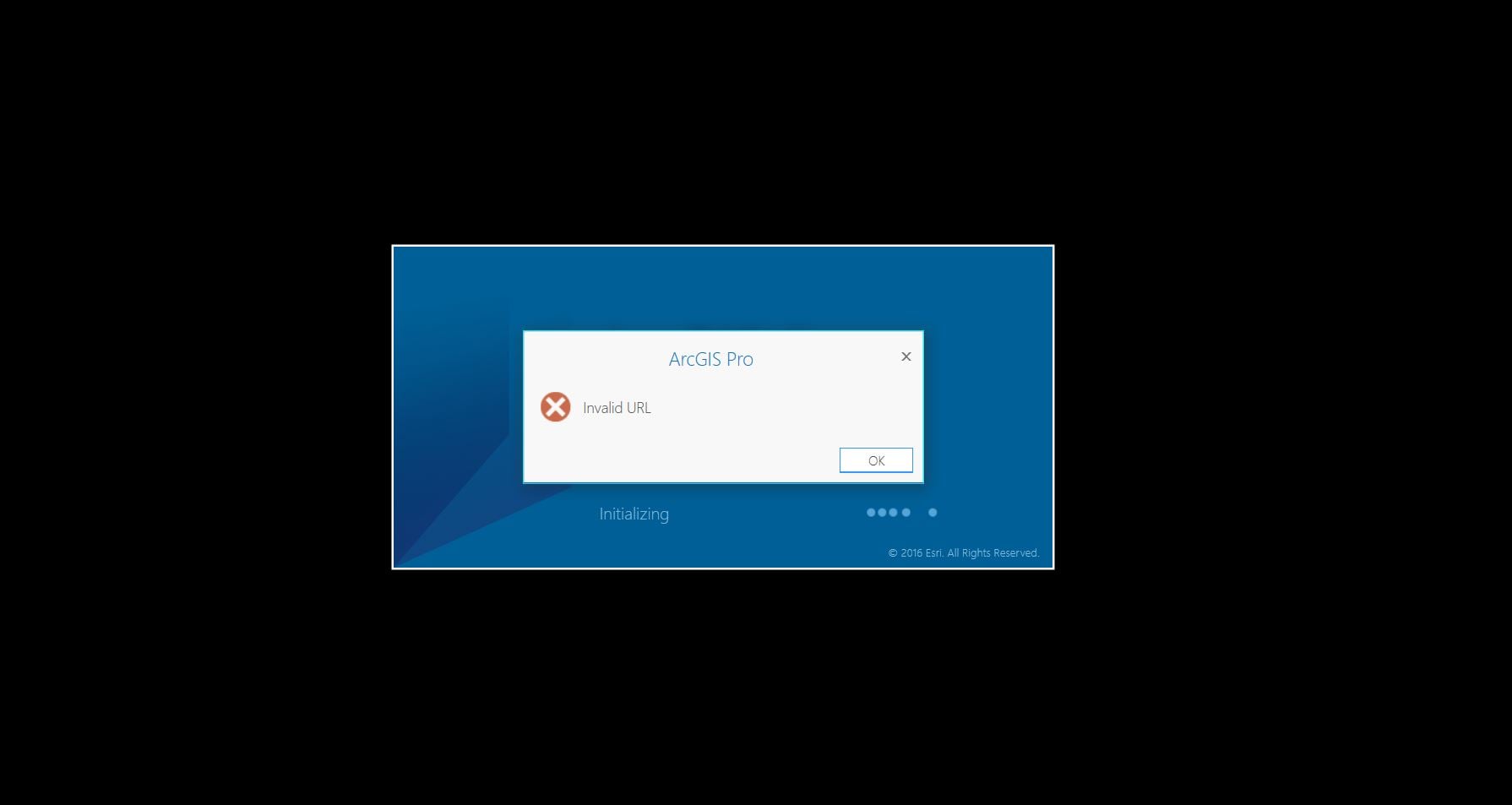
This (please see the image below) ArcGIS Pro error occurred ever since I downloaded the app’s latest version.
Note:
Anyone please let me know the perfect working solution for this problem.
Best regards,
I had this error this morning, but rebooting my computer seemed to resolve this issue. Hopefully, it is as simple as that.
Updates should not affect online or offline licenses. Please contact Technical Support if you have this issue. If this is a bug, hopefully we can find a reproducible case to troubleshoot.
I faced this problem today and the solution was to switch windows user to another user it will run ARCGIS PRO and then switch to your original windows user and rerun ARCGIS pro you won't have this message again and all will be ok.
BR,
Mai Ghaly | MCTS | Presales Consultant
http://linkedin.com/in/mai-ghaly-gazar-06485646
Brian - was your ArcGIS Pro license Offline when your computer shut down? If so, I'd recommend you reach out to Esri Support Services to see about resetting your license.
Has anyone found a resolution for this error? I have same problem which started while using ArcGIS Pro when my Surface Pro battery ran out of juice and shut down unexpectedly. After plugging in and turning on, I now cannot open ArcGIS Pro.
I received this error when trying to log in on my desktop computer because I had ArcGIS Pro checked out (for working offline) on my laptop. It would be helpful if the program was able to identify this as the issue, as "invalid URL" suggests a different problem...
What happens if you just use www.arcgis.com and then use your credentials?
I suggest you contact your local Esri Tech Support to resolve the issue.
And always keep in mind that your ArcGIS Pro license must be checked in (not offline) while installing the software update.
Aangemelde leden kunnen berichten plaatsen, updates volgen en meer. Nieuw hier? Registreer een gratis account.
Find useful guides, FAQs, and documents to help you navigate and make the most of Esri Community.