The problem I'm facing by the moments is that the toScreen operation seems to be ignoring the z value in a determined map point, in which are being passed of course x, y and z values.
After running toScreen the 'flattened' x and y values seem to point to an object at sea level (with elevation 0). Unfortunately in this case, we would need the screen point to work with elevated coordinates (on top of a mountain).
Here's a sample of the code:
const translatedPoint = {
x: htmlDef.point.x,
y: htmlDef.point.y,
z: htmlDef.point.z,
spatialReference:{
wkid: this._scnview.camera.position.spatialReference.wkid
}
}
const convertedPoint = _scnview.toScreen(translatedPoint)
The behaviour:
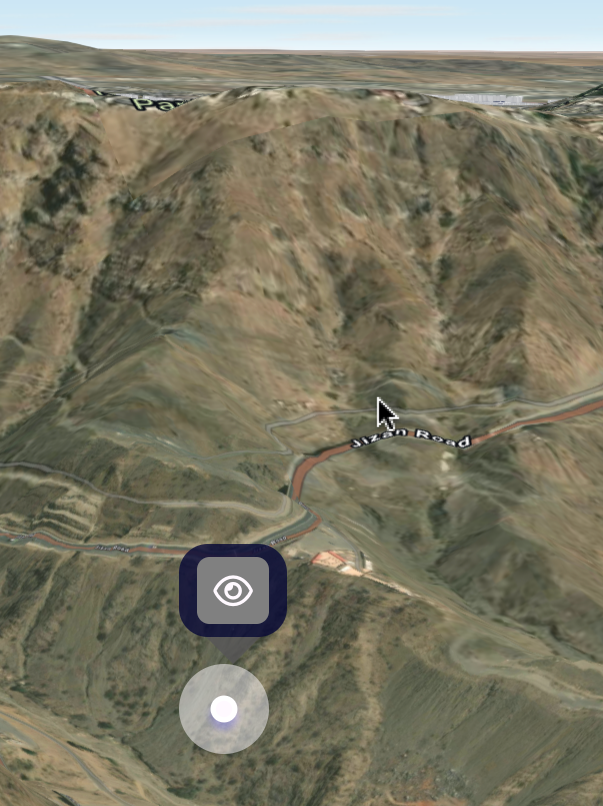
The z value of this point is 2000, which corresponds with what I have found from the sceneView camera.
Is this functionality actually being covered by the toScreen option?. If not, is there any alternative function that could handle this?.
Many thanks,

