I have found that the View in Table action from the Map Layers widget behaves differently from viewing a layer with the drop-down menu in the Table.
For the Table widget, you can Configure Fields and "Select fields for initial display." When you view a table from the drop-down menu in the Table widget, you see only those selected fields:
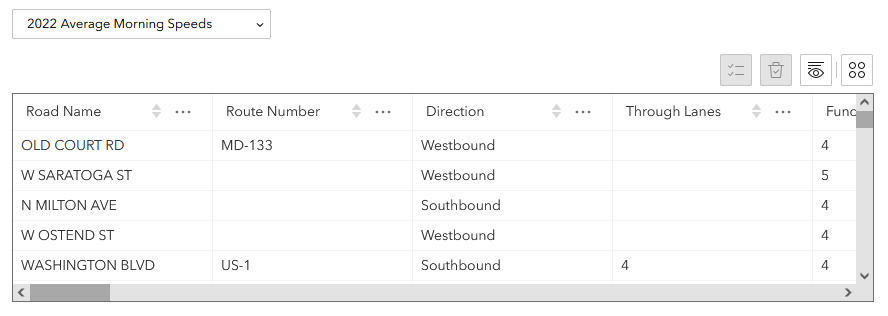
However, if the user clicks the View in Table action from the Map Layers widget:
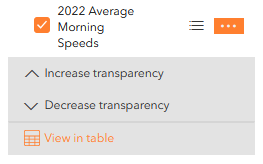
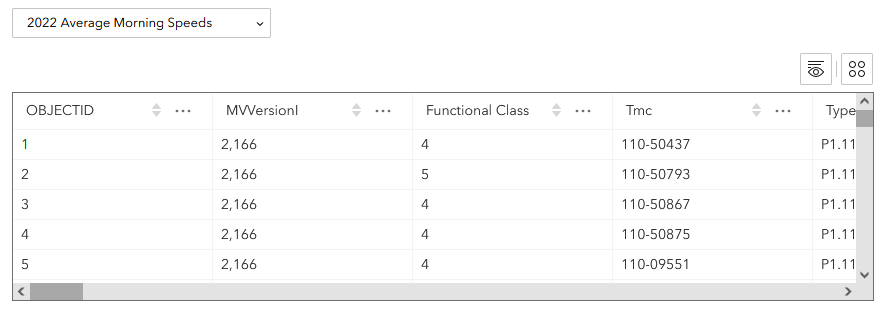
Then the Table will display all fields in the data, regardless of the table configuration:
Am I missing some setting or method for configuring this to match? I would like to prevent users from seeing many of the fields in this table that are extraneous to the purpose of the app.


