I have a posted field maps map with a popup set up with the popular custom URL capability to auto open up a Survey and autofill survey questions with values from the original Feature Class from the Field Map app.
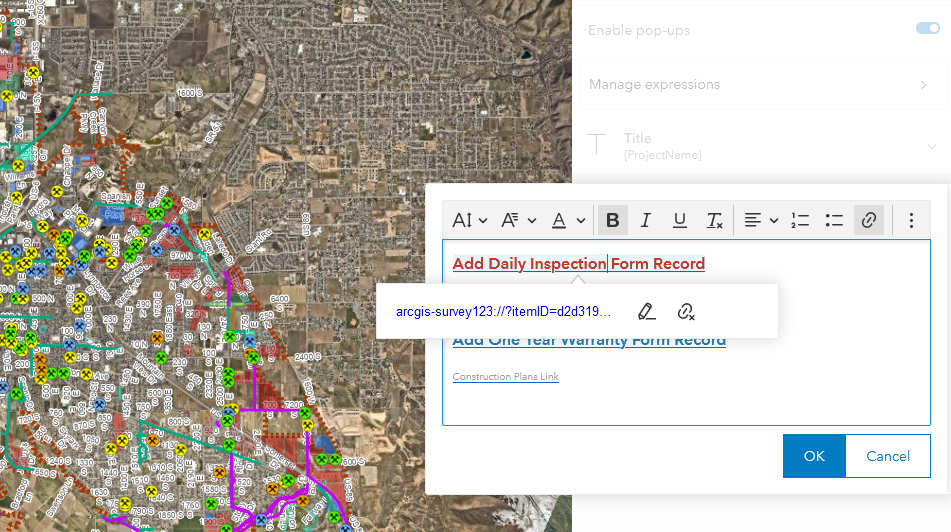
Link shown in popup text: arcgis-survey123://?itemID=xyz&field:Rel_GlobalID={GlobalID}&field:Project_Name={ProjectName}...ect
Survey is made through S123 Connect version3.15 and uses an existing enterprise feature service to edit a Related Table to track inspections on subdivisions in our city. My issue is that if the Project Name or any other fields have a special character such as # or & it will cut the rest of the value from the field it is pulling from. If i remove the special character from the attribute, the entire value pulls into the survey properly. This issue occurs only on tablets. Windows desktop it has no problem. Is it an issue with it pulling the attribute through a URL and # and & characters are not allowed through URL's?




