Dear ArcGIS Support,
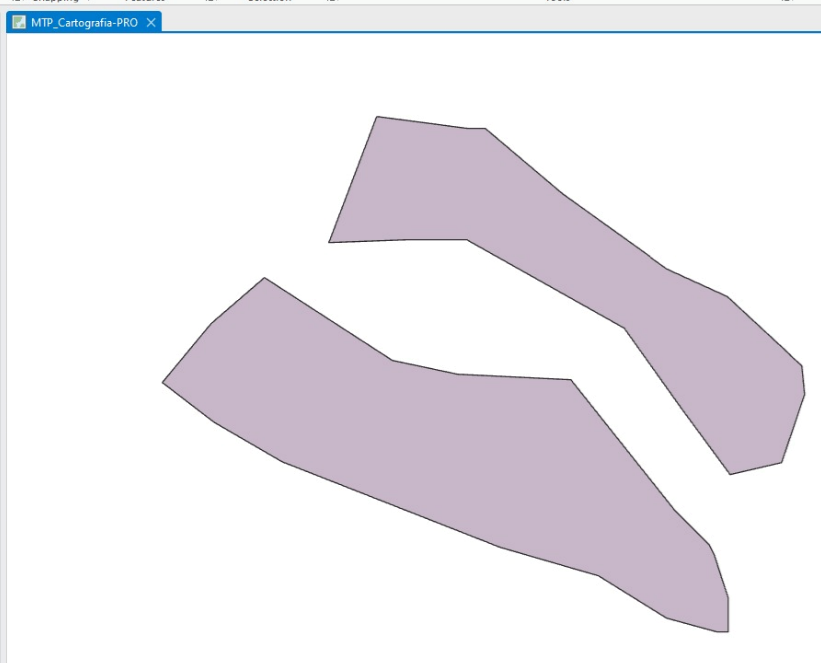
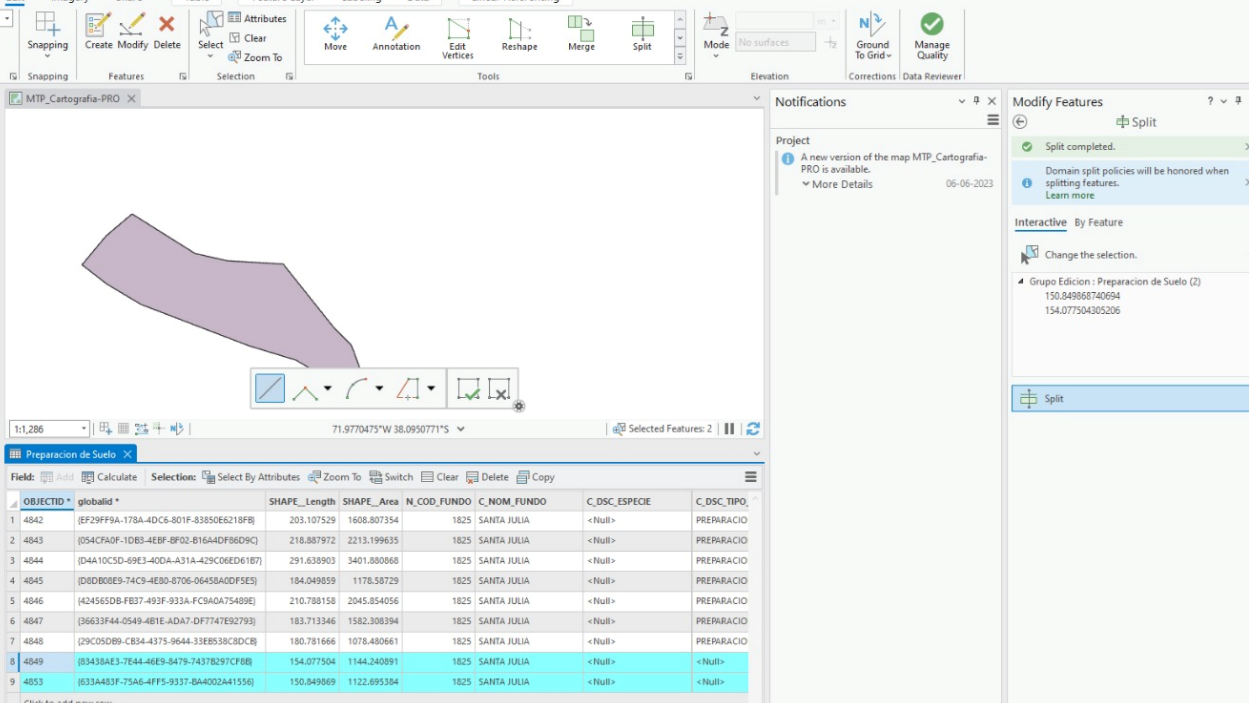
I am experiencing an issue when using the Split tool in ArcGIS Pro. Upon splitting a polygon, the figure disappears from the map. Although the resulting two polygons still exist in the attribute table, all of their fields are set to null and they do not inherit the attributes from the original polygon.
Here are the steps I have followed:
- I select the polygon I want to split.
- I use the Split tool to draw a cutting line and split the polygon.
- The figure disappears from the map and the resulting polygons in the attribute table have all fields set to null.
I have checked the geometry of the polygons and it appears to be correct, and I am using the latest version of ArcGIS Pro. I would appreciate any assistance you can provide in resolving this issue.
Thank you for your time and I look forward to your response.
Best Regards
Rodrigo Lama.




