I have a few novice questions about overwriting an existing feature service with an updated layer from Pro.
I went through my local version of the layer, reordered my fields, realiased many of them, and deleted others. I did not change any field names. I overwrote the online version of the layer successfully -- when I open the data tab on the item detail page, I'm looking at a table with the new field names and the old fields removed.
Ex. I added (Census) to the fields originating from the Census.
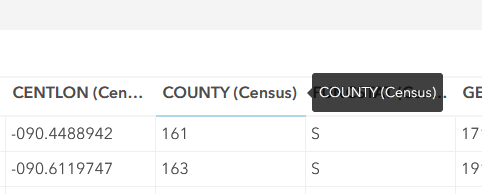
So far so good.
I start to run into problems in New Map Viewer where I have begun creating a map with the layer. From this help article, I understand that things like symbology will be pointing to the old fields still and I'll need to update that -- but when I click Fields on the right toolbar, it still shows me a list of my old fields.
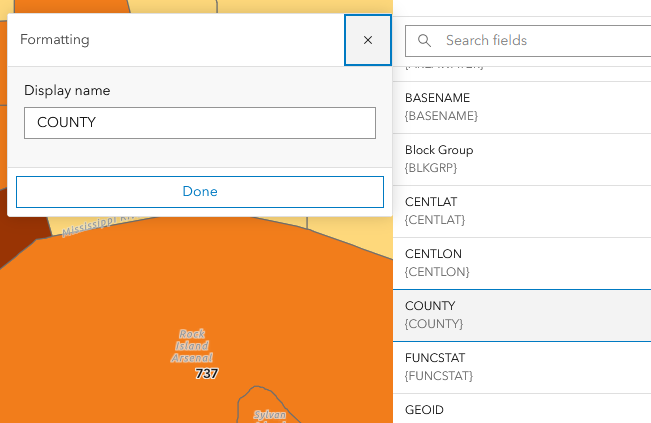
Same when I go to symbology.
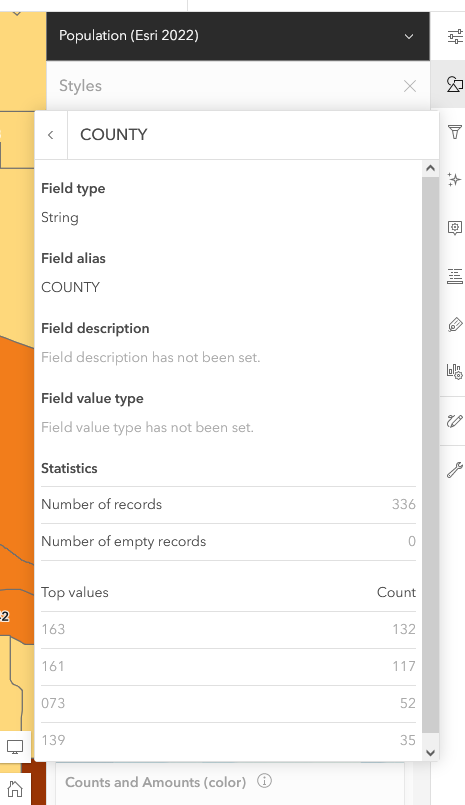
And after resetting to source layer properties -- same thing.
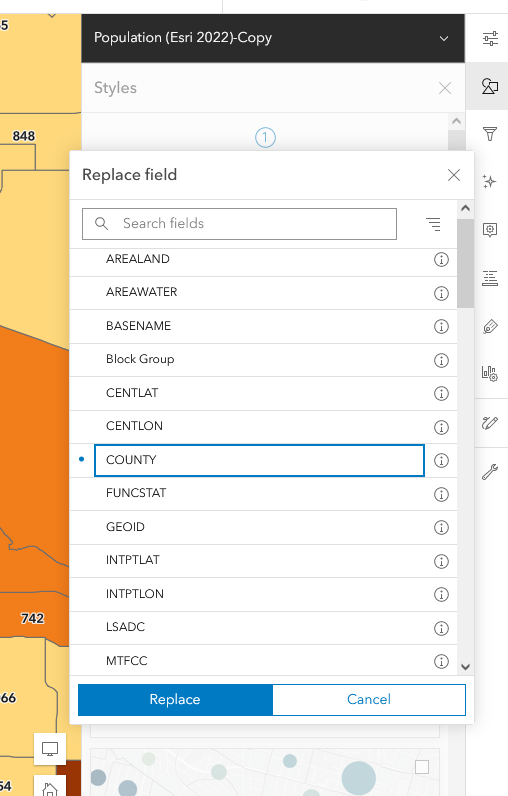
If I add a new copy of the layer, it shows the new fields, but no aliases.
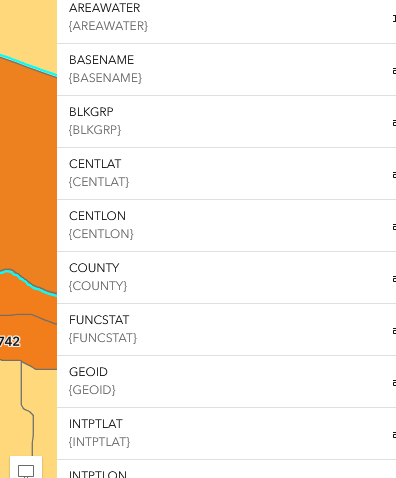
Just seeking some clarity on what's going on here and how I might remedy without reconfiguring -- I have about a dozen copies of this layer in the map each with unique symbology, labeling, and pop-ups. In regard to those things, the layers still seem to be working properly, but I'd like to further modify my pop-ups and labeling which is difficult when I'm seeing extraneous, deleted fields and indiscernible non-aliased field names.




