Using the theme tab, colors can be quickly and easily set in an instant app. Unfortunately any updates to the theme is not applied to the Introduction Panel (aka Splash Screen for former webapp users)
It seems the only way to currently change the Introduction Panel is to add Custom CSS to match the theme of the rest of the instant app.
While it is possible to change the colors with CSS, it makes updating colors to the instant app much slower, as both the Theme colors and the Custom CSS needs updated anytime you wish to adjust the instant app colors.
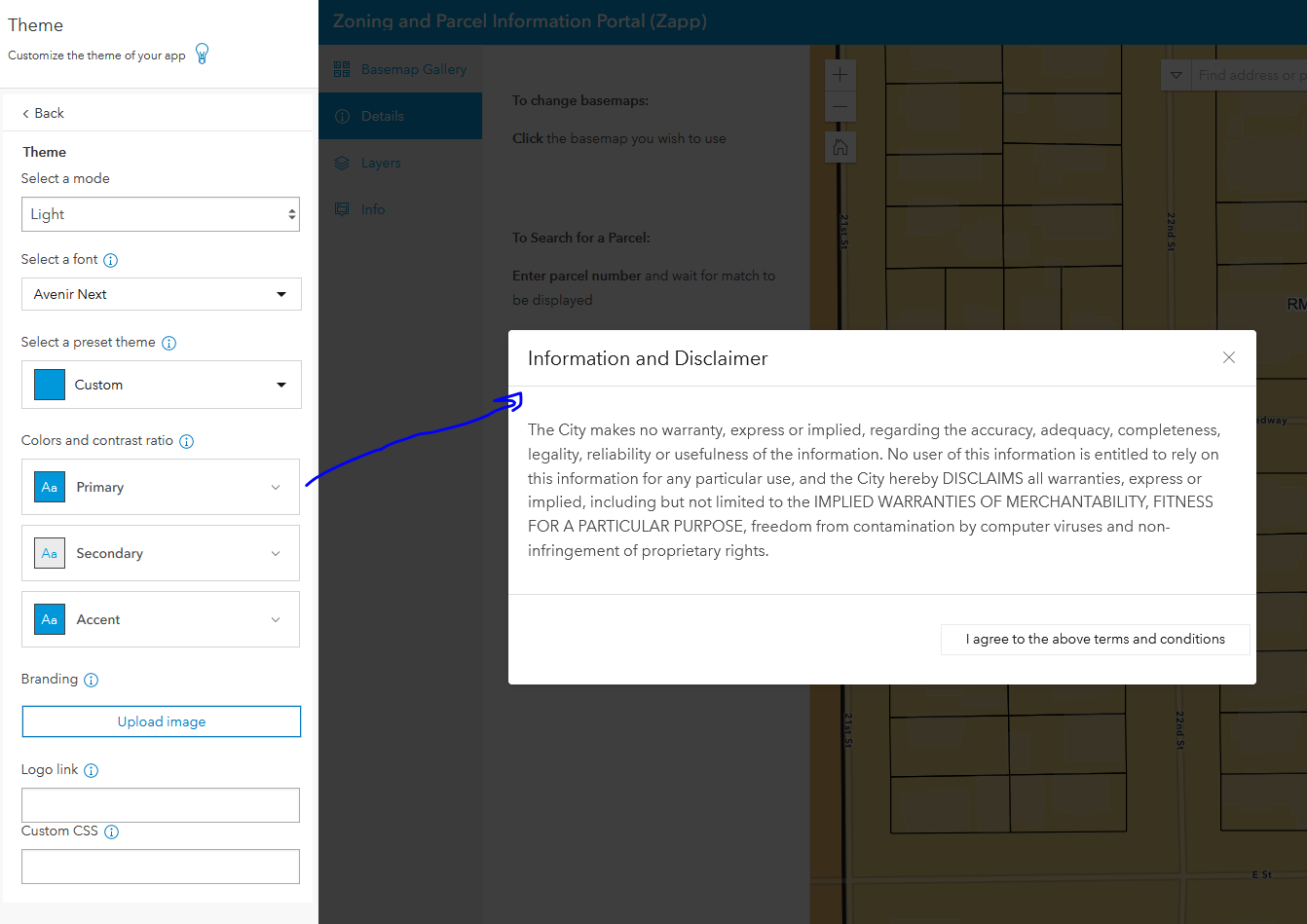
With Custom CSS, while adding Custom CSS works, if a darker color blue is requested, it now has to be changed in the Primary color and the Custom CSS
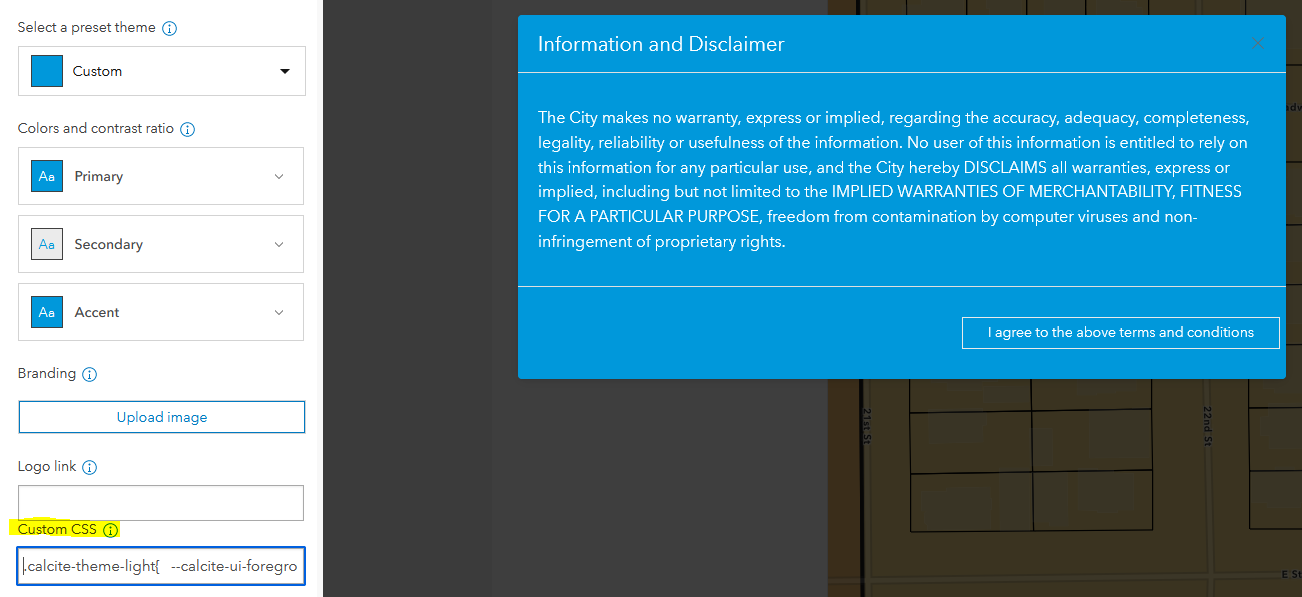
For anyone interested here is the Custom CSS to adjust the Introduction panel
.calcite-theme-light{
--calcite-ui-foreground-1: #0098db;
--calcite-ui-text-1: #ffffff;
--calcite-ui-text-2: #ffffff;
}

