Greetings, everyone,
I am looking for some guidance on how to use ArcGIS Hub, specifically the Row setting's Row CSS Class configuration. My use case is as follows:
I have a Row that contains two Spacers, a Text card, and four Category cards.
Site Theme Settings
- Global Nav Background Color: #ffffff
- Global Nav Text Color: #364c60
- Header Background Color: #364c60
- Header Text Color: #ffffff
- Body Background Color: #ffffff
- Body Text Color: #334219
- Body Link Color: #4d6175
- Button Background Color: #aa613a
- Button Text Color: #ffffff
- Base Font: Avenir Next
- Heading Font: Avenir Next
Row Settings
- Layout: Box
- Text Color: #ffffff
- Background Color: #364c60
- Background Image: none
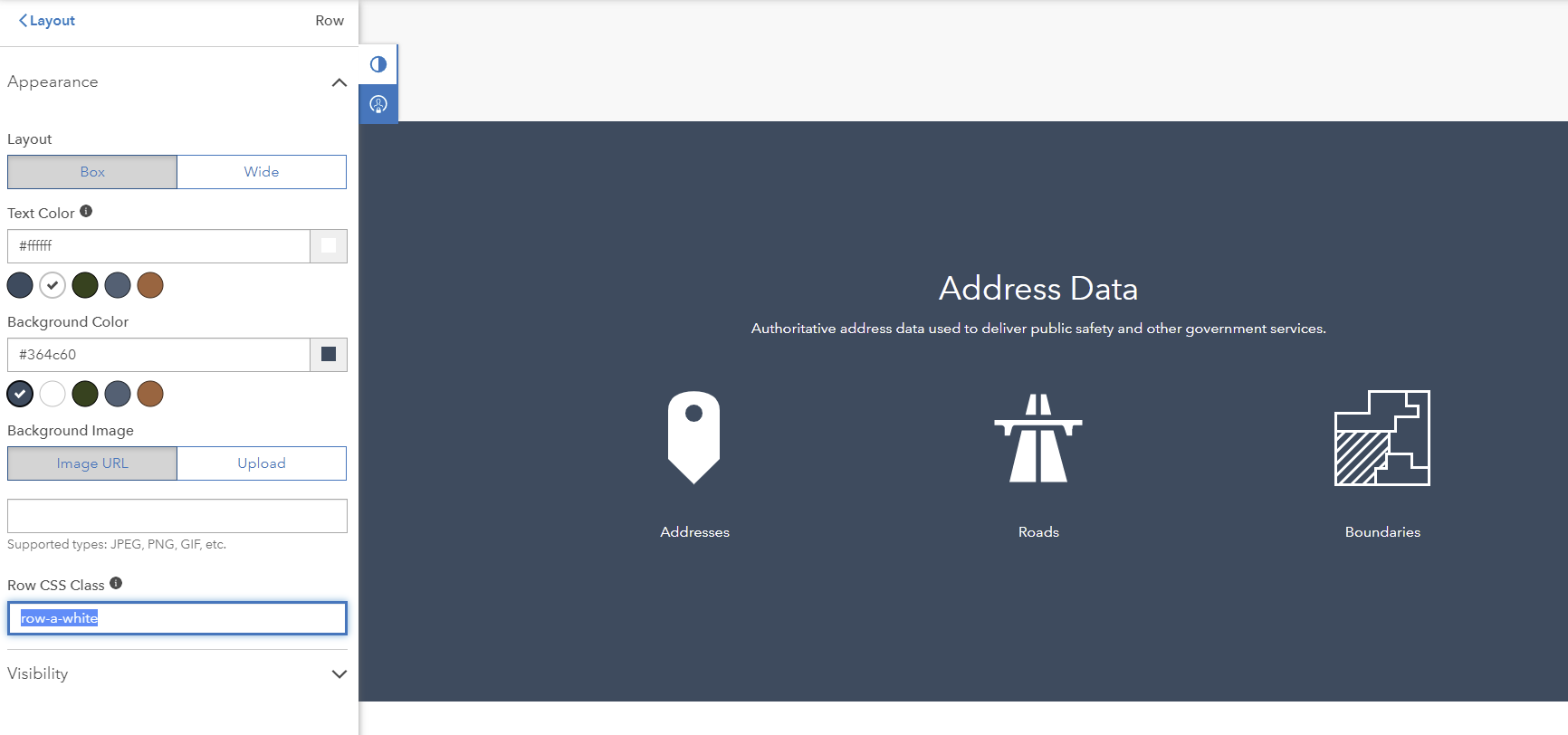
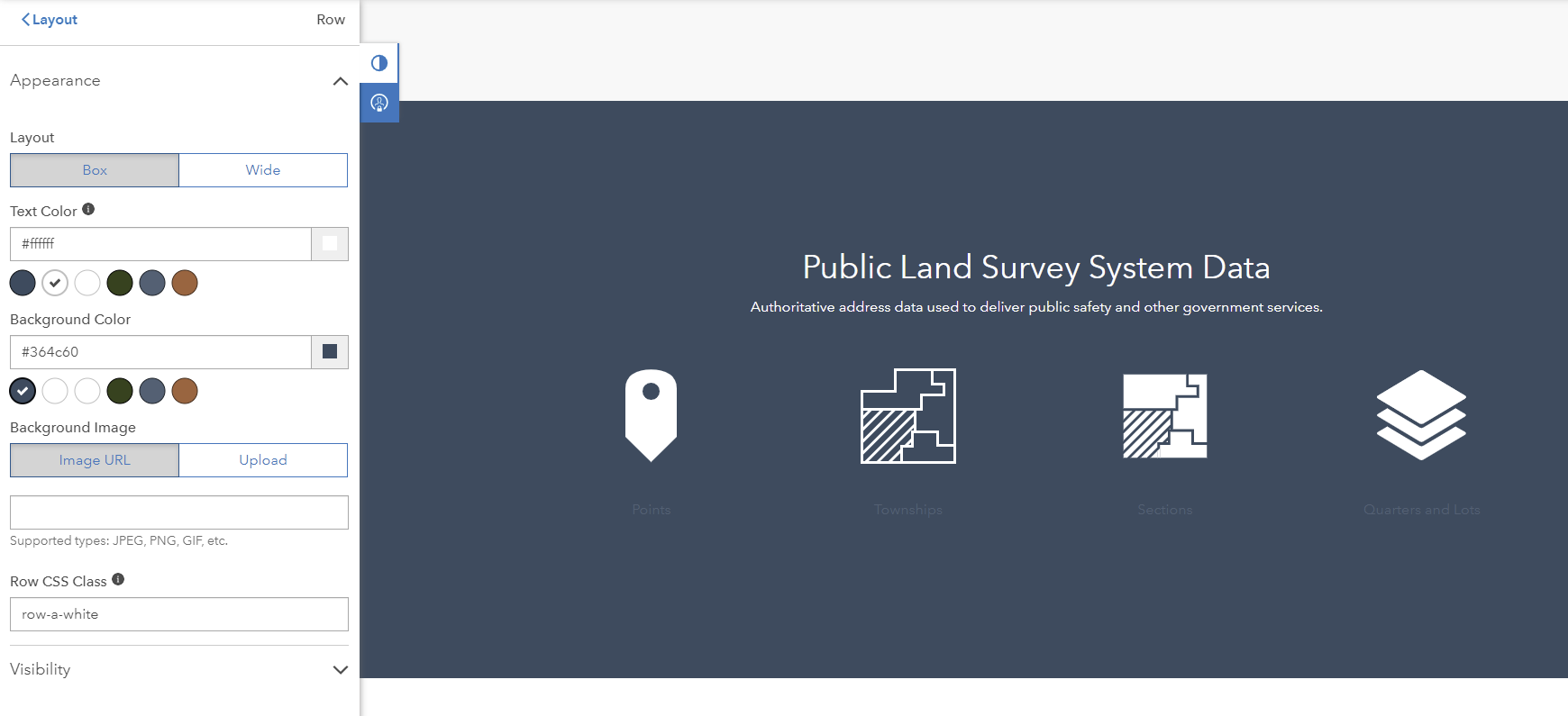
- Row CSS Class: row-a-white
The Category elements' Link Text typically displays using the color defined in the Site Theme Body Link Color parameter. However, I have deployed the ArcGIS Solution Address Data Management and it comes with a Hub site that uses the Row Setting Row CSS Class and sets it as 'row-a-white' which changes the Category elements' Link Text color. This setting appears to be overriding the default color of the Link Text.
I am unable to replicate this display when editing these configuration settings in a different Hub site. I have included a couple of screenshots.
Successful Row CSS Class screenshot
Unsuccessful Row CSS Class screenshot
I appreciate any help and guidance from the community. Much appreciated!
