Hi!
We've run into a strange issue, and we can't seem to figure this one out.
We are using React (v17.0.2, react-scripts 4.0.3), and the ES modules of Arcgis (4.23.7). We are loading the map like this:
import MapView from '@arcgis/core/views/MapView';
import Map from '@arcgis/core/Map';

const map = new Map({
  basemap: 'arcgis-navigation',
});

const view = new MapView({
  container, // container is a ref to a html element div
  map
});
We are running this in a react component - using Create-React-App, and when running this using the development mode (react-scripts start) - unminified - it is loading perfectly fine and working really well:
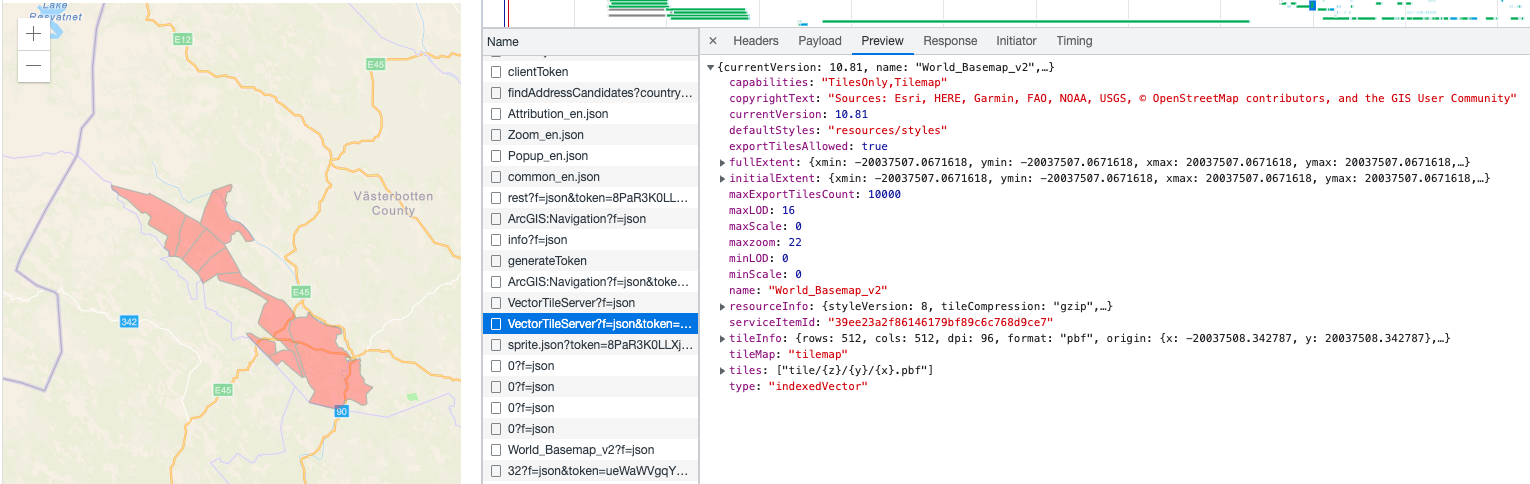
However - when create a minified build (react-scripts build) and serve it from there - it stops mid-loading after the VectorTileServer call - which seems to respond well with the same results as the unminified one. I've gone through and checked every call Arcgis makes and they all match up perfectly - the only difference is that it won't go on and load the next call. How could this be?
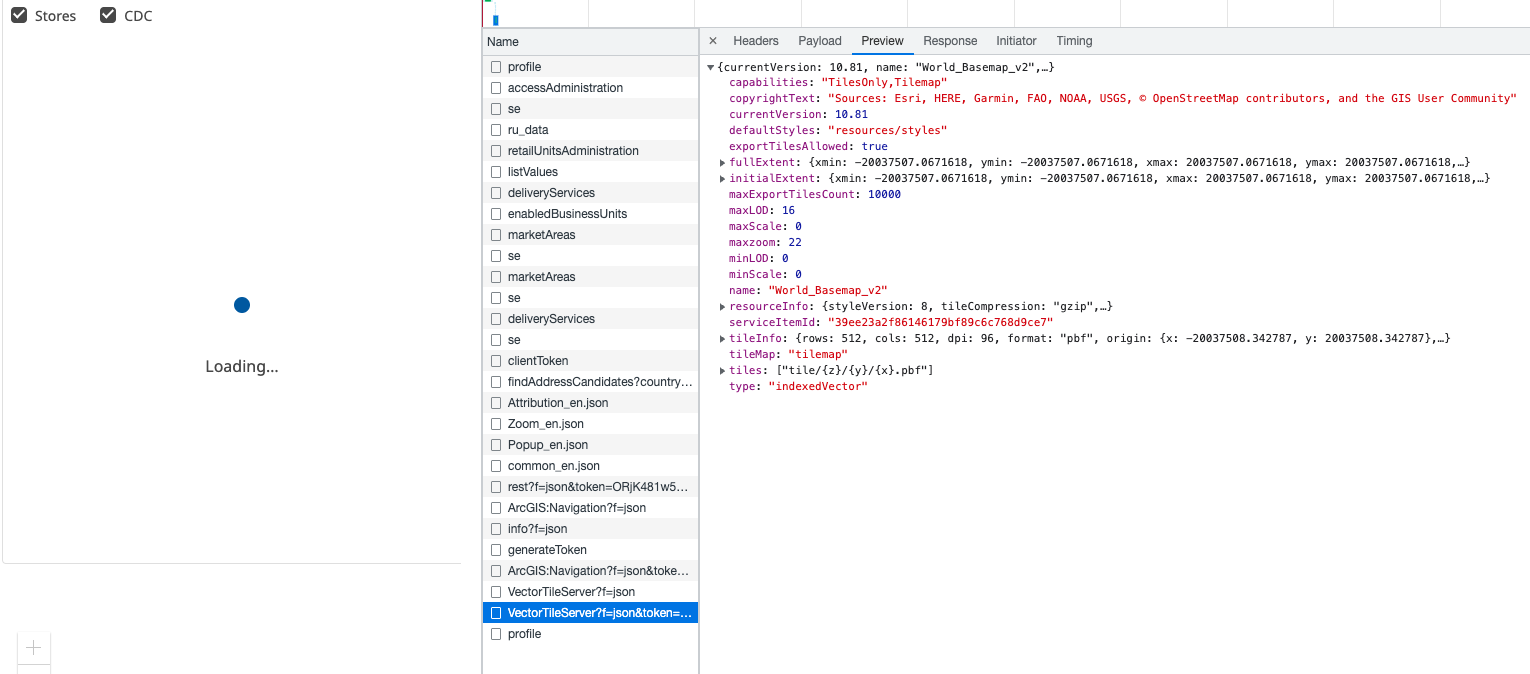
I wonder what could be causing this - and I would gladly take any ideas on how to troubleshoot this.
I have created a minimal repository at github to reproduce this:
https://github.com/mikael-mansson/arcgis-test
This will fire up a simple map - and it works fine when running:
yarn
yarn start
It won't work when running:
yarn
yarn build
yarn global add serve
serve -s build
Thank you
Peter



