I have a few simple questions (ArcGIS Pro 2.8.5 / ArcGIS Enterprise 10.8.1 / SQL Server 2019):
1) Is Error Inspector/Error Layers replacing Data Reviewer/Sessions?
2) Using Error Inspector: When I "use Data Reviewer's checks that have been integrated into Attribute rule workflows and the Validation service". (quote from esri tech support) I can't seem to set the issue as "Resolved" in the Error Layers tables.
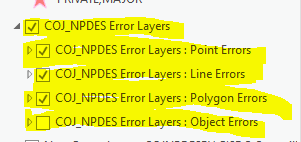
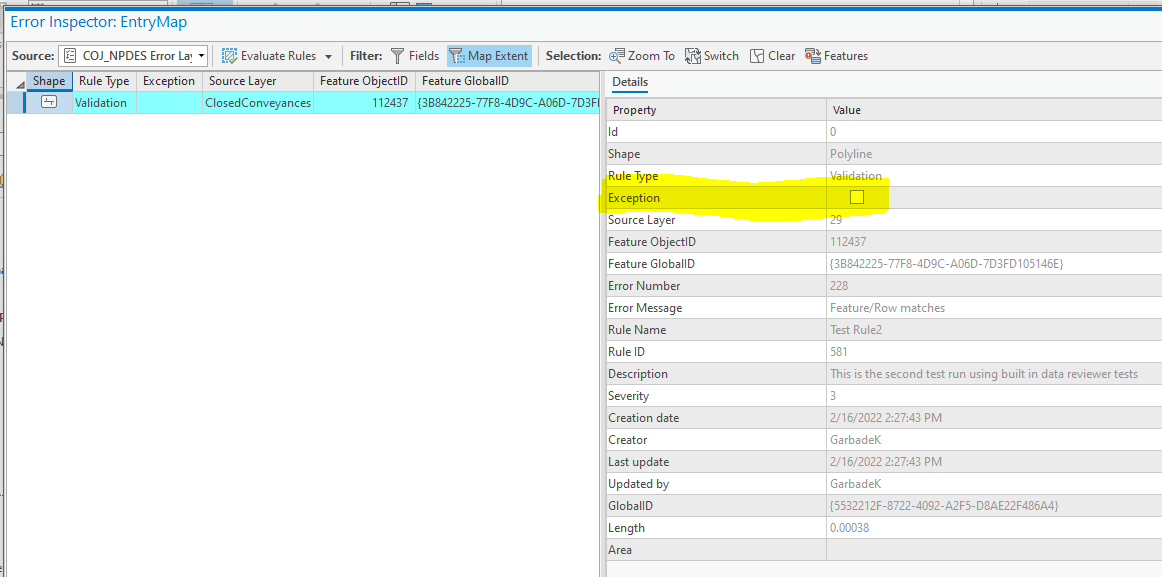
Even after I edit the record causing the error to correct the problem it still shows up in the error tables as an error. In the Error Inspector I can only see an option to mark the resolved error as an exception, but its not an exception its actually fixed!
I can see in the "Line Error" table's fields exactly what I want to do ("Error status", "Error phase", "Correction notes", etc.) but I can't figure out how to populate them using the Error Inspector and I can't edit them directly in table view.
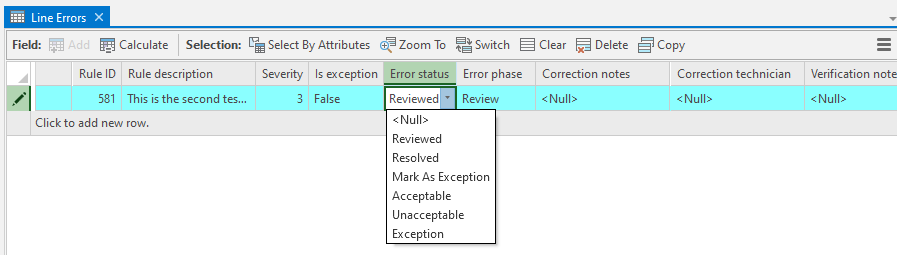
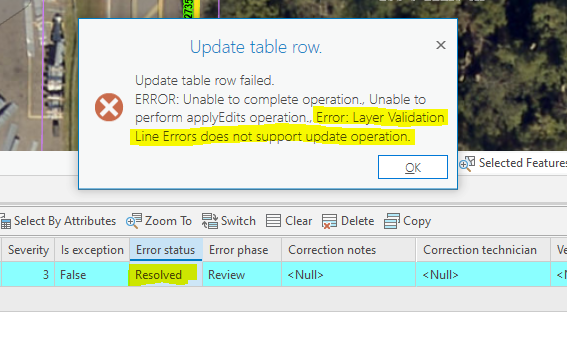
What am I missing with Error Inspector? How can I set an error to resolved? Can't find anything on the web, pretty frustrating stuff right now.
Thanks.

