When creating hosted views, I am no longer shown the option to edit the popup attributes, or carry out editing in Map Viewer. This is despite Editing being enabled in the view layer Settings. For example, here the settings show editing is enabled:
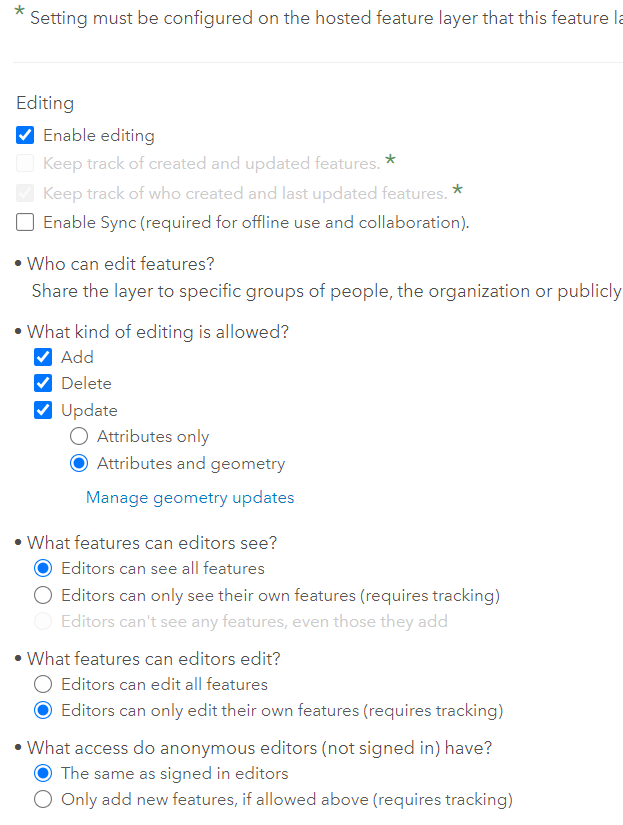
However, with the layer added to a webmap, the Edit option does not show up in the toolbar,

and the Edit options are also absent from the popup attributes menu.
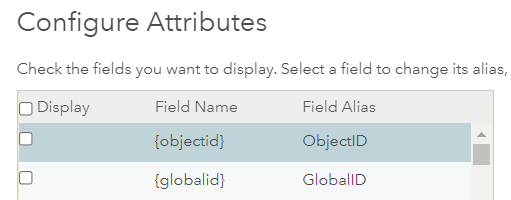
This occurred after editing the DisplayField from objectid to a different field in the hosted feature layer (before creating the view) using the following steps (idea from this thread😞
1. Opened the service layer of the feature and put it in to editing mode
2. Clicked Update Definition
3. Changed the DisplayField in the definition
4. Changed the lastEditDate to ""
5. Updated the layer definition
Since experiencing this issue, I have changed the DisplayField back to objectid, but the problem is still occurring.
Any help appreciated. Thanks


