Hi -
I shared a style as a "web style" here:
https://kirkktx2.maps.arcgis.com/home/item.html?id=6252a9f0a5714bdab41904ad686a3117
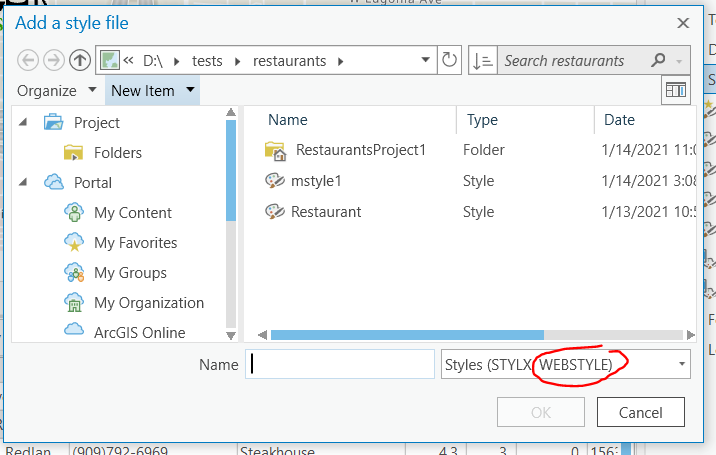
When I right click on the Styles folder in catalog, and choose "Add> Add Style", I'm presented with this dialog:
How do I add a url with this dialog? (It seems like it's expecting a file, not a url.)
Thanks, Kirk
Hello Kirk!
I was looking over the link you posted above and see this is style is coming from ArcGIS Online. In the documentation below there is a workflow listed on how you can add this style file directly from ArcGIS Online under the Add styles from ArcGIS Online and ArcGIS Enterprise section:
Hopefully this helps!
Best,
Amber
Hi Amber -
Cool!
Just to confirm: if symbols in the web style are updated, the next time the user loads an aprx with a layer whose dictionary renderer references the web style the updated symbols should appear on the map, right?
Aangemelde leden kunnen berichten plaatsen, updates volgen en meer. Nieuw hier? Registreer een gratis account.
Find useful guides, FAQs, and documents to help you navigate and make the most of Esri Community.