This seems like there should be an obvious answer, but I can't find a way to view registered database connections and folders like the Server Properties dialog box of ArcMap:
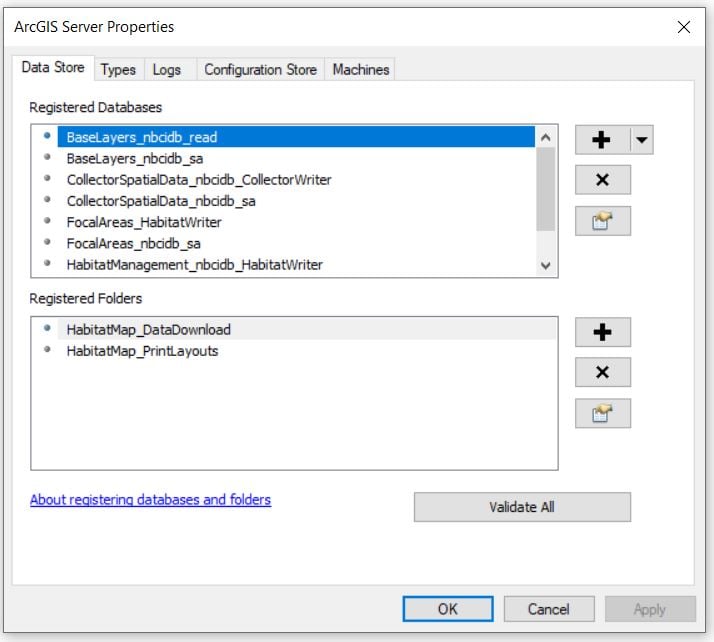
Documentation states something about going to Share > Manage > Data Stores, but our server is not federated and we do not have Data Store installed. Just the ArcGIS Enterprise Server is installed (we do not use a portal). Where do I go to view these connections and validate them?

